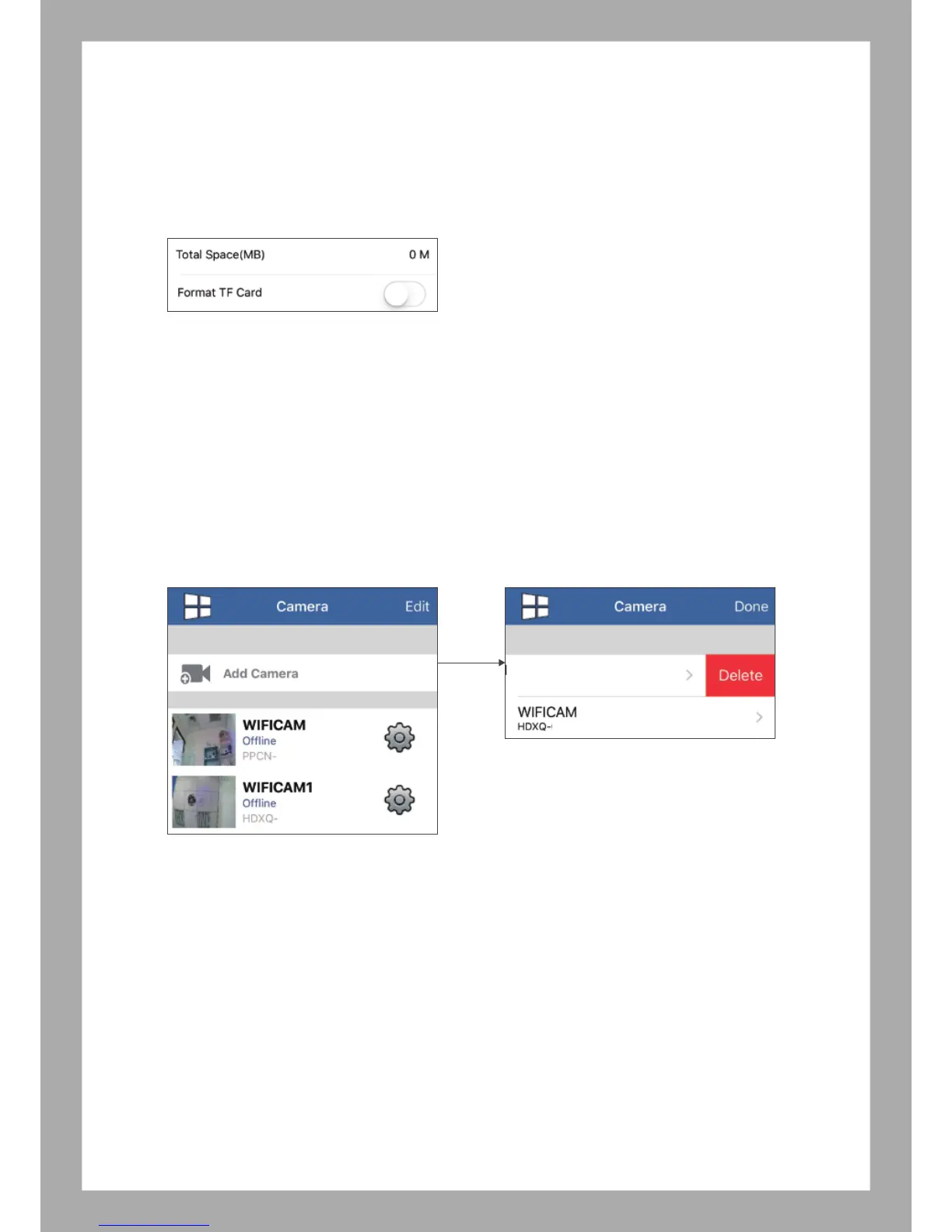
6.1.g TF Card Settings (SD Card Setting)
Total Space - Size of the detected memory card.
(Remainder Space - Amount of free space left in card)
(Fulltime Recording - Enable / Disable)
Format TF Card: Enable this function will format the TF card
6.2 Edit Delete Camera
6.2.1 iOS system
Select “Edit” and slide from to left on Camera, APP will show “Delete”, then click, Camera will
be deleted.
6.2.2 Android system
Select “Edit” and select Camera, then select “Delete”, Camera will be deleted.
xxxxxx
-
xxxxx
xxxxxx
-
xxxxx
xxxxxx
-
xxxxx



 To Next Page