7. Reset the camera
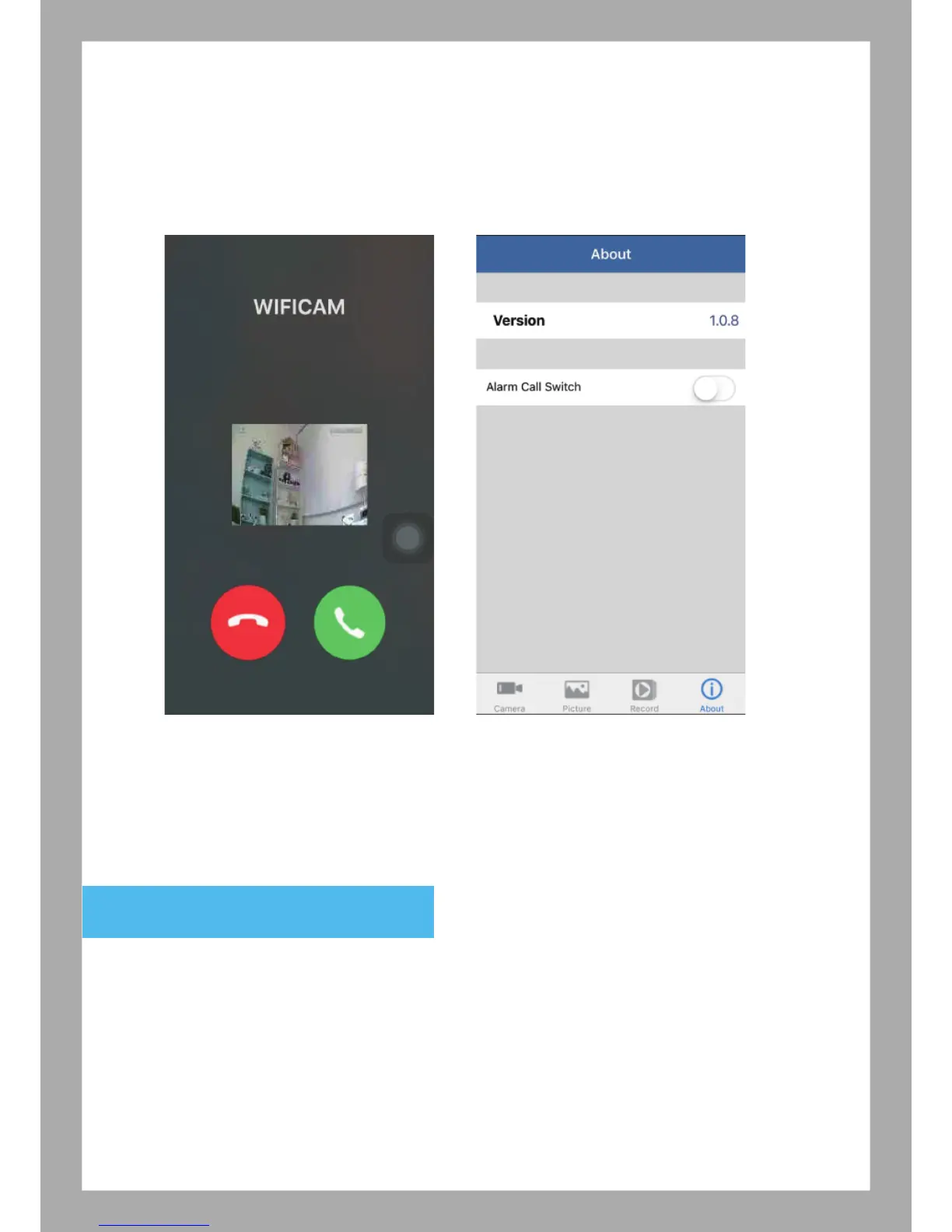
6.5 About
Version: APP version
Alarm Call Switch (Open Ring Alarm): Enable this function will get the phone
call when Motion Detection also enable.
6.6 Alarm
Select “Alarm”, you can view Alarm Event in Android device.
If you have problems when setting the camera or change the Wi-Fi AP router for the camera, please reset
the camera by press the reset button for 8 seconds, and release. After 120 seconds, the camera will restore
the factory setting and the indicator light on camera will start to flash slowly. Follow the setup steps in the
user manual to reconnect the camera.
10
Motion Detection Arming



 To Next Page