EasyManua.ls Logo

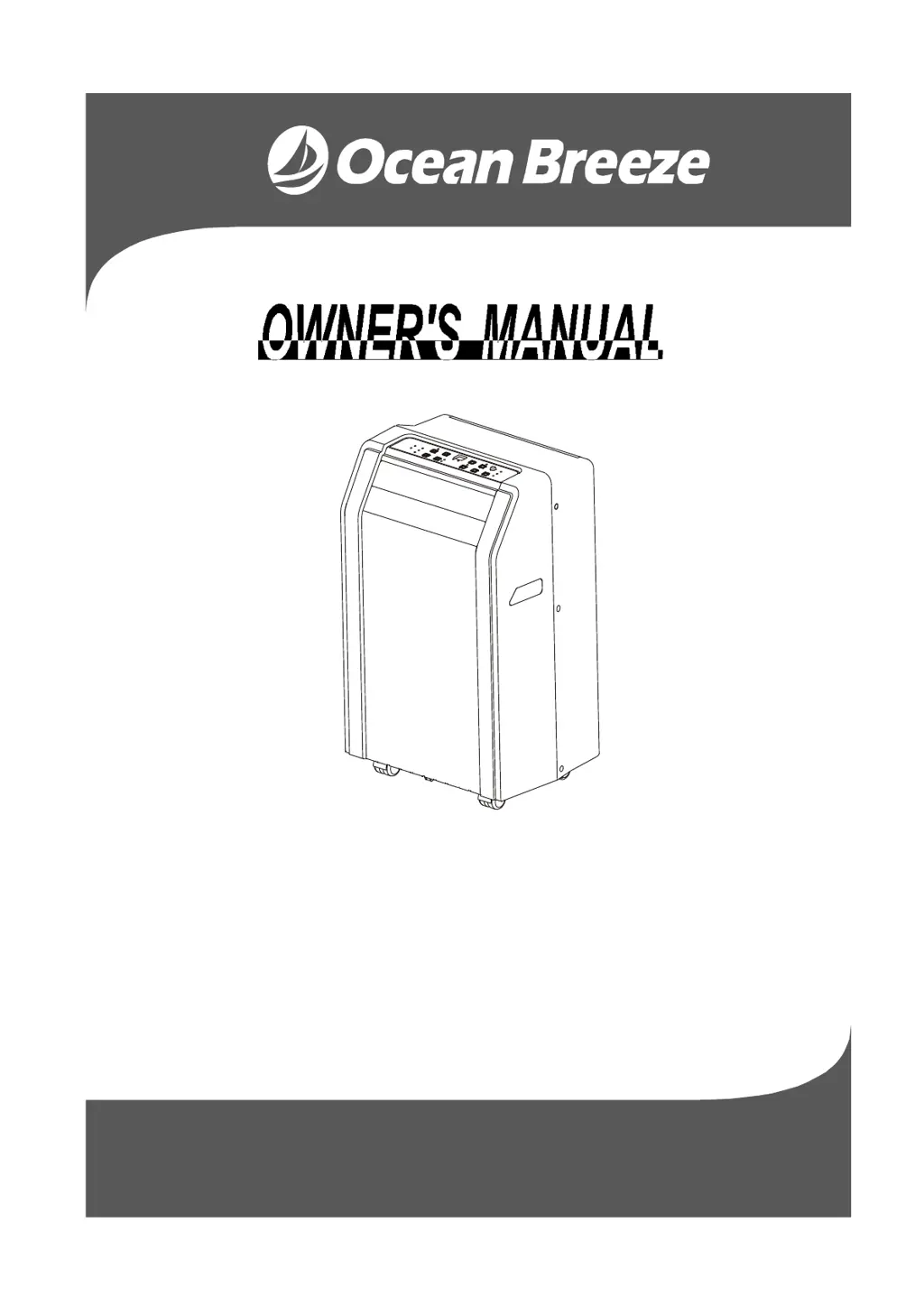
Ocean Breeze OBZ-08PE - User Manual

Ocean Breeze OBZ-08PE
18 pages
Print Icon
To Next Page IconTo Next Page
Loading...
MODEL:
OBZ-08PE
OBZ-12PE
Before operating this product, please read the instructions
carefully and save this manual for future use.
SERVICE NUMBER (1-866-277-7878)

Questions and Answers

  • J
    Joshua ClarkAug 4, 2025
    Why is my Ocean Breeze OBZ-08PE Air Conditioner not cool enough?
    • J
      Jamie WilliamsAug 4, 2025
      There are several reasons why your Ocean Breeze Air Conditioner might not be cooling effectively: * Ensure all windows and doors are closed. * Remove any heat sources from the room. * Check that the exhaust air duct is properly connected and not blocked. * Lower the set temperature. * Clean the air filter. * Place the unit on a flat, level surface. * If the temperature at the air outlet exceeds 70 OC/158 OF, the device will stop. Switch on again after the unit has cooled down. Sometimes, the sound you hear is just the refrigerant flowing, which is normal.
  • T
    tiffany52Aug 19, 2025
    What to do if Ocean Breeze OBZ-08PE does not start when pressing ON/OFF button?
    • D
      Dennis MurphyAug 19, 2025
      If your Ocean Breeze Air Conditioner doesn't start when you press the ON/OFF button, it could be due to the following reasons: * If 'P1' appears in the display window, drain the water in the bottom tray. * If in cooling mode, the room temperature might be lower than the set temperature. Try resetting the temperature.

Summary

Safety Precautions

Important Safety Warnings

Critical safety instructions regarding children, damaged cords, and usage environment.

Safety Rules and Operating Conditions

Safety Rules and Energy Saving

Essential safety guidelines, prohibited actions, and energy-saving tips.

Operating Conditions

Details recommended room temperature ranges for different operating modes.

Parts Identification and Warnings

Safety and Electrical Warnings

Important warnings regarding safety and electrical information for the unit.

Included Accessories

Lists all accessories provided with the air conditioner unit.

Parts Identification Details

Name of Parts

Identifies and illustrates the various parts of the air conditioner (Front and Rear).

Air Conditioner Features

Electronic Control Operating Instructions

Familiarizes users with control panel and remote control functions.

Operation Panel Overview

Details the functions of each button and the LED display on the control panel.

Operating Instructions

ION and SWING Button Functions

Explains the operation of the ION generator and SWING louver controls.

Mode Operations (COOL, HEAT, DRY, AUTO)

Guides on how to use different operating modes like COOL, HEAT, DRY, and AUTO.

FAN Speed and Timer Settings

Instructions for adjusting fan speed and setting the timer for operation.

Operating Instructions - Other Features

Auto-Restart and Delay Operation

Information on the Auto-Restart function and the 3-minute delay before resuming operation.

Air Flow Direction Adjustment

How to adjust the air louvers manually or automatically for optimal airflow.

Installation Instructions - Placement

Unit Placement Guidelines

Recommendations for placing the unit on a stable surface with adequate clearance.

Window Slider Kit Installation

Instructions for installing the window slider kit for vertical and horizontal windows.

Installation Instructions - Window Sealing

Double-Hung Sash Window Installation

Step-by-step guide for sealing a double-hung sash window with foam seals.

Installation Instructions - Sliding Sash

Sliding Sash Window Installation

Procedures for sealing a sliding sash window using the provided foam seals.

Installation Instructions - Sealing Gaps

Sealing Window Kit Gaps

How to use foam seals to close gaps between the window kit and the window sill/frame.

Installation Instructions - Exhaust Hose

Exhaust Hose Installation

Steps for attaching and routing the exhaust hose for different operating modes.

Exhaust Hose Precautions

Important notes on duct length, bending, and ensuring proper airflow.

Installation Instructions - Water Drainage

Water Drainage Procedures

Instructions for draining water during dehumidifying modes and handling the 'P1' error.

Care and Maintenance

Air Filter Cleaning and Mounting

Guidelines for cleaning, removing, and reinstalling the air filters.

Unit Enclosure Cleaning

How to clean the exterior of the air conditioner unit.

Unit Idle for Long Time

Procedures for preparing the unit for long-term storage and preventing mold.

Troubleshooting Tips

Unit Start-up and Cooling Issues

Solutions for problems like the unit not starting or not cooling enough.

Noise, Vibration, and Power Issues

Addresses issues related to noise, vibration, gurgling sounds, and power shut-off.

Ocean Breeze OBZ-08PE Specifications

General IconGeneral
BrandOcean Breeze
ModelOBZ-08PE
CategoryAir Conditioner
LanguageEnglish

Related product manuals