- 5 -
1.
Press and hold to power on/off
Press and release to Standby / activate the radio (Standby is enabled
only when power is connected. It will be disabled when internal battery
is used)
2. ◄
Back to previous menu/left cursor
3. ►
Right cursor/Enter edit menu under Favourite list /View the big clock &
radio info under playing screen
4.
Press to enter the alarm setting (Alarm 1 and Alarm 2)
5.
Access Home screen/press this button to return to the playing screen
6.
Press and hold to preset a particular station
Press to recall the favourite list
7. /
Rotate to adjust the volume level
8. Scroll / Select
Rotate to scroll along, up/down on the menu
Press in to confirm / Select menu options
Press in to stop / resume playback of radio channel
9. TFT color screen 2.4"
10. Speaker
11. Earphone jack 3.5 mm
12. Reset pin hole
13. LED indicator for battery charging
14. DC IN Jack
15. Telescopic antenna
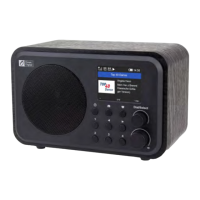
Location of Controls













 To Next Page