EasyManua.ls Logo

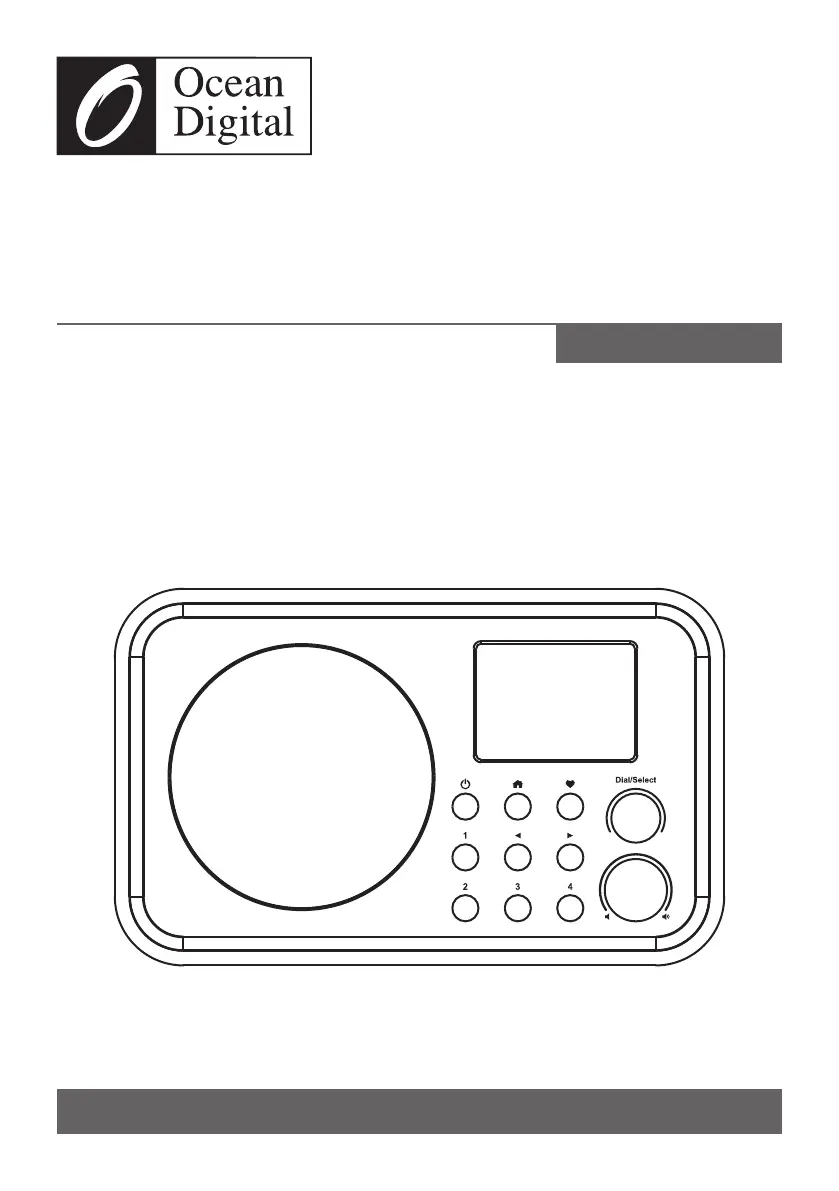
Ocean Digital WR-336N - User Manual

Ocean Digital WR-336N
29 pages
Print Icon
To Next Page IconTo Next Page
Loading...
Please read this user manual carefully before using the receiver.
WR-336N
Internet Radio
User Manual
Please read this user manual carefully before using the receiver

Questions and Answers

  • J
    Julie JohnstonOct 27, 2025
    Why my Ocean Digital WR-336N Radio cannot connect to Wi-Fi network?
    • A
      allenandersonOct 28, 2025
      If your Ocean Digital Radio cannot connect to the Wi-Fi network, here are some potential causes and solutions: * **Network Issues**: Ensure that other devices, like a PC connected via Wi-Fi or Ethernet, can access the internet using the same network. Also, verify that a DHCP server is available or that you have configured a static IP address on the radio and check that your firewall is not blocking necessary outgoing ports such as UDP and TCP ports 80, 443, 8008, and DNS port 53. * **MAC Address Restriction**: If your router restricts access to listed MAC addresses, obtain the MAC address from Configuration > Information > Network > Wi-Fi MAC and add it to the allowed equipment list on your access point. Remember that the radio has separate MAC addresses for wired and wireless network...

Summary

How to input password for your wireless network

Password Input via Remote Control

Explains using the alpha-numeric keypad on the remote to enter Wi-Fi passwords.

Password Input via Radio Unit

Details using the dial/select knob and the play button on the radio unit for password entry.

Network Setup

Network Configuration Wizard

Guides through the initial network setup wizard and selecting Yes/No.

Adding and Scanning Wi-Fi Networks

Explains how to add/remove APs, scan for networks, and select a network.

Internet Radio

Skytune and Local Radio Options

Details selecting stations by region, genre, or local area.

Managing Favorite Stations

Explains how to add, recall, and edit favorite radio stations.

Alarm Setting

Activating and Configuring Alarms

Guides on selecting alarms, setting time, sound, repeat, volume, and duration.

Configuration

Network Settings

Covers network options, Wi-Fi channels, and adding/removing Wi-Fi access points (AP).

Wi-Fi Connection Setup

Details SmartConfig setup, association, signal strength, and managing APs.

Remote Control via PC;Smart Phone

Accessing Skytune Web Interface

Guides on connecting to the same Wi-Fi and visiting the skytune.net website.

Searching and Selecting Radio Channels

Explains browsing or searching for radio channels and adding them to favorites.

Adding Favorites and Listening to Stations

Details selecting an operation, entering the radio's IP address, and sending commands.

Trouble Shooting

Cannot Connect to Wi-Fi Network

Lists common causes and solutions for Wi-Fi connectivity issues.

Playback and Sound Issues

Provides solutions for stations not playing, no sound, or external speaker problems.

Radio Freezing or No Response

Explains how to perform a reset when the radio becomes unresponsive.

Ocean Digital WR-336N Specifications

General IconGeneral
TypeInternet Radio
ConnectivityWi-Fi, Ethernet
Wi-FiYes
BluetoothNo
DisplayLCD
UPnP/DLNA CompatibleYes
Frequency RangeFM: 87.5-108MHz
Audio Output3.5mm headphone jack

Related product manuals