EasyManua.ls Logo

Ocean Digital WR-220 - User Manual

Ocean Digital WR-220
18 pages
Print Icon
To Next Page IconTo Next Page
Loading...
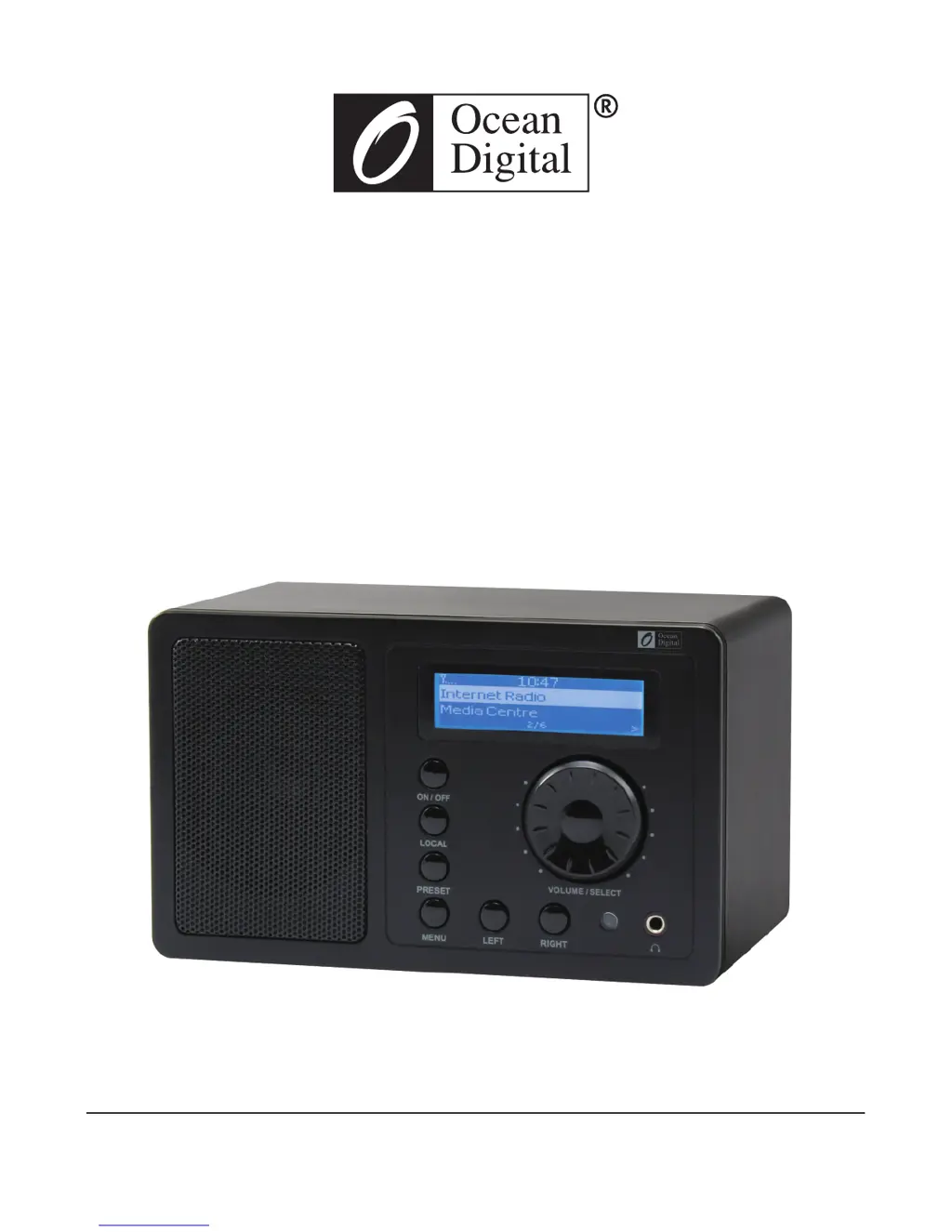
Internet Radio
User Manual
WR-220
Please read this user manual carefully before using the receiver.

Questions and Answers

  • P
    Paul DavisAug 1, 2025
    Why can't my Ocean Digital WR-220 connect to Wi-Fi?
    • M
      Mr. Jeffrey LangAug 1, 2025
      If your Ocean Digital Radio cannot connect to Wi-Fi, it might be due to several reasons. The network might be down, so ensure that other devices can access the internet using the same network. It's possible that your router restricts access based on MAC addresses; you can find the radio's MAC address under Configuration > Information > Network > Wi-Fi MAC and add it to your router's allowed list. Weak Wi-Fi signal strength can also be a factor; try moving the radio closer to the router. Also, the encryption method used by your router might not be supported; the radio supports WEP, WPA, and WPA2. Finally, a firewall could be blocking necessary ports; ensure that UDP and TCP ports 80, 554, 1755, 5000, and 7070 are open.
  • J
    Jose Norman MDAug 11, 2025
    How to troubleshoot Wi-Fi connection issues on Ocean Digital Radio?
    • J
      Jessica AndersonAug 11, 2025
      If your Ocean Digital Radio cannot connect to Wi-Fi, ensure that a Wi-Fi or Ethernet Wired connected PC can access the internet using the same network. Check that a DHCP server is available, or that you have configured a static IP address on the radio. Ensure your firewall isn't blocking outgoing ports; the radio requires access to UDP and TCP ports 80, 554, 1755, 5000, and 7070.
  • L
    leonardtiffanyAug 21, 2025
    Why does my Ocean Digital Radio keep buffering?
    • T
      Taylor HayesAug 21, 2025
      If your Ocean Digital Radio keeps re-buffering, it may be due to a high error rate on your broadband connection or an intermittent connection. If you are experiencing these problems, you will need to contact your broadband supplier.

Summary

Location of Controls

Remote Control Functions

Getting Started and Safety

Initial Setup Requirements

Lists prerequisites like broadband internet, Wi-Fi router, and correct network password for setup.

Important Safety Precautions

Advises on safe usage, avoiding damage from heat, liquids, dust, and unauthorized repairs.

Wi-Fi Network Connection

Connecting to Your Wi-Fi Router

Step-by-step guide to connecting the radio to a Wi-Fi network, including scanning and password entry.

Using Internet Radio Features

Managing Favorite Stations

Explains how to preset, recall, and edit favorite radio stations, supporting up to 99 presets.

Internet Radio and Media Centre

UPnP Media Centre Setup

Guide to setting up the Media Centre for streaming music from network devices via UPnP.

UPnP Media Streaming

PC Configuration for UPnP Access

Steps to configure Windows Media Player for UPnP access, including sharing settings.

Granting Radio Access to Media

Explains how to permit the radio to access media files on the PC via Media Sharing.

Music Playback and Alarms

Setting Alarms and Wake-up Sounds

Instructions for setting alarms, choosing wake-up sounds, and repeat schedules.

Mobile Device Music Streaming

Mobile Device Music Streaming (Android)

Troubleshooting Guide

Wi-Fi Connectivity Problems

Troubleshooting issues like network down, signal strength, encryption, and firewall access.

Ocean Digital WR-220 Specifications

General IconGeneral
BrandOcean Digital
ModelWR-220
CategoryRadio
LanguageEnglish

Related product manuals