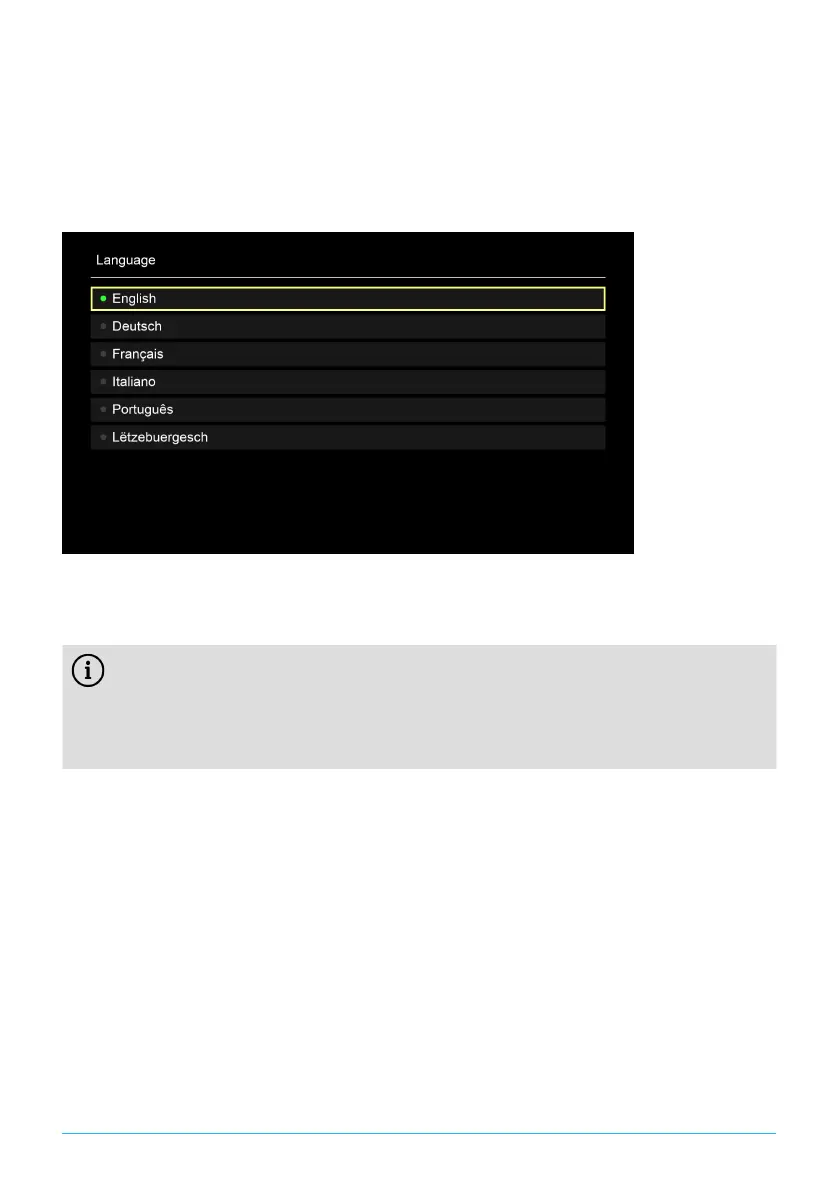
5.4 Choosing the menu language
After the remote control is paired with the set-top box, the language selection
options are displayed. Select the language of your choice for the user interface.
1. Select the language you want.
2. Confirm your selection by pressing the OK button.
Figure 4: Language selection
5.5 Establishing the network connection
If you have already established the network connection with a network
cable and want to switch to WiFi, disconnect the network cable and power
supply unit. Reconnect the power supply unit to the set-top box after about
5seconds to open the setup menu.
If you have established the network connection with a network cable, you are
forwarded automatically. To establish the network connection with WiFi, continue
reading in Section "Establishing a WiFi connection" on page 8.
5.5.1 Establishing a WiFi connection
Various methods are available for establishing a WiFi connection:
■
Search: The set-top box searches for available WiFi networks.
■
Advanced: Use WPS, or enter the SSID manually.
8 | P520 IP


 To Next Page