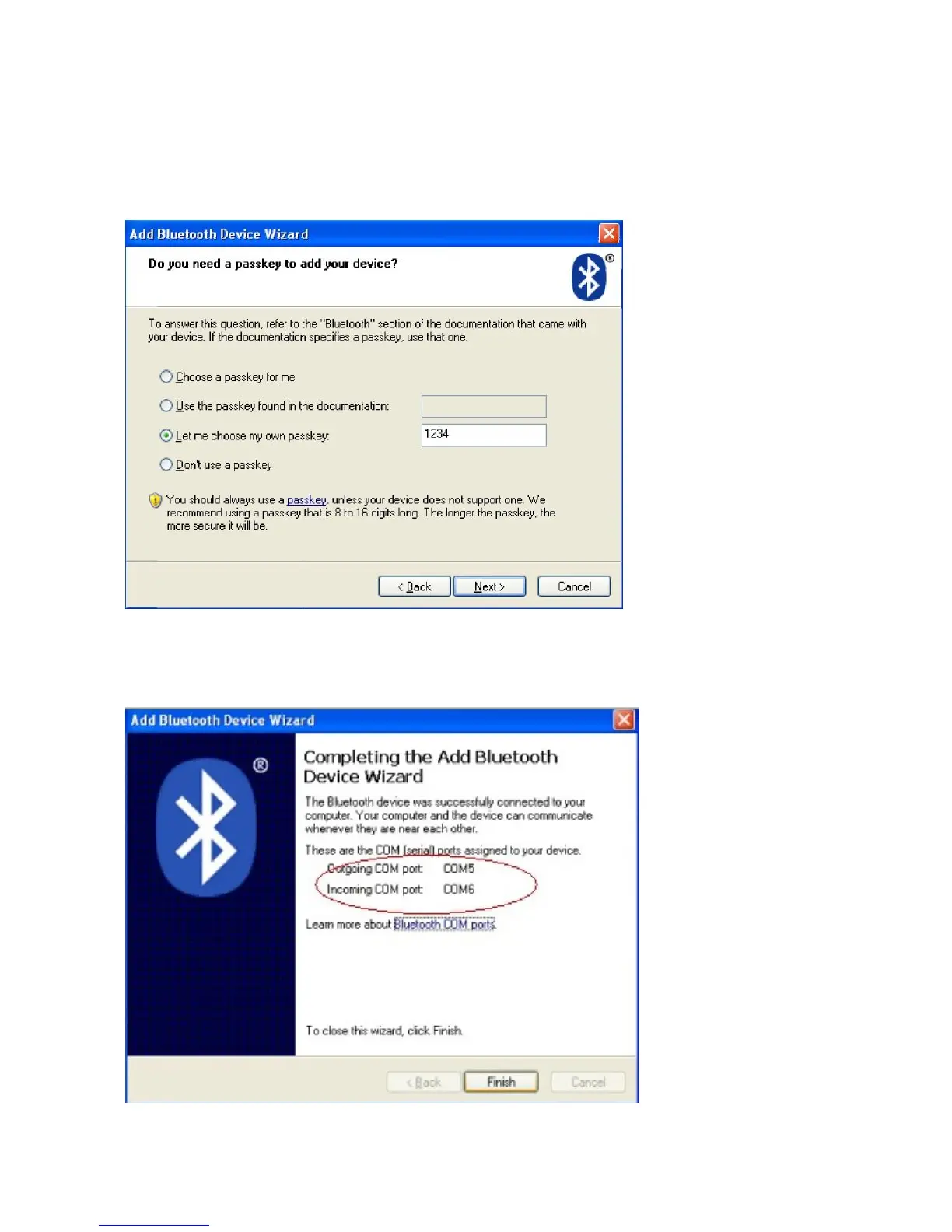
Step6:Choose “Let me choose my own passkey”, then enter “1234”(this is factory default
passkey, if you want to change it, you have to inform us to set the new passkey for you in our
factory before shipping),then click “Next”.
Step7:if you can see the screen as below, that means the Bluetooth printer is already
connected. Please notice the assigned COM ports ,then Click”Finish”.
Step8: Now if you want to test if the printer is OK to print, you could use a com tool , and
send printed data to Outgoing COM port( here, it is COM5).



 To Next Page