(Com tool setting is 9600,N,8,1.)
7.Driver Install
The first thing is to connect the usb cable between the printer and the
computer,and power on the printer.
The second thing is to find the printer driver named “setup.exe” included in the
CD,and double-click on it. Then we are entering the installing screen. Follow the
steps in order:
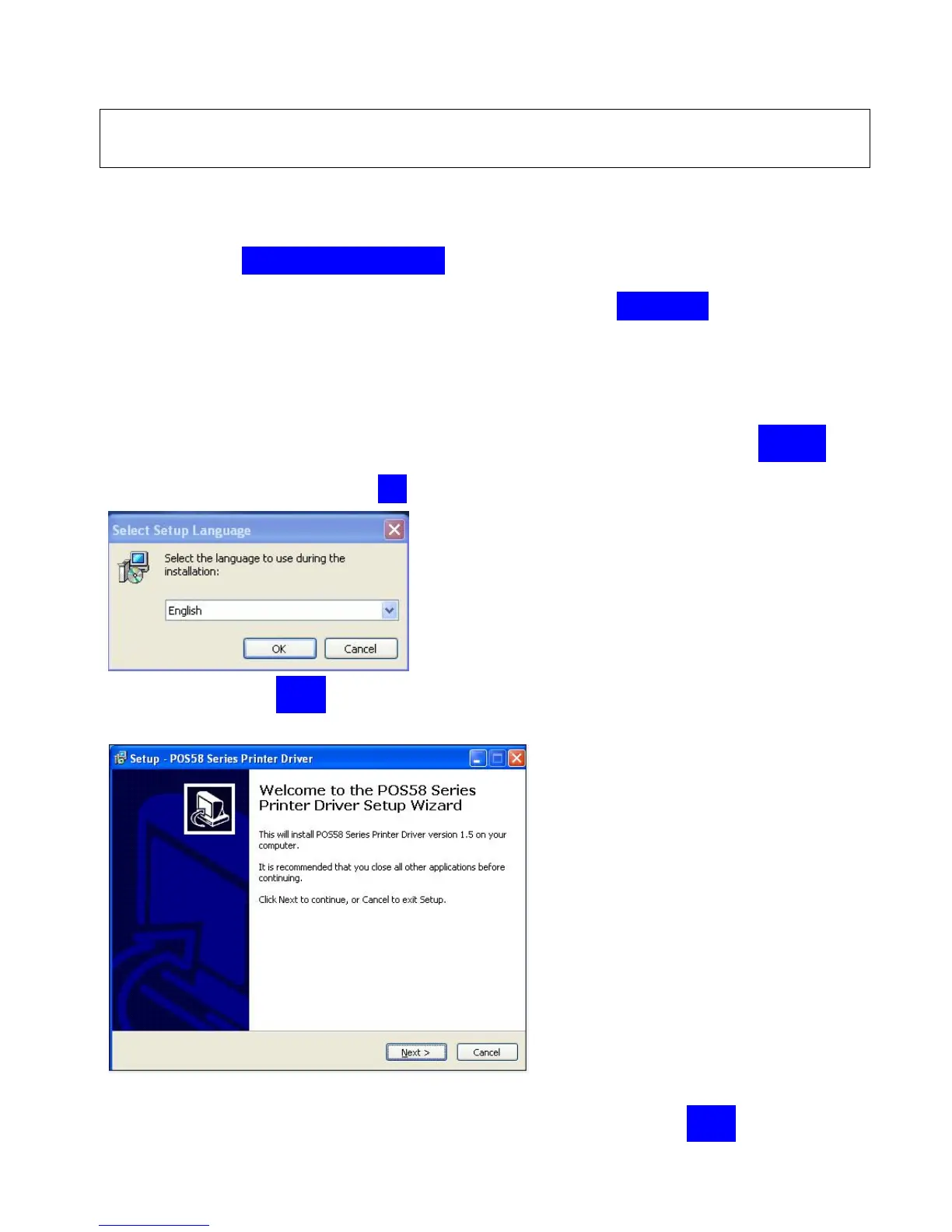
Step1:select the language you want. We recommend that choose “English” as
the language. Then click on “OK” to continue.
Step2:click on “Next” to continue.
Step3:Select the agreement option as below, and click on “Next” to continue.



 To Next Page