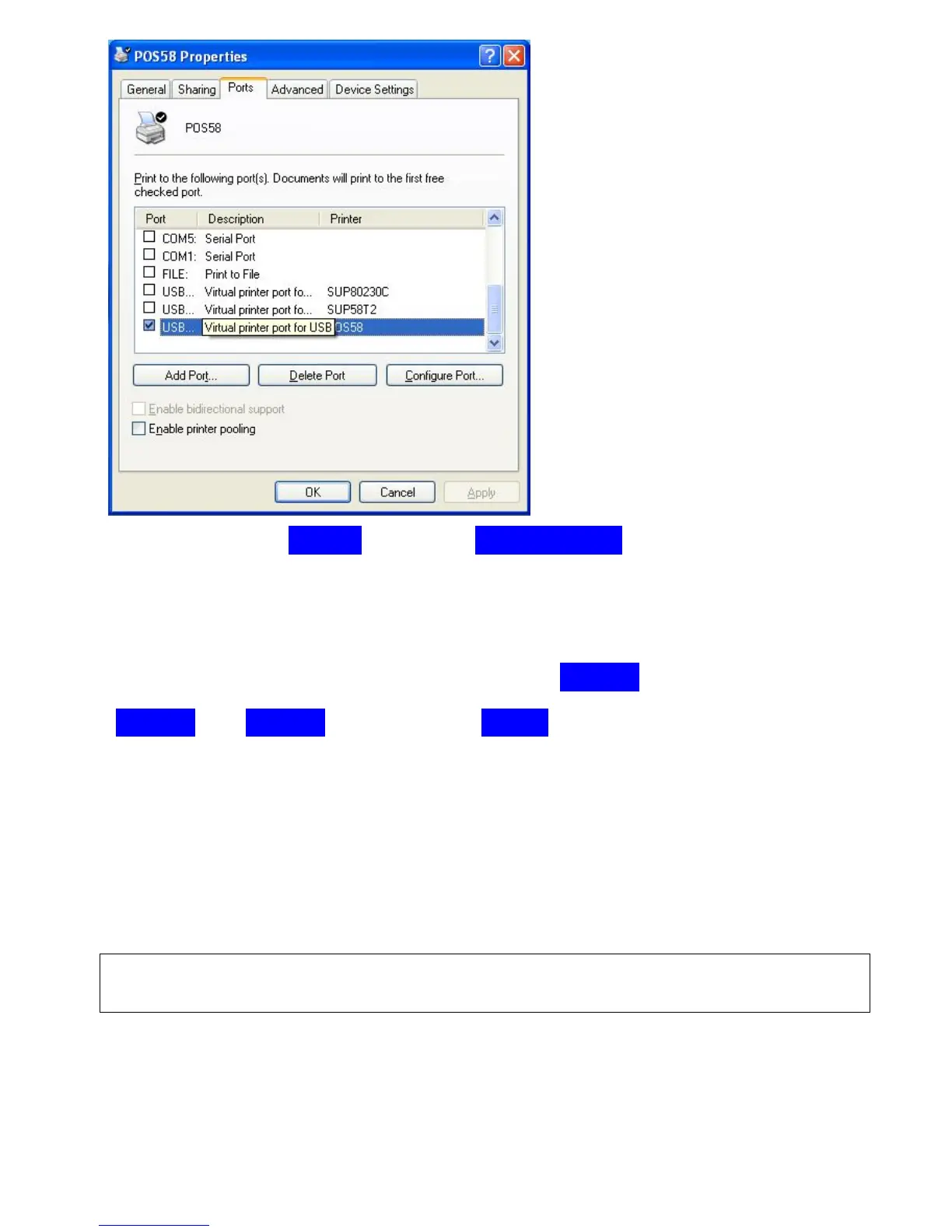
and next click on “ General
→
” click on “Print Test Page” to try again.
If the printer prints a normal page, then it indicates that the driver works
successfully.You can use the printer right now.
if still not print correctly , try to change port “USB002” to
“USB003” or “USB004” ,then click on “Apply”, until the printer prints a normal
test page.
If you have tried all the usb ports, the printer doesn’ work at all, please ask for
after-sale supports.
//*********************************************************//
8.Cleaning of printer head
Cleaning of printer
When the printer has the following conditions, you should clean the
printer head:



 To Next Page