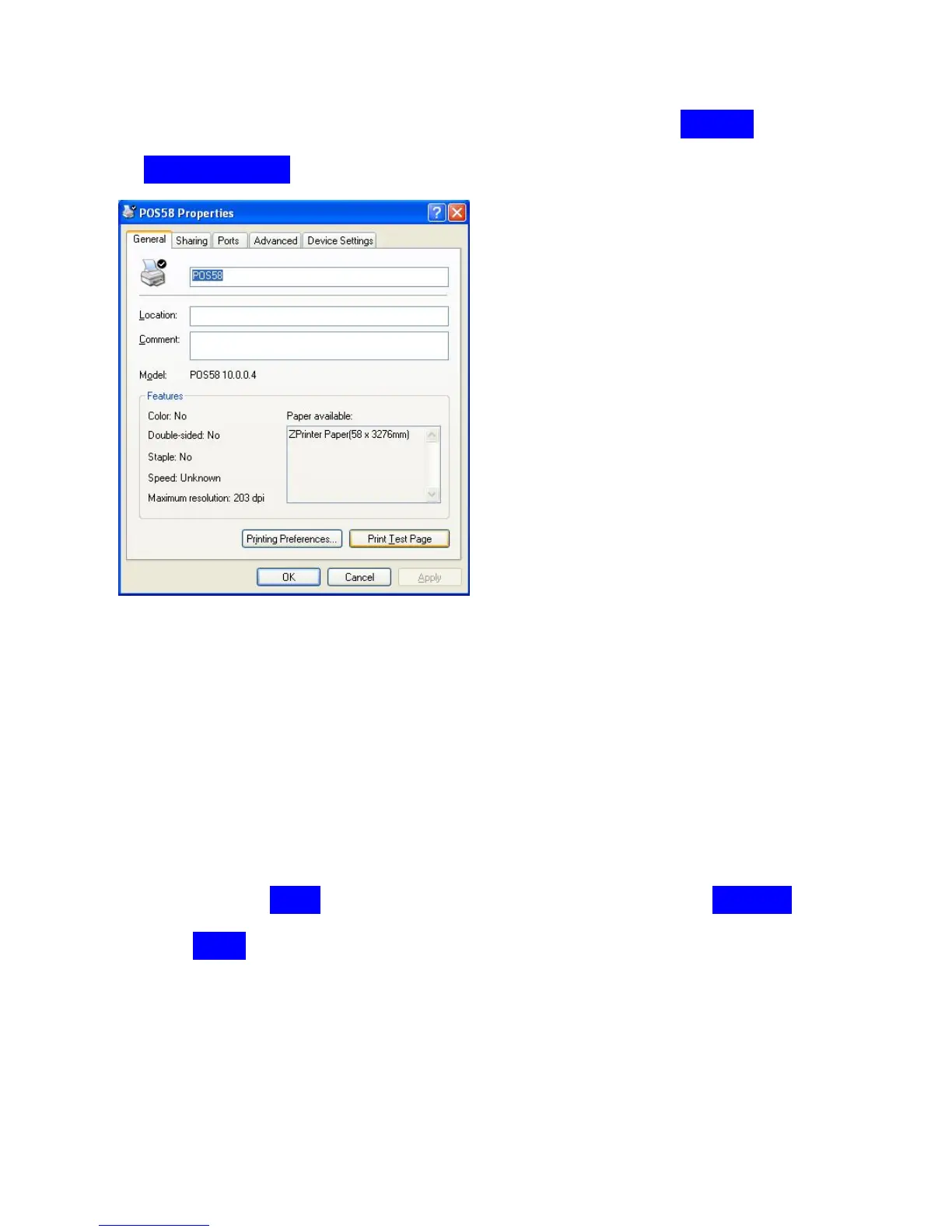
“printers and faxes” in the control pannel of computer.)
Now we want to check if the driver works , please click on“General”,then click
on “Print Test Page”,
If the printer prints a normal page then it indicates that the driver works
successfully.You can use the printer right now,then you don’t have to read the
content as below.
//*********************************************************//
If the printer doesn’t print anything ,and the driver shows error message.then
maybe the Ports setting is wrong,
please click on “Ports”,try to choose the other USB ports, “USB002” then
click on “Apply” ,



 To Next Page