4-----9600 A------460800
5-----19200 B------921600
6------38400 C------1382400
For example, if you want to change baud rate to 115200bps, please send string “AT+BAUD8”.
4-2-3. Build connection.
1. Turn on the printer;
2. Search for the Bluetooth device with host device;
3. If there are other Bluetooth devices, please select “LY58”(for example) printer;
4. Enter default pairing code “1234”
5. Pairing succeed.
4-3. USB Interface
The printer is connected by standard Mini USB cable(included in accessories) for
communication. The USB type belongs to slave device type.
5.The installation of the paper roll
The printer use 58MM thermal paper, and adopt to easy paper loading. So the paper is very
convenient install.
Paper diameter Max 40mm.
Thermal paper installation method is as follows:
(1) Open the printer top cover
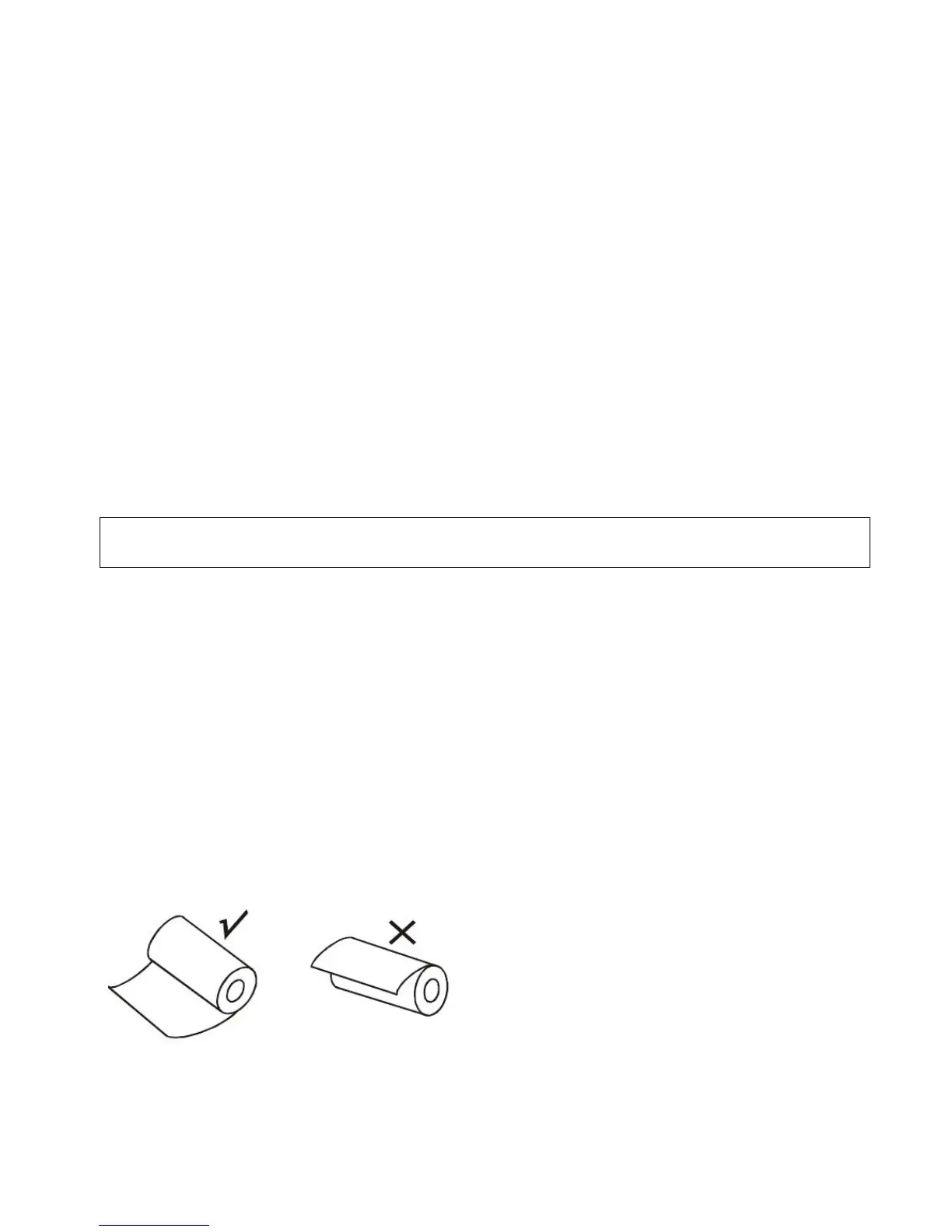
(2) Thermal Paper as follow Graph to put into paper storehouse
(3)Put out a little of the paper outside printer,then close the top cover.
(4)Use paper sawtooth tear off redundant paper



 To Next Page