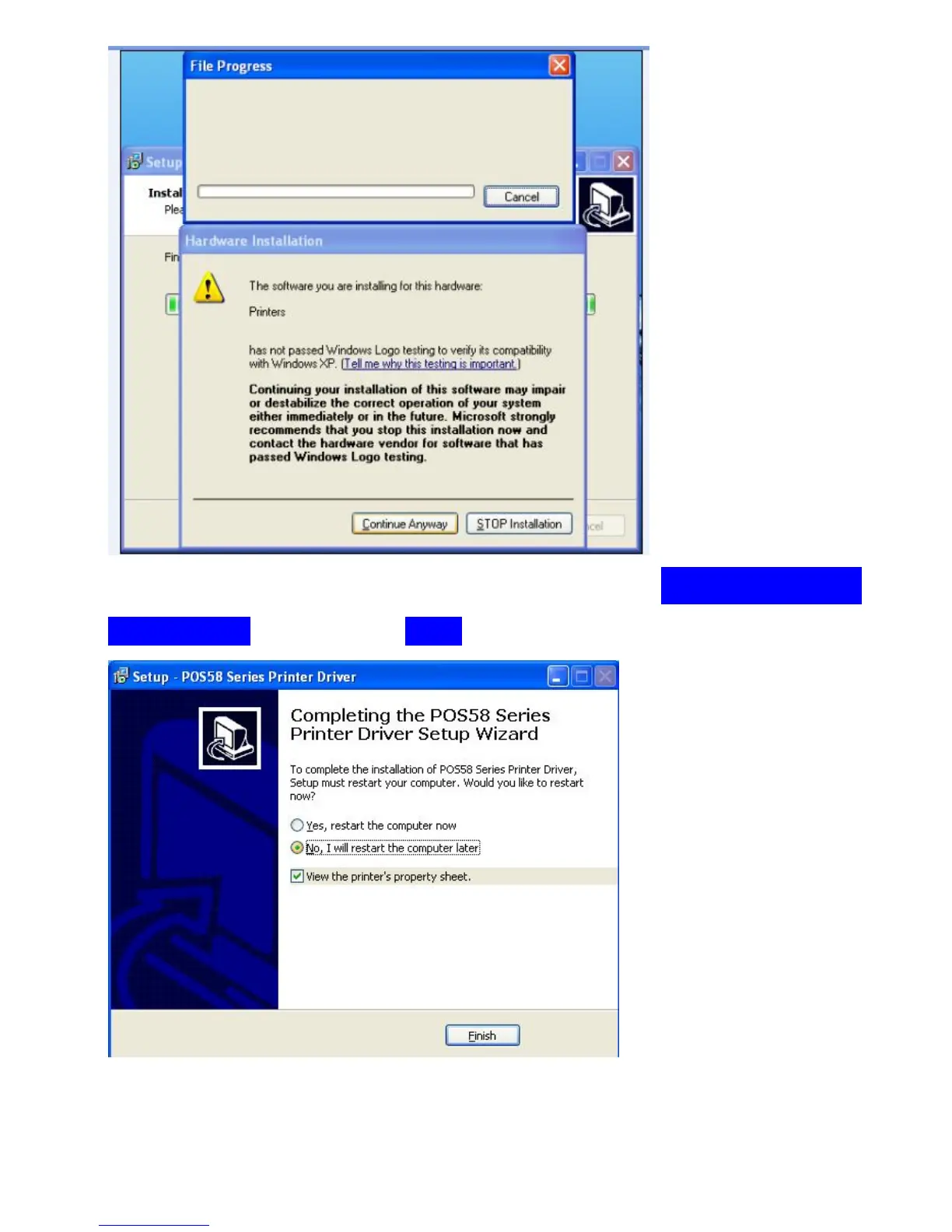
Step8: In this step , if you see restart option, click on “ No, I will restart the
computer later”, then click on “Finish” .
Step9: By now , the printer driver is successfully installed. You will see the
Printer Properties sheet( you can also open Printer Properties sheet from



 To Next Page