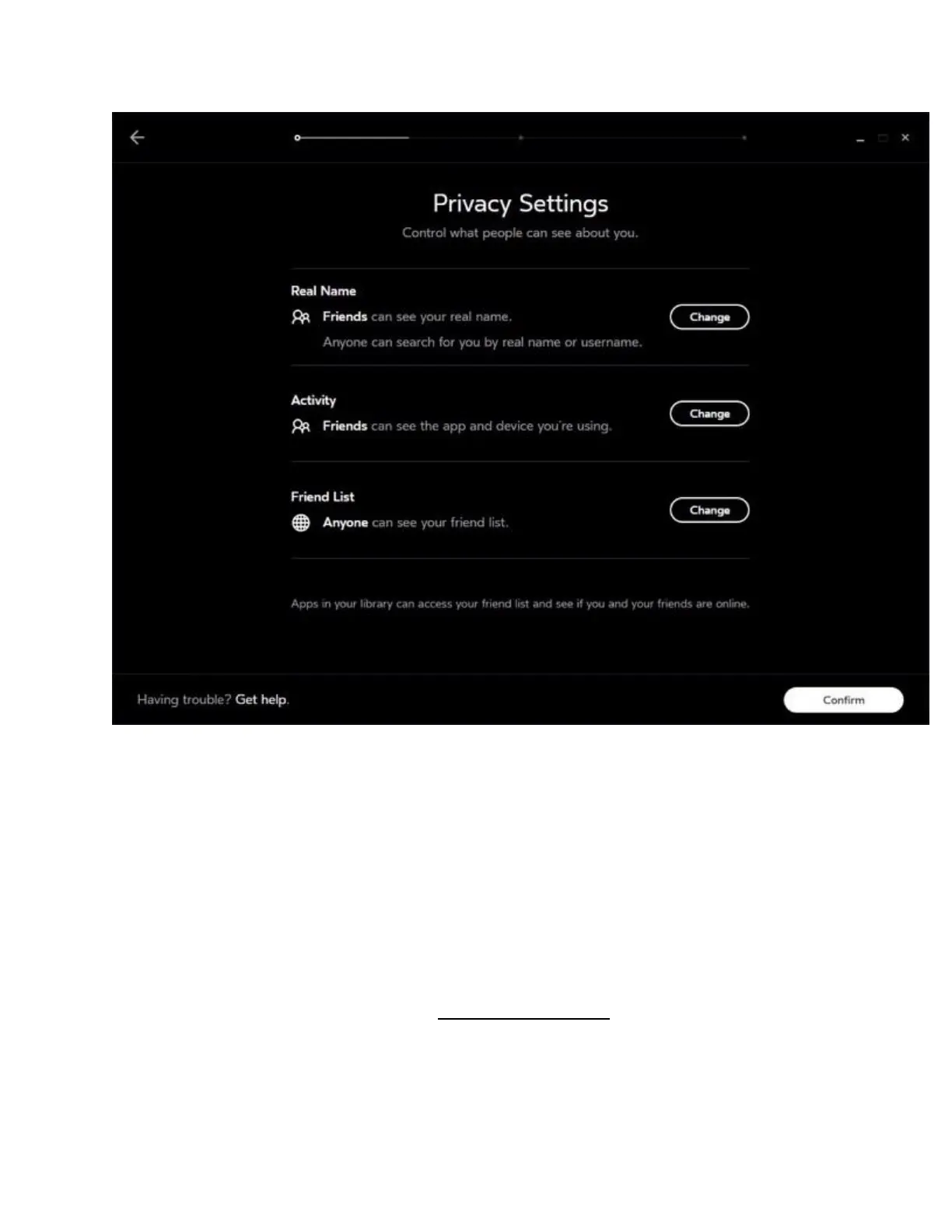
Real Name – your first name and surname.
Real Name Search – tick the checkbox to let others search for you by first name and surname.
Activity – which app you're currently using, as well as whether you're using Rift S or Gear VR.
Friends List – who you're friends with in Oculus.
10. Add a payment method.
Note:
Although a credit card isn't necessary and some games and apps are free, a valid credit card is
required to purchase games and apps. See Using the Oculus Store.
We accept Visa, MasterCard and American Express.
11. Choose a four-digit Oculus PIN. You'll need it to make purchases in the Oculus Store.



 To Next Page