ODYS MP3 player S7
10
EN
4 Operation
4.1 Switching the MP3 player on and off
Switching the MP3 player on
• Ensure that the hold setting is deactivated. If necessary, push the
hold switch into the off position.
• Hold the POWER key
down for approx. one
second until the Display illuminates and a greeting
is displayed. When the MP3 player is switched on
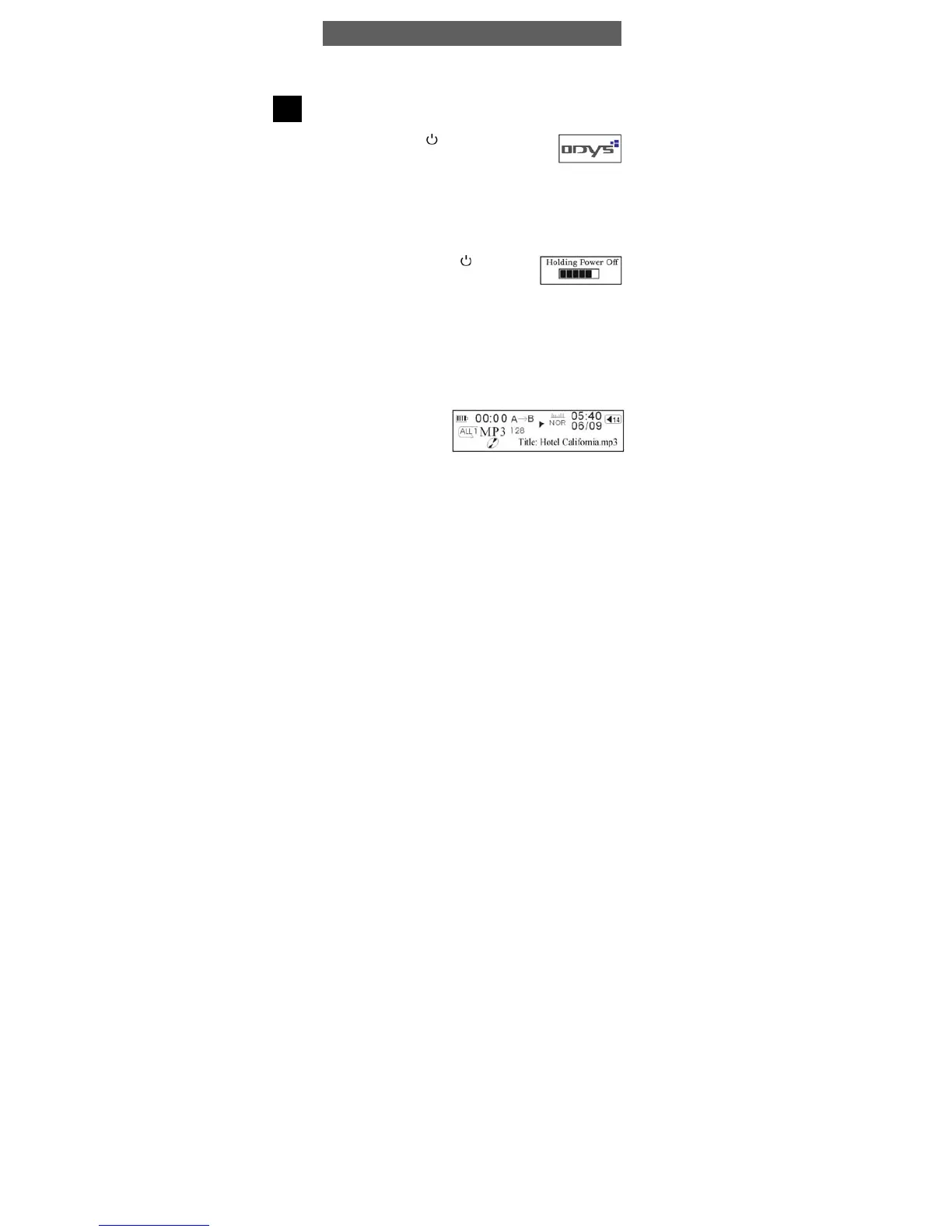
for the first time, the player is in music mode. The LCD shows the
current track and the number of tracks available. See chapter 4.6
Settings for information on the duration of the blue backlighting. If
the MP3 player is not switched on, check the polarity of the battery
and ensure that it is charged.
Switching the MP3 player off
Press and hold the POWER key
for
approximately three seconds until the player has
shut down and the LCD display goes blank. This
is true irrespective of the current operating state of the player.
4.2 Music Mode (Play Music)
Playback, forwards/back, pause, stop
• Insert the headphones in the headphone connection and turn the
player on.
• Press the PLAY button to play the track showed. The track informa-
tion (ID3 tag) is scrolled on the Display.
• Tilt and hold the ► or ◄
keys during play to skip
forwards or back within the
track.



 To Next Page