ODYS MP3 player S7
15
EN
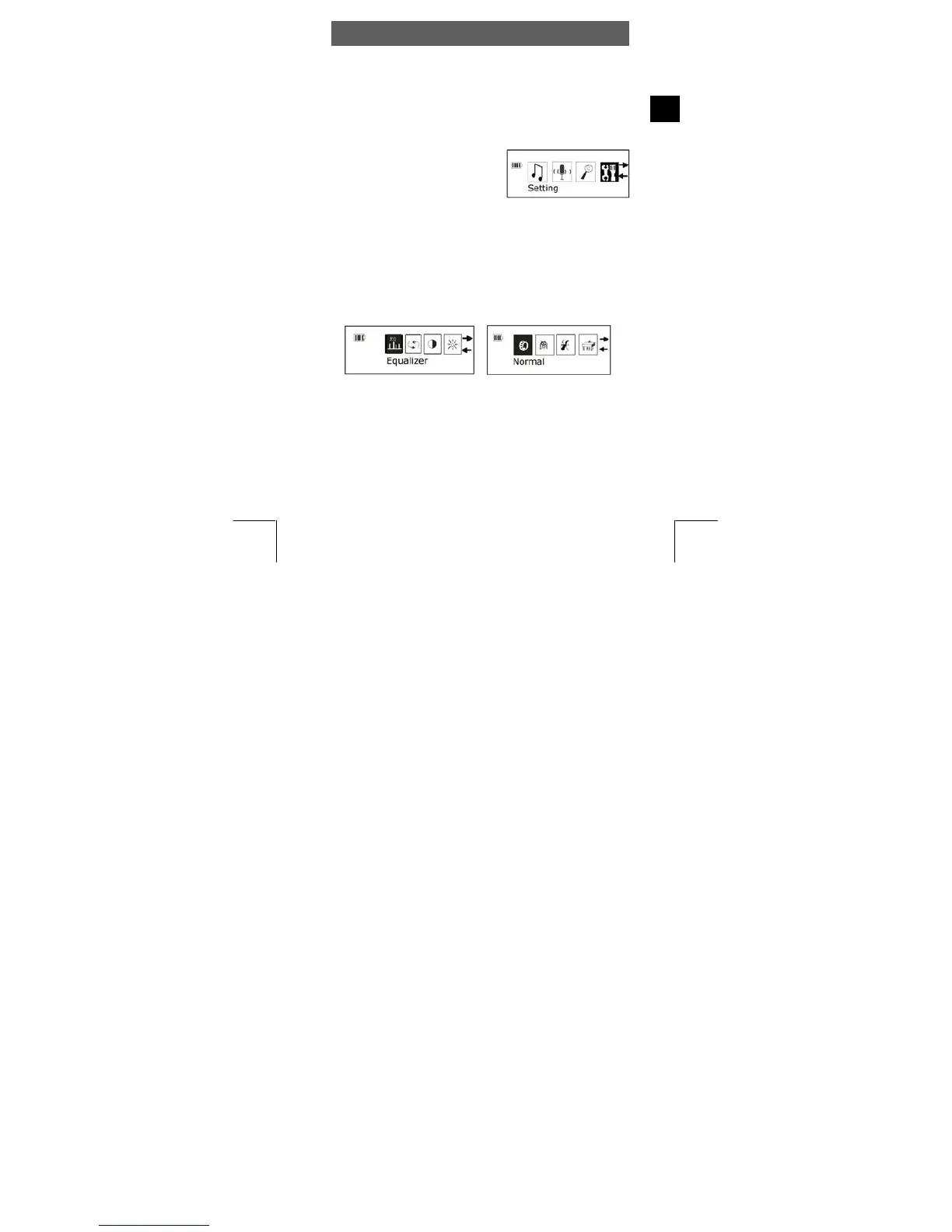
4.6 System settings (Setting)
The mode setting allows you to change important system settings for
your MP3 player. It contains a total of 8 options: Equalizer, Play Mode,
Contrast, Backlight, Power Set, Record Set, Language und Exit.
Recurring operating steps:
• Select Setting mode in the main
menu, as described in chapter 4.3.
• Use the ◄► keys to select the
relevant sub-menu and confirm
using the MODE key.
• Use ◄► to select the specific value and press the MODE button
again to confirm the selection. Press the PLAY key twice to exit the
menus.
Equalizer settings
• Use ◄► to select the desired sound (Normal, Pop, Rock, Classic,
Jazz and Bass).
• Confirm using the MODE button again.
Repeat mode (Play Mode)
• Use ◄► to select the desired repeat mode (Normal, Repeat One,
Repeat All und Shuffle).
• Confirm using the MODE button again.



 To Next Page