ODYS MP3 player S7
20
EN
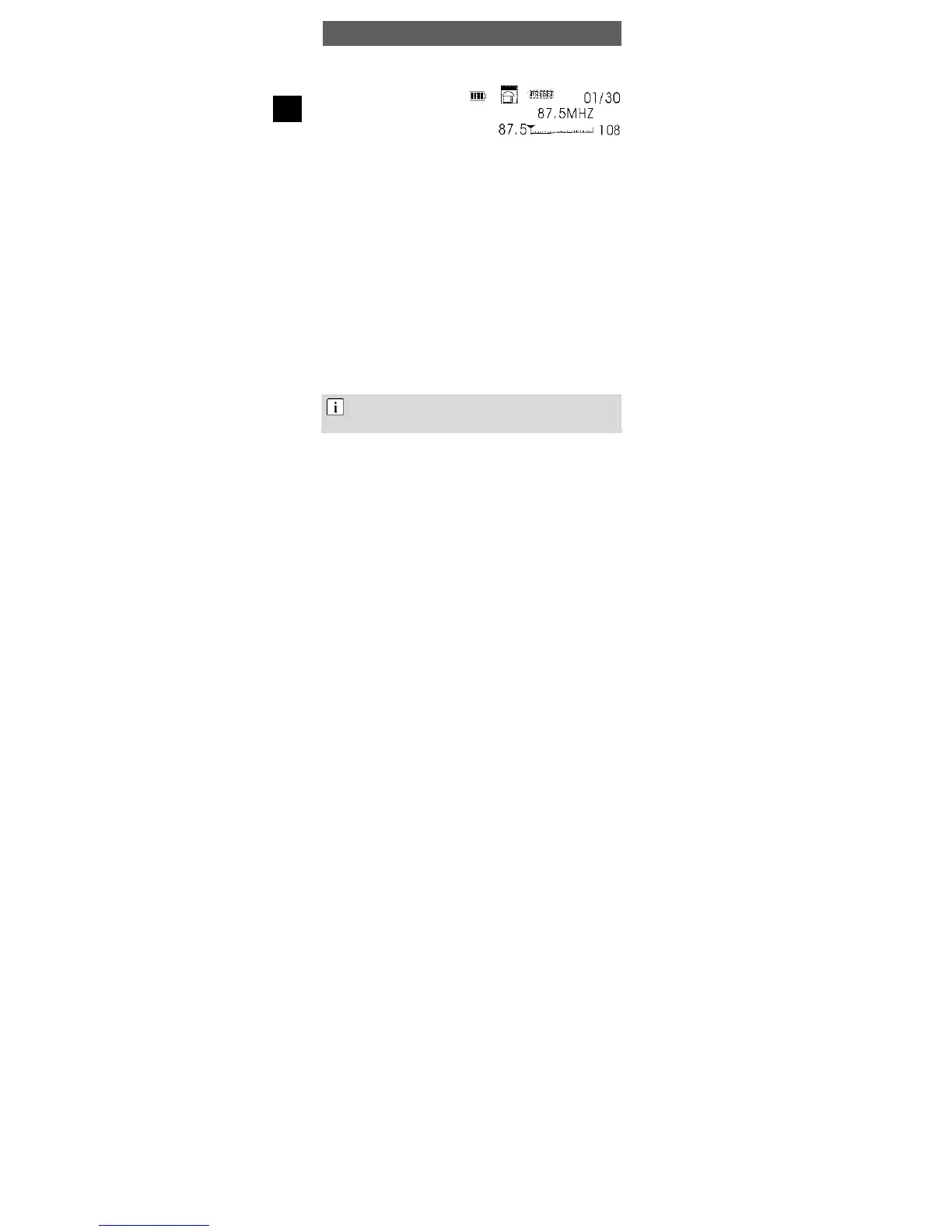
4.10 Radio mode (only S7 red / S7 silver)
• Select Radio mode in the
main menu, as described in
section 4.3.
• Press to change the
frequency and find a
channel.
Other menu options
While in radio mode, press the menu button for 1 s. The following
options can be selected with and the menu button:
a) Music mode
Return to music mode
b) Voice mode
Change to voice playback mode
c) Record
• Select a radio station you would like to record.
• Use the Menu button and to select the function Record.
• Briefly press the Menu button to start FM Record.
• Press the Menu button again to stop FM Record.
• If you want to listen to the radio while recording it, you must change
into the voice playback mode (see section 4.6).
The recorded files are stored in WAV format in the „FMIN.DIR“
folder. The next section gives information about setting the
recording quality.



 To Next Page