ODYS MP3 player S7
11
EN
• If you briefly press the ► or ◄ keys playback skips to the next or
previous track respectively.
• Press the PLAY button briefly to pause playback. To resume play,
press the PLAY key again (resume function).
• During play, press the PLAY button for approx. 1 second to stop
play (STOP) and to go back to the start of the track.
Setting the volume
Press or hold the respective volume control button (+, -) to raise or
lower the volume. The volume has 33 settings (0…32).
A/B repeat
This function allows you to repeat a specific section of a music file by
setting the starting and finishing point of the section during playback.
• Briefly press the POWER key
during playback to mark the
beginning of the section (A).
• Briefly press the POWER key
again during playback to mark the
end of the desired section (B).
• The selected section will now be repeated indefinitely until you press
the POWER
key again.
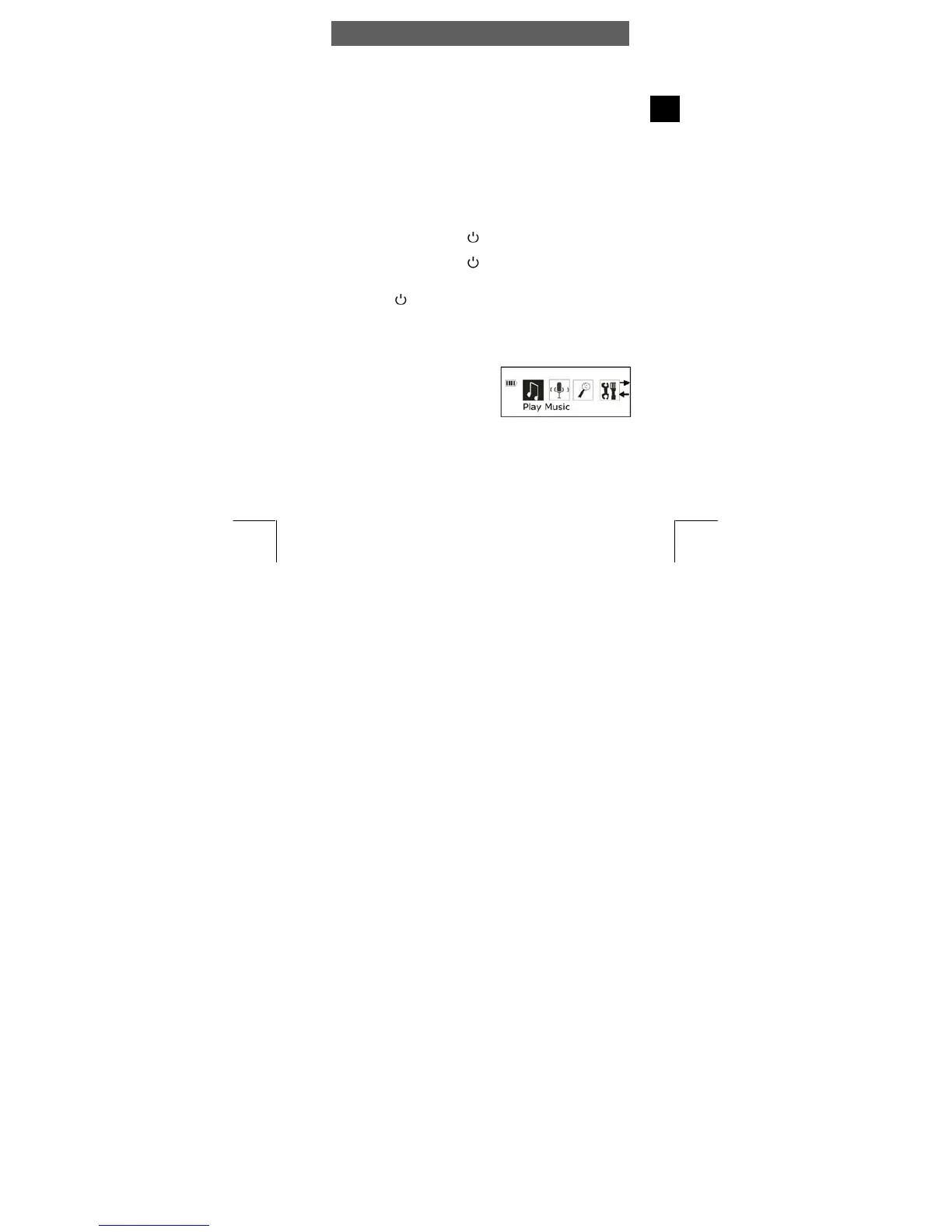
4.3 Mode Switch in the Main Menu
Recurring operating steps:
• Press the MODE key of the turned-
on player for approx. 1 sec. to
switch to the main menu. Use the
main menu to access the various
operation modes and player
settings:
Play Music, Play Voice, Record, Setting, Preview, About, Folder
and Exit.



 To Next Page