Diagnostics
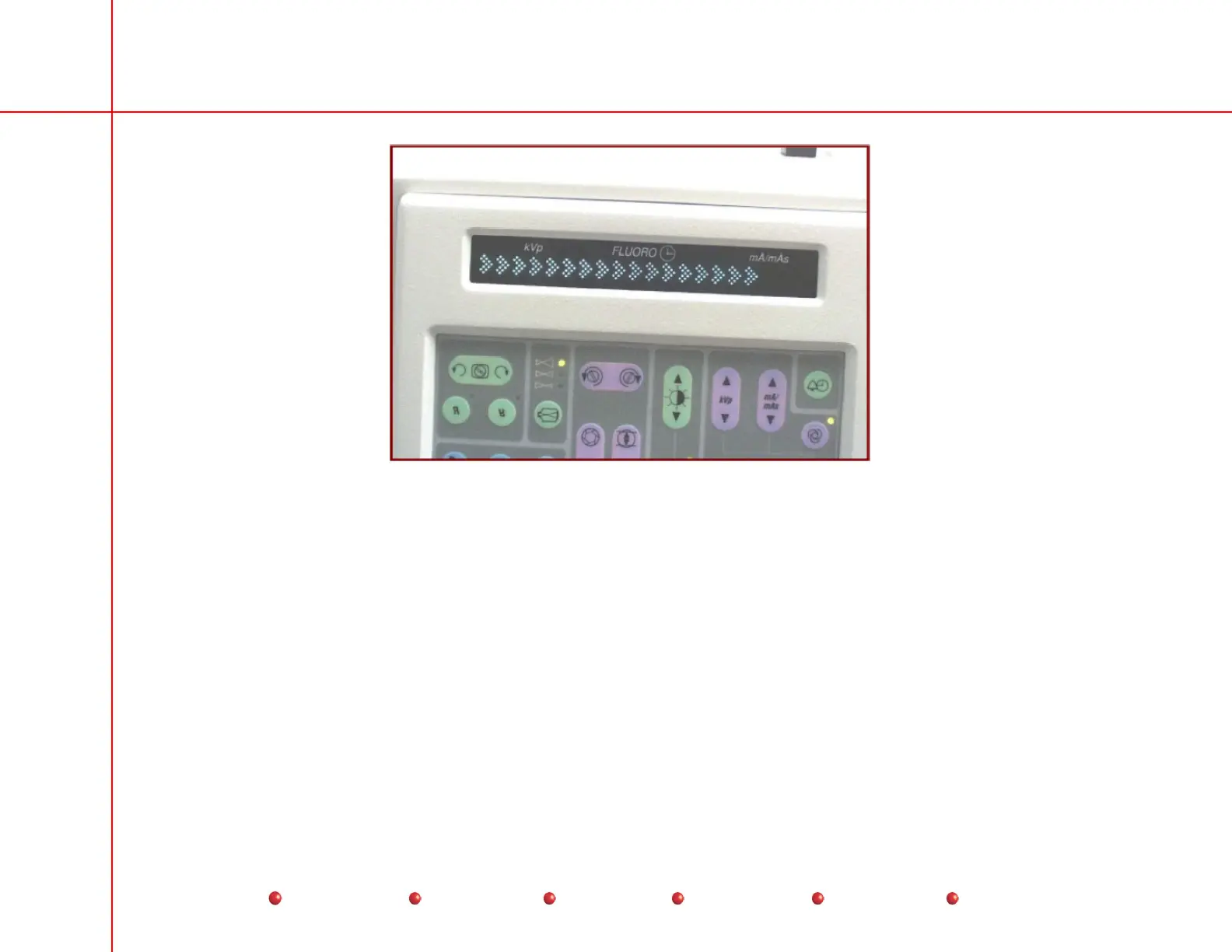
C-Arm Control Panel Boot Sequence Display (Arrows)
The bootup arrows have the following meaning:
No Arrows: The operating system begins loading. If bootup fails on this arrow, reload the software.
One Arrow:
ARCNet initializes. Software architecture initializes. System sets C-Arm time. If bootup fails on this arrow, check
ARCNet connection on the Fluoro Functions PCB and X-ray Controller PCB. Reload software.
Two Arrows:
The system performs a CRC on persistent (non-volatile) data. If bootup fails on this arrow, reload the software.
Three Arrows:
Internal software timers initialize. If bootup fails on this arrow, reload the software.
Four Arrows:
Operating system completes loading. General application software starts (Gen_Init). If bootup fails on this arrow,
check ARCNet connections on Fluoro Functions PCB and X-Ray Controller PCB. If Workstation completes boot, check System
Interface PCB. Reload software.
4
Service
Periodic Maintenance
Contents
Schematics
Illustrated Parts
Installation



 To Next Page