Calibration
Beam Alignment Tool to Image Tube Centering
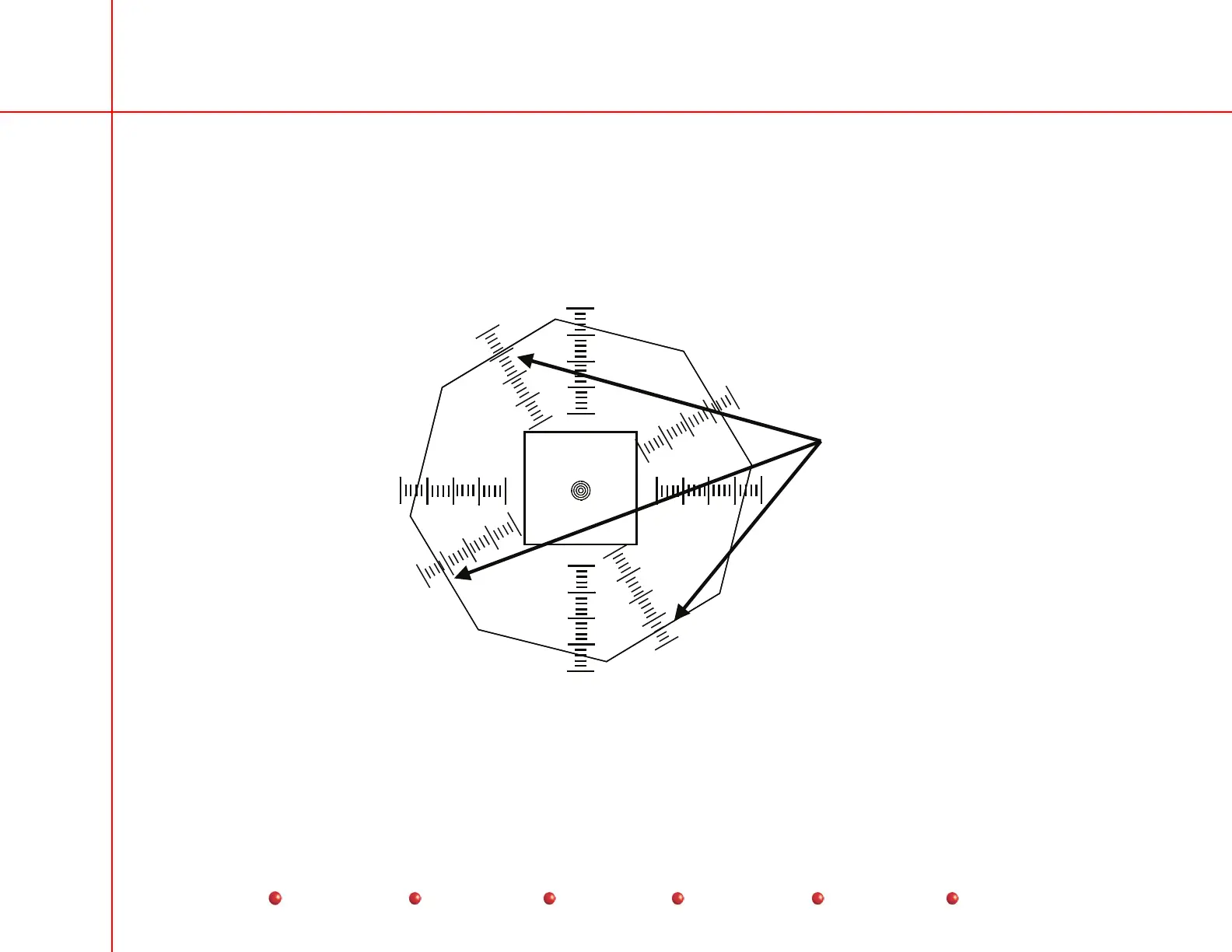
1. Attach the beam alignment tool to the face of the image tube.
2. Align the beam alignment tool to the center of the image tube, so that when the collimator iris is closed partially, the ruller
marks on the tool intersect the flat portions of the collimator iris (see the following diagram).
1
2
3
4
Orient the tool so that
the rulers intersect
the flat portions of the
collimator iris.
Centering Beam Alignment Tool to Image Tube Center
45
Service
Periodic Maintenance
Contents
Schematics
Illustrated Parts
Installation



 To Next Page