Calibration
Image Tube Calibration
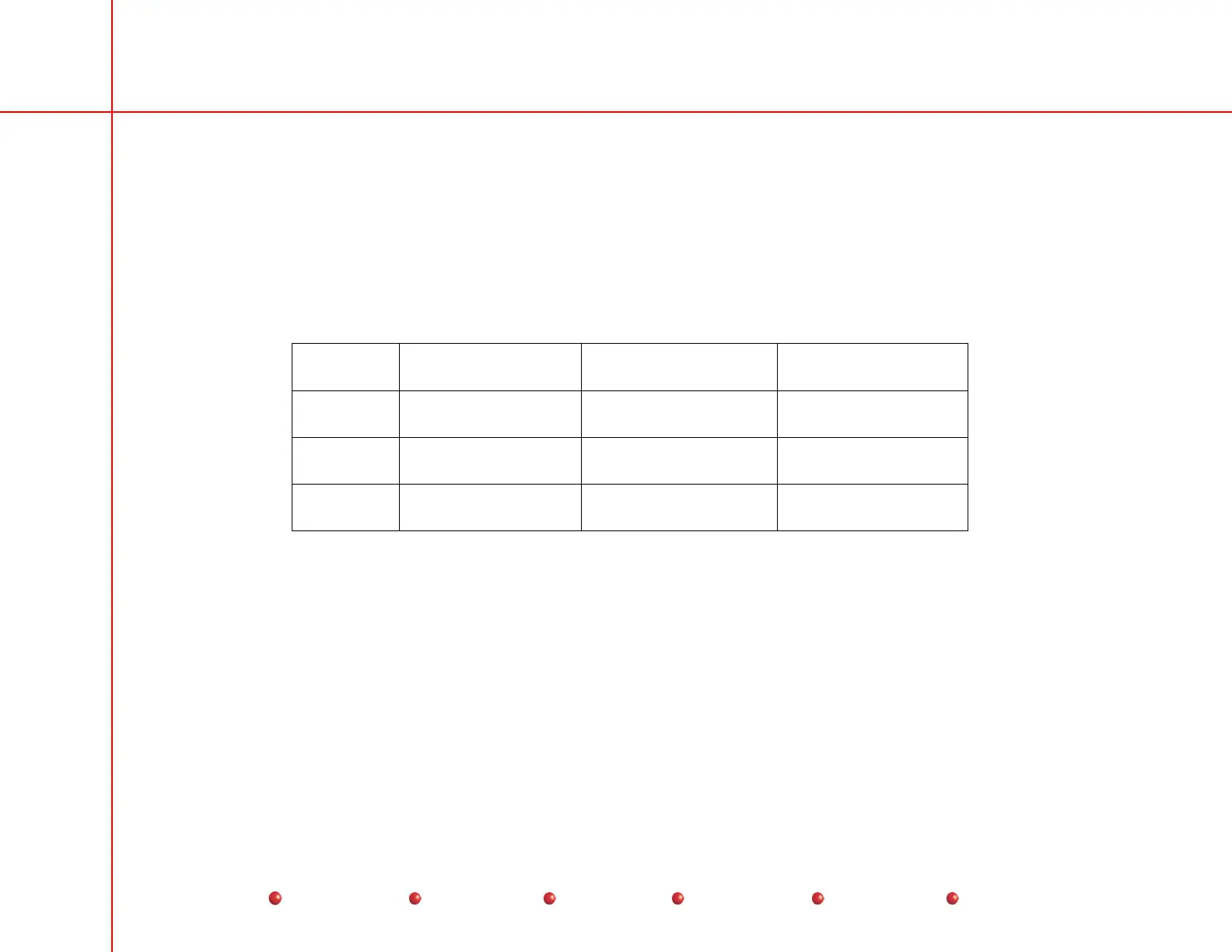
Image Tube Sizing Verification
1. Fluoro through the beam alignment tool in Normal, Mag1, Mag2 modes and verify the following diameter measurements on
the monitor. (These measurements are made with circular blanking turned on).
2. Use the ruler marks that intersect the center of the flat portion of the collimator iris leaves to determine the X & Y image
diameters.
Mag Size 9 Image Tube 12 Image Tube 9 Image Tube on
Super C
Normal 208 - 216 MM
diameter
283 - 290 MM diameter 206 - 212 MM
diameter
Mag1 136 - 144 MM
diameter
199 - 207 MM diameter 150 - 156 MM
diameter
Mag2 116 - 124 MM
diameter
147 - 154 MM diameter 112 - 118 MM
diameter
3. When measuring the image diameters, verify no collimator iris or leaves are seen inside of the circular blanking,
4. If the image diameters are outside of the ranges listed above adjust the image tube power supply as required (see Image
Tube Sizing Calibration, in the following section.
Image Tube Sizing Calibration
1. Remove the cover on the side of the image tube housing to gain access to the power supply adjustments.
2. On the image tube power supply, set switch SW1 to the OFF position.
3. Adjust the image tube size encoder to obtain the proper image tube diameters in Normal. Mag1, and Mag2 modes. (These
adjustments may change the image tube focus).
46
Service
Periodic Maintenance
Contents
Schematics
Illustrated Parts
Installation


 To Next Page
 Loading...



