Calibration
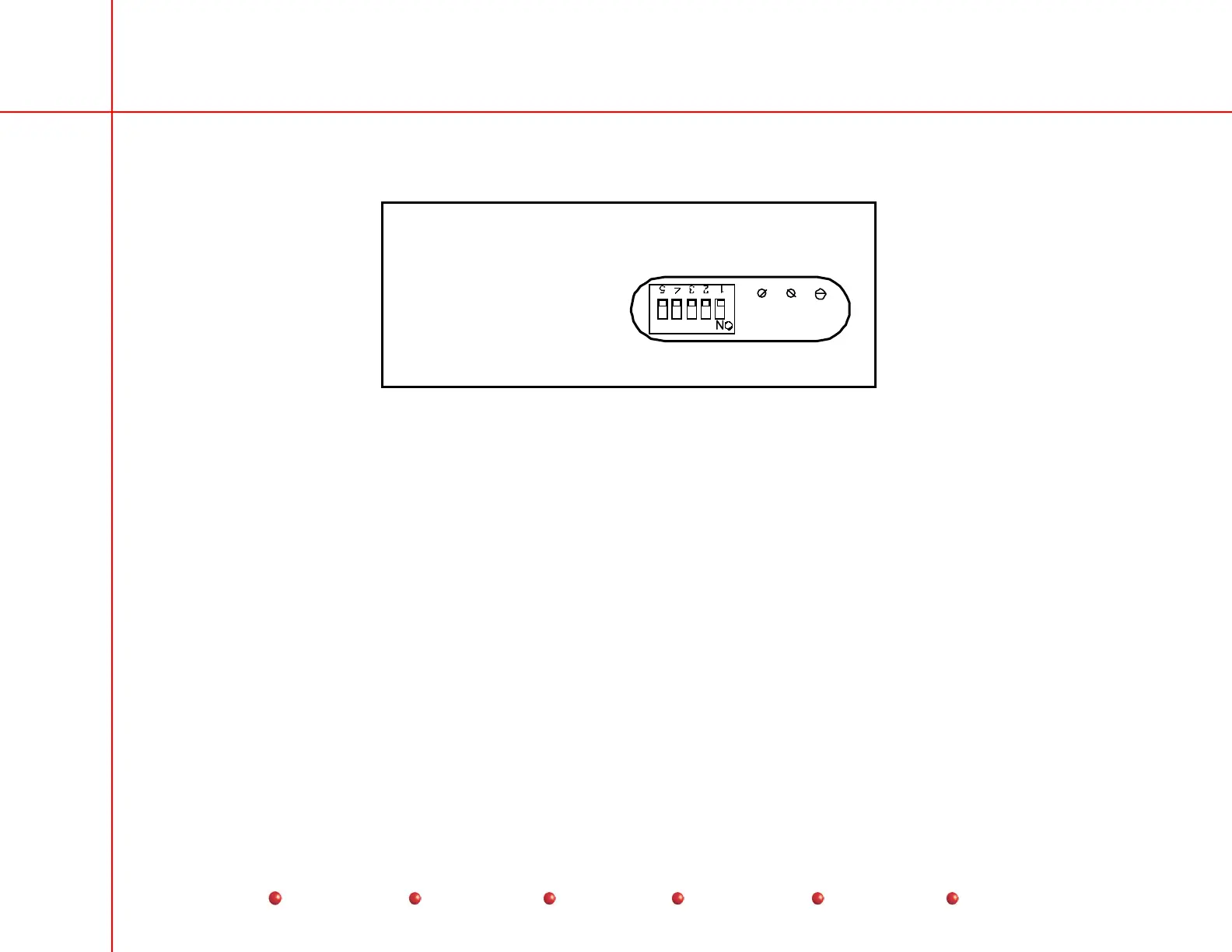
4. When the image sizing adjustments are complete, set switch SW1 to the ON position on the Image Intensifier Power Supply,
as shown in the following:
AB
C = Edge Focus
B = Overall Focus
A = Size
C
Image Tube Power Supply
00-901180
9 or 12-inch
Image Tube Power Supply Access
Image Tube Electronic Centering Verification
1. With the beam alignment tool attached to the image tube, make a MAG2 exposure and mark the center of the alignment tool
with a small dot using a marker.
2. Change to the Normal MAG size and make an exposure. Verify that in center of the alignment tool is within 4 MM of the
mark made using MAG2.
Collimator Mechanical Centering
1. Verify centering as follows:
a. Attach the bore site tool to the collimator.
b. Select MAG2 and make an exposure, the collimator should be centered as shown.
47
Service
Periodic Maintenance
Contents
Schematics
Illustrated Parts
Installation



 To Next Page