Calibration
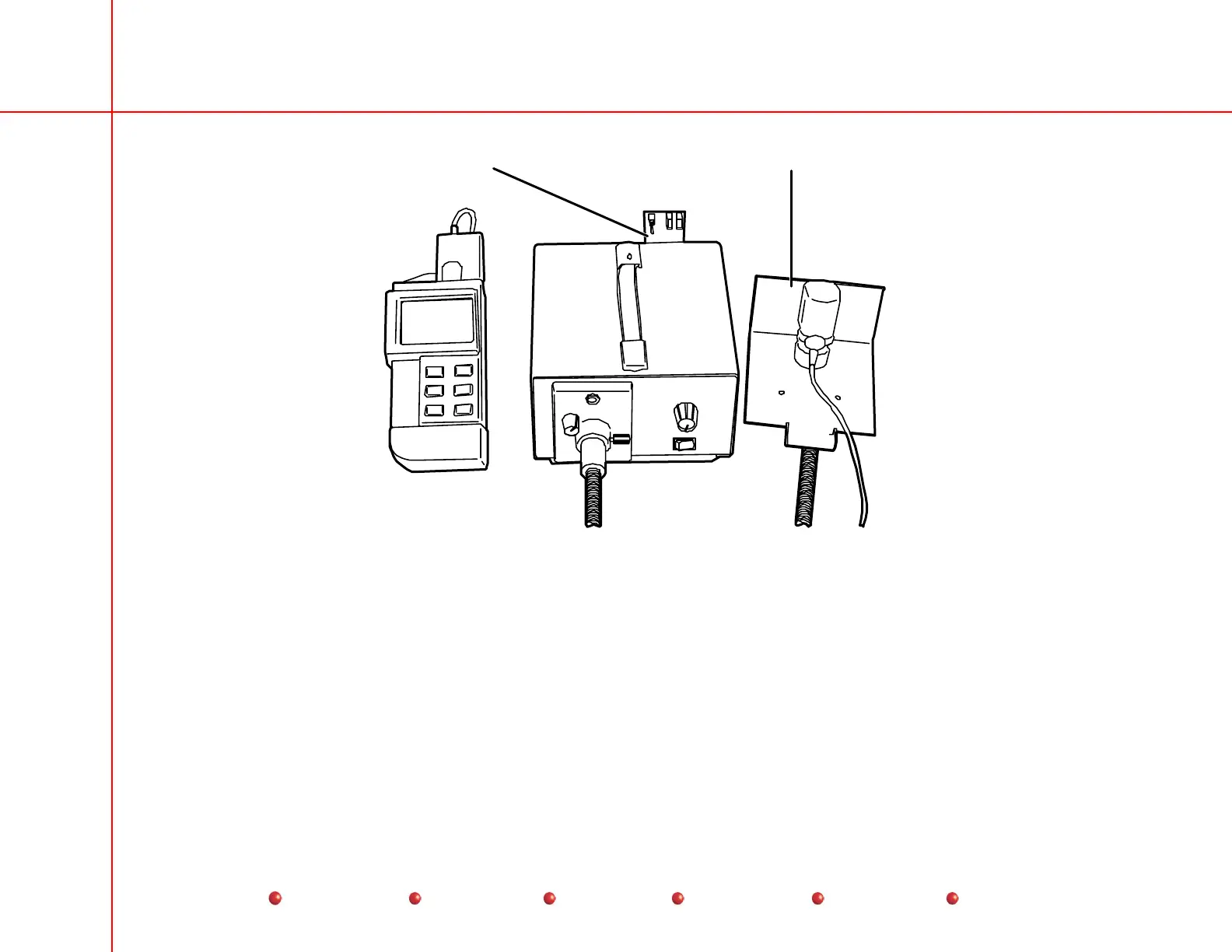
Mounting BracketLight Source Control PCB
Light Source Setup
Light Source Verification
1. Mount the Fostec Light Source Control PCB onto the connector labeled NOT RS232 at the rear of the Fostec Light Source.
2. On the Fostec light source front panel, turn the aperture control to the number 5 position.
3. Turn the brightness control knob to the remote (R) position, (CCW).
4. Attach the fiber optic cable to the light source.
77
Service
Periodic Maintenance
Contents
Schematics
Illustrated Parts
Installation



 To Next Page