Overview
2-9
Service Periodic Maintenance
Contents
Schematics Illustrated PartsInstallation
Cover Removal
WARNING: Removing any Workstation cover exposes dangerous electrical voltages on several
components. When possible, disconnect Workstation from AC line before removing
any covers. When it is necessary to leave the power applied, use extreme care to
avoid death or injury from electrical shock.
Note: Set the brake before attempting to remove Workstation covers.
The Workstation’s rear, side, and front covers are removable, as is the monitor cover. However, you must first remove
the rear cover before you can remove the side or front covers. You can remove the monitor cover at any time.
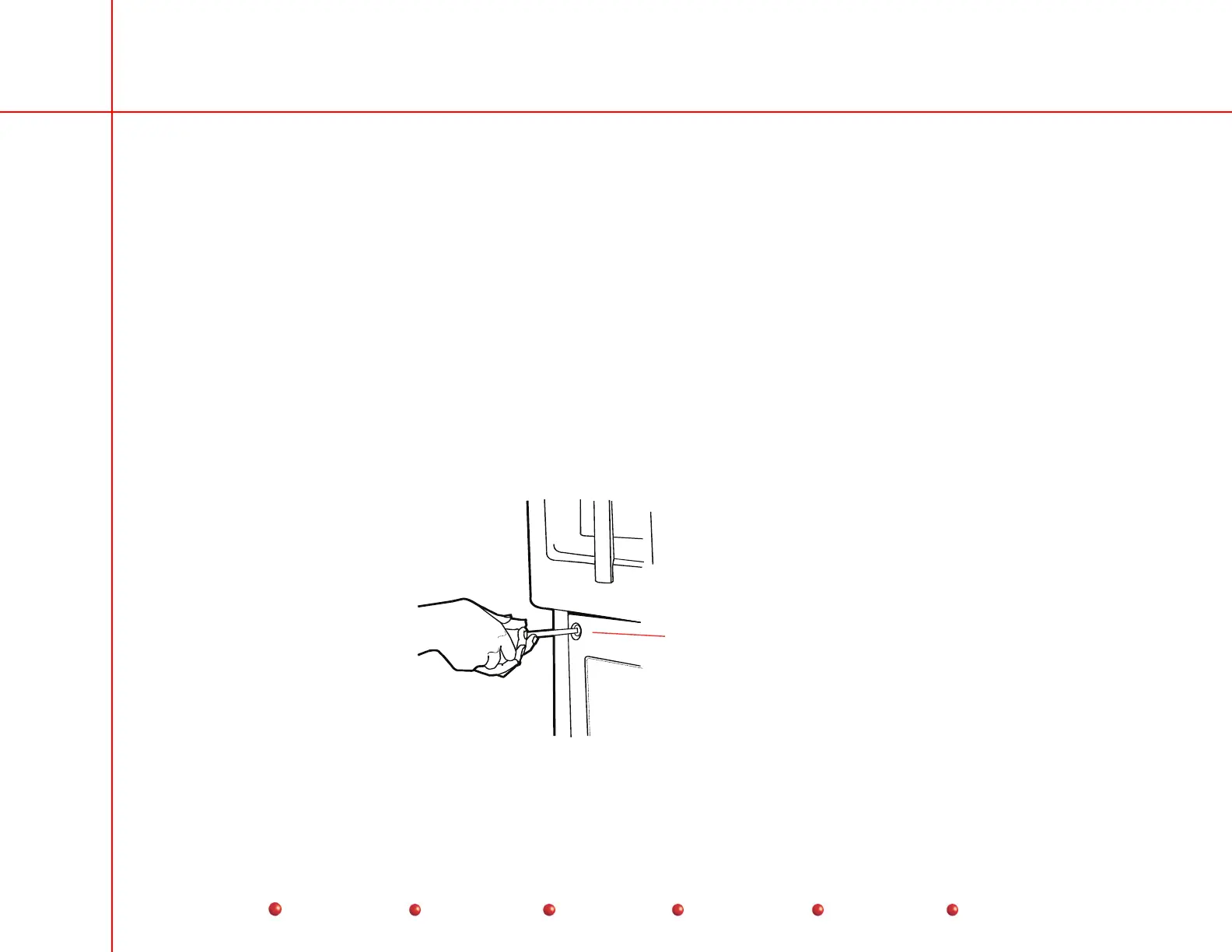
Eight quarter-turn fasteners hold the rear cover in place. You must loosen all eight fasteners before you can remove
the rear cover.
Rotate fastener
1/4 CCW turn to loosen
1/4 CW turn to secure
Quarter-Turn Fasteners



 To Next Page