Overview
2-10
Service Periodic Maintenance
Contents
Schematics Illustrated PartsInstallation
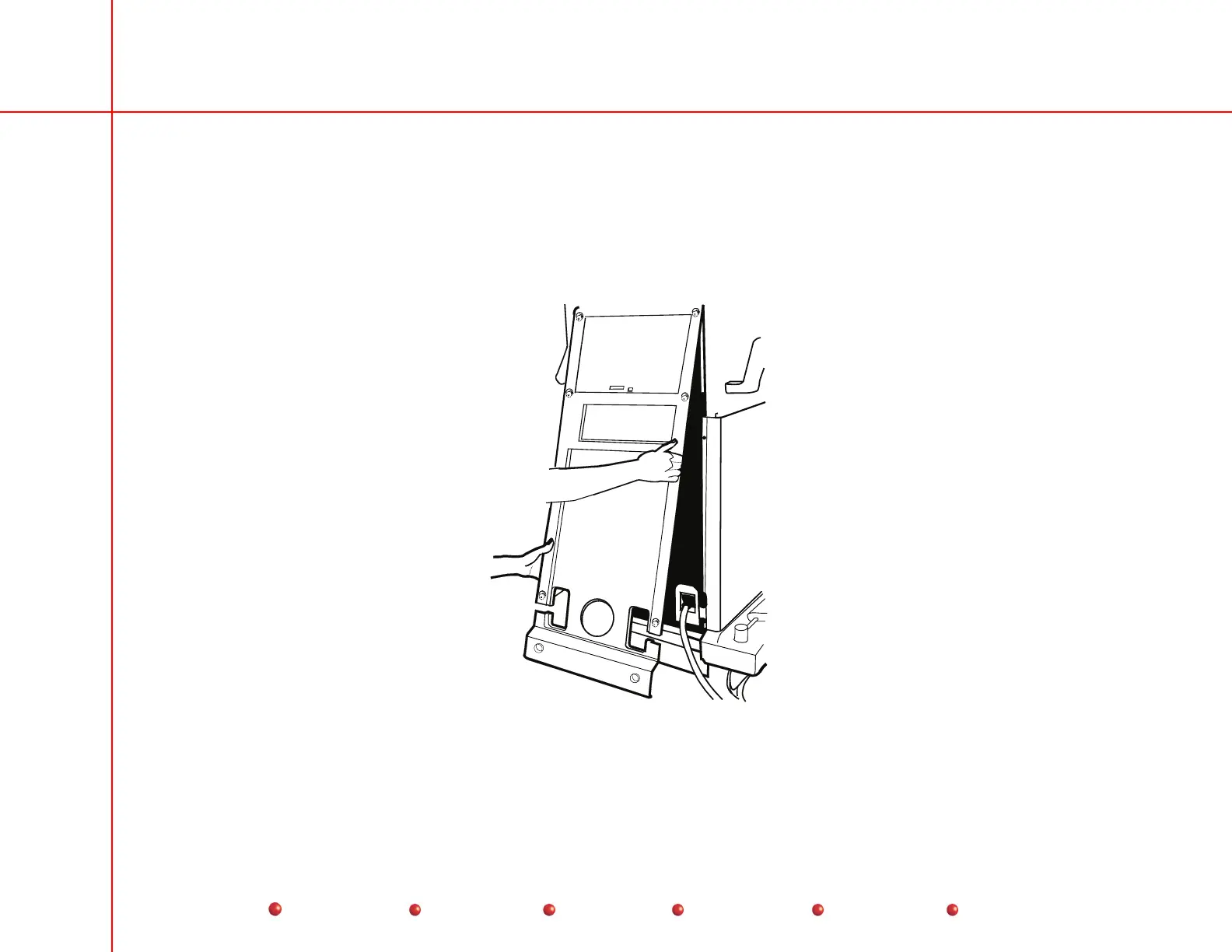
Rear Cover Removal
Follow these steps to remove the rear cover:
1. Loosen eight quarter-turn fasteners that secure rear cover to Workstation chassis.
2. Move the bottom of rear cover outward a few inches, and then pull cover downward and outward.
Rear Cover Removal



 To Next Page