Replacement
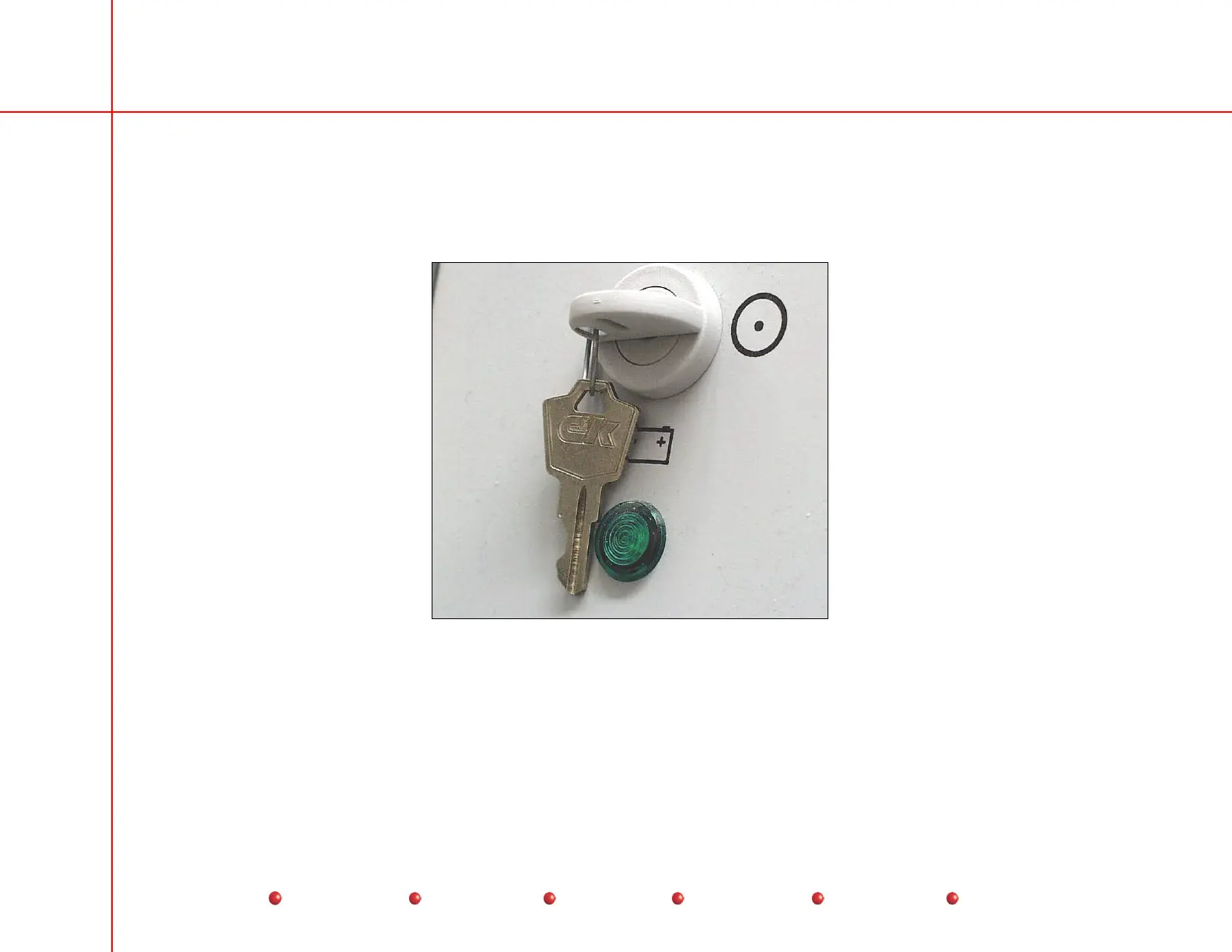
Battery Charger Indicator Lamp
The Battery Charger Indicator Lamp shown below is located on the C-Arm Power Panel near the Keyswitch. This is a 120 VAC
neon lamp that glows any time AC power is applied to the C-Arm through the Interconnect Cable.
Battery Charger Indicator Lamp
Use the following procedure to replace the lamp.
1. Turn off Workstation and remove Workstation's AC power plug from AC outlet.
2. Remove Left Side cover from C-Arm.
3. Remove two screws that secure Power Panel cover.
39
Service
Periodic Maintenance
Contents
Schematics
Illustrated Parts
Installation



 To Next Page