Overview
2-13
Service Periodic Maintenance
Contents
Schematics Illustrated PartsInstallation
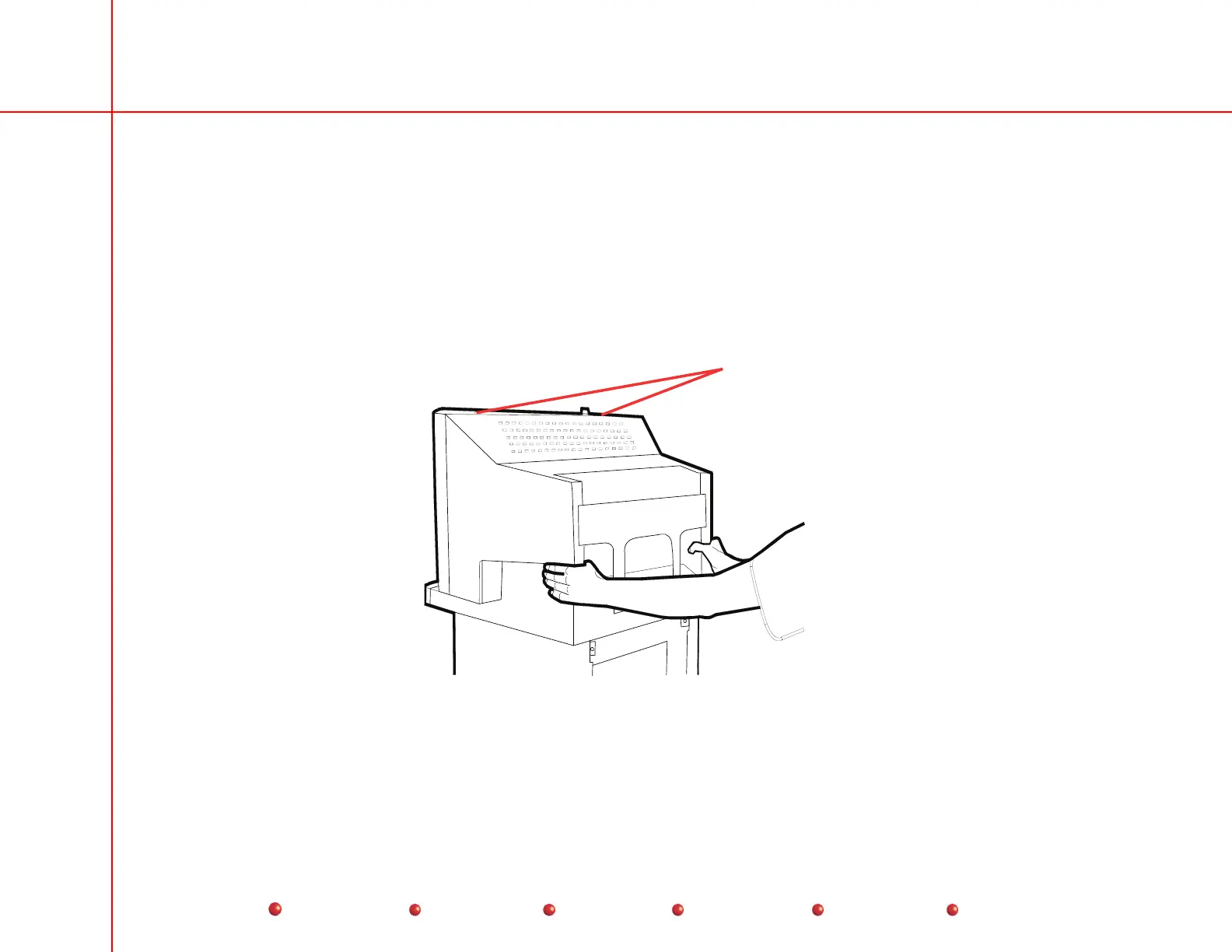
Monitor Cover Removal
Note: Ball-nut fasteners hold bottom of monitor cover to front of monitor chassis.
1. Remove two torx screws at top of cover.
2. Grasp monitor cover with both hands.
2. Pull monitor cover away from Workstation to free ball-nut fasteners from front of monitor chassis.
2 Screws
Monitor Cover Removal



 To Next Page