Overview
2-12
Service Periodic Maintenance
Contents
Schematics Illustrated PartsInstallation
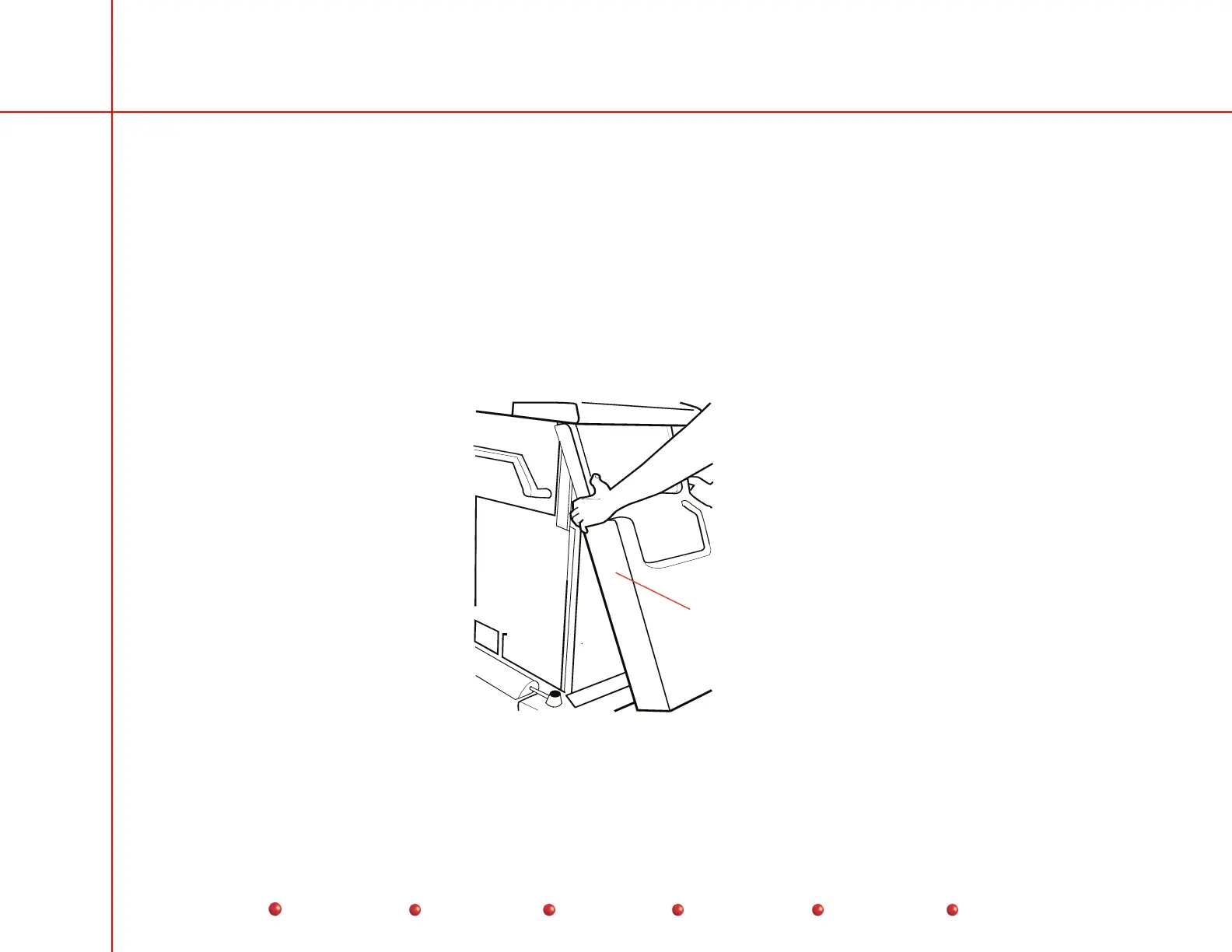
Front Cover Removal
Note: Rear cover and side covers must be removed before front cover can be removed
1. Using both hands, grasp front cover near bottom of cover.
2. Giving equal pressure with both hands, lift front cover upward to disengage two ball-nut fasteners on bottom edge
of cover.
3. Move front cover upward under keyboard.
4. Move front cover outward, then downward to free it from Workstation.
Front Cover
Front Cover Removal



 To Next Page