Overview
2-19
Service Periodic Maintenance
Contents
Schematics Illustrated PartsInstallation
Display Subsystem
The following is a basic description of the Display Subsystem hardware. Refer to Section 5 -
High Resolution Displays for detailed circuit descriptions, troubleshooting information, and component replacement
instructions.
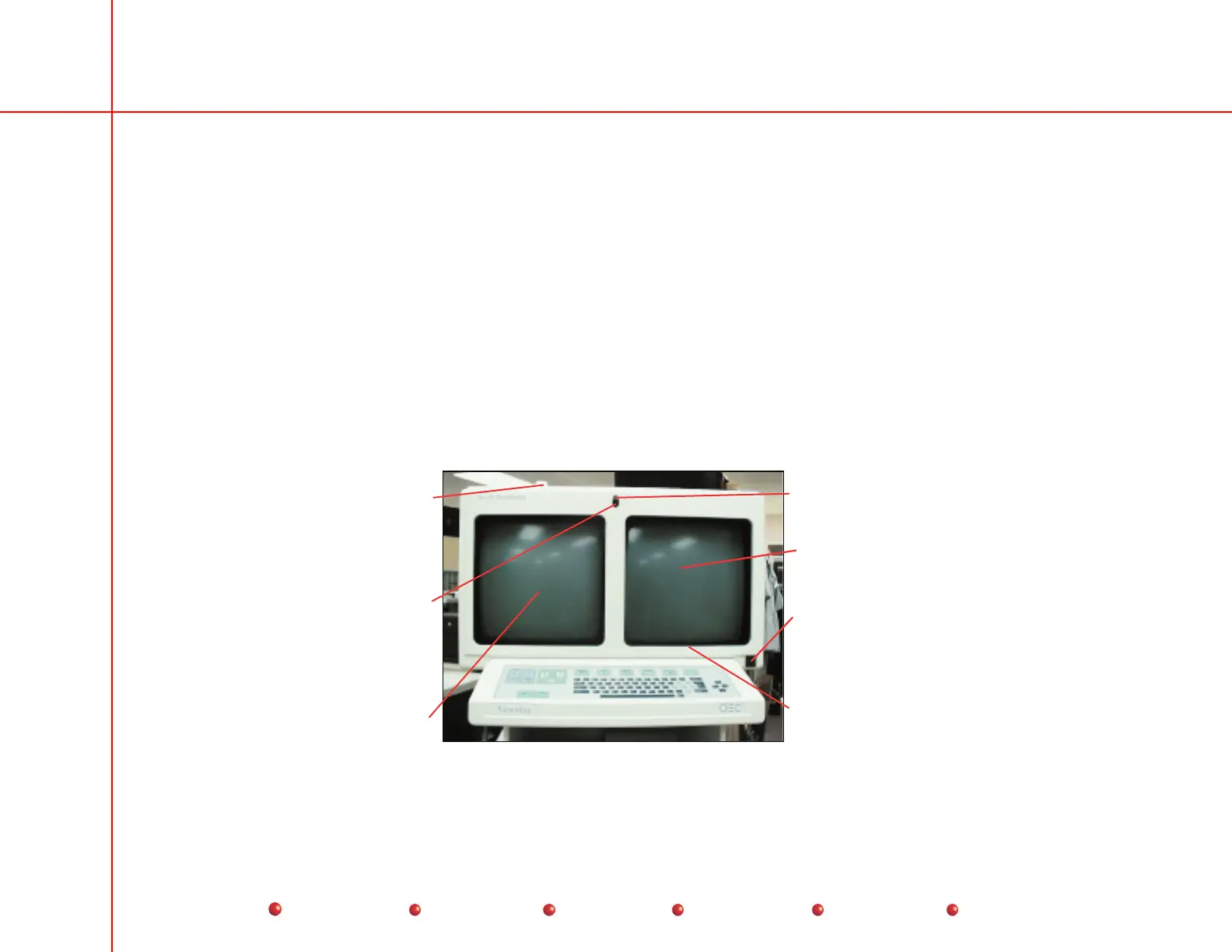
The Display Subsystem consists of two 16-inch, high resolution, high contrast, high brightness, monochrome monitors.
Each monitor can display up to 1030 lines per frame with 1320 pixels per line maximum. The left-hand monitor is
called the Primary display because it shows newly acquired images. The right-hand monitor is called the Secondary
display; it shows acquired images and provides a mounting place for a Touch Screen assembly that you can use with
a CRT-displayed graphical user interface to control many system functions.
The monitor frame serves as the mounting point for the X-Ray On indicator, infrared remote sensors, ambient light
sensor, and the lighted ON/OFF pushbutton, which are described elsewhere in this section.
Primary
Display
Secondary
Display
X-ray On
Indicator
Ambient Light
Sensors
Touch Screen
Assembly
under bezel
Infrared
Sensors
Lighted On/Off
Pushbutton
High Resolution Displays



 To Next Page