OFITE, 11302 Steeplecrest Dr., Houston, TX 77065 USA / Tel: 832-320-7300 / Fax: 713-880-9886 / www.ote.com 7
Timer
Operation
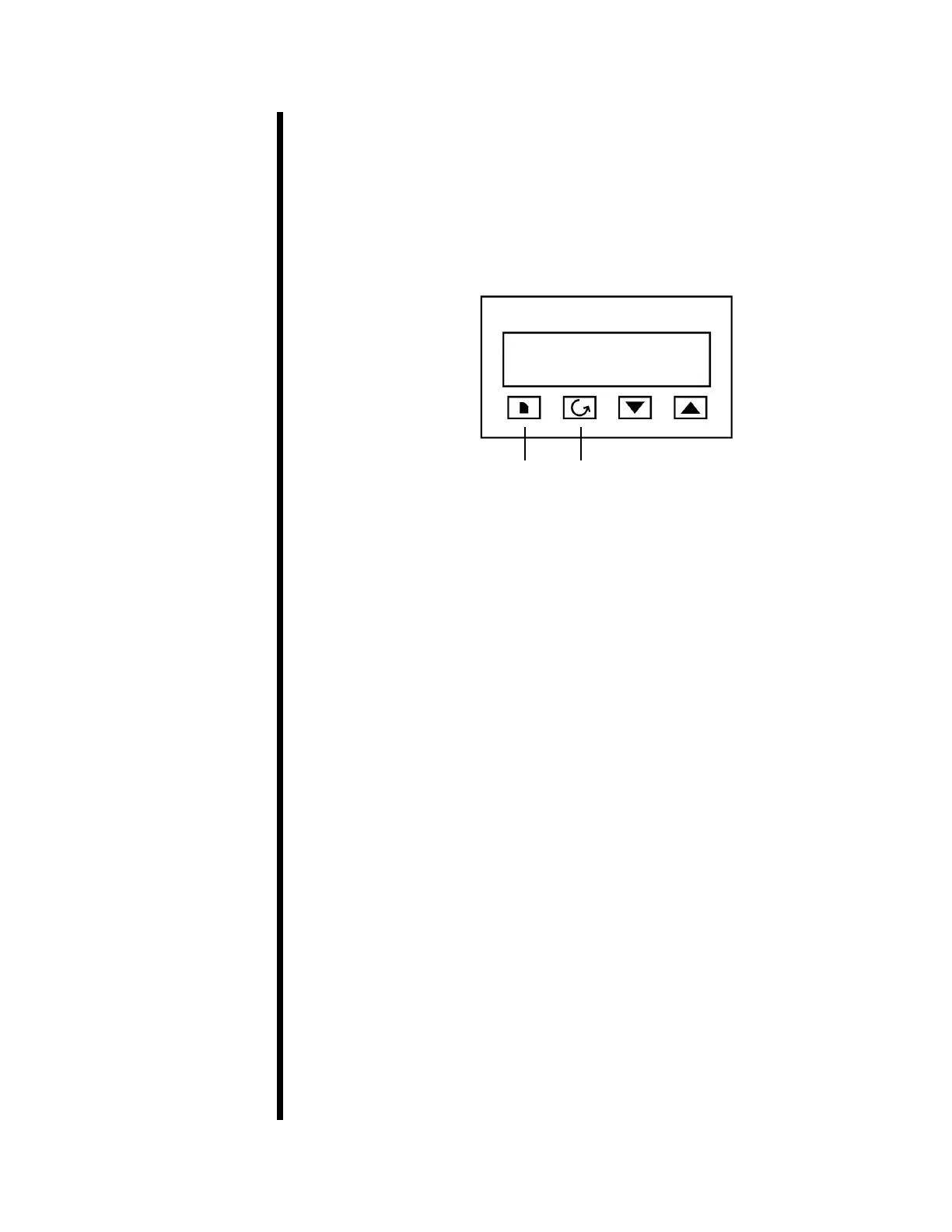
1. Press the “Up” or “Down” arrow and scroll to the desired temperature set
point.
2. Press the “Page” button twice. The display will read “SP”.
3. Press the “Scroll” button. The display will read “tm.OP”.
Page Scroll
4. Press the “Up” arrow and select one of the ve timer programs:
Opt. 1 - The oven will heat to the temperature set point before the timer
starts. When the timer times out, the controller will turn o the
heater and the oven will cool. The controller will ash “END” to
signal that the timed program is complete.
Opt. 2 - The oven will heat to the temperature set point before the timer
starts. When the timer times out, the controller will ash “END”
and leave the heat on indenitely.
Opt. 3 - The oven will heat to the temperature set point while the timer is
running. When the timer times out, the controller will turn o the
heater and the oven will cool. The controller will ash “END” to
signal that the timed program is complete.
Opt. 4 - The oven will heat to the temperature set point while the timer is
running. When the timer times out, the controller will ash “END”
and leave the heat on indenitely.
Opt. 5 - The heater will remain o until after the timer times out. Then
the oven will heat to the temperature set point and remain there
indenitely.
5. Press the “Scroll” button. The display will read “tmr”. Use the “Up” arrow
to set the time (in minutes) that you want the timer program to run.
6. Press the “Page” button three times to return to the temperature display
screen. The timer program will now begin to run.


 To Next Page
 Loading...