EN-2 a
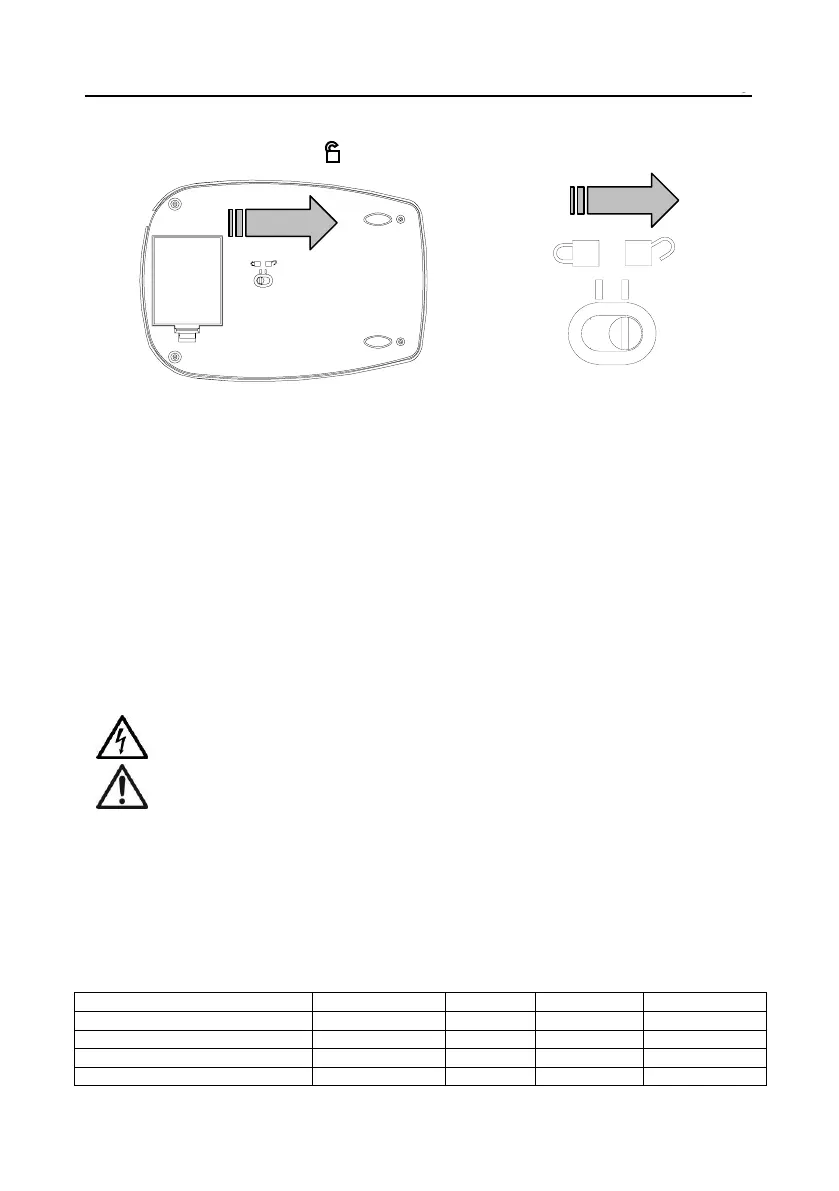
2.3 Load cell Lock
Slide the load cell lock to the unlock position for use. Lock for storage, stacking, or transport.
2.4 Initial Calibration
For best results, the instrument's calibration should be checked prior to first use. If adjustment is needed, refer to the
Calibration section of the instruction manual.
3. OPERATION
3.1 Two Button Keypad
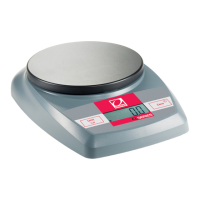
• On/Off Zero: Pressing this button turns on the scale. This same button operates the zero feature when the
scale is on. Press and hold this button for three seconds to turn the scale off.
• Unit Cal: Press this button briefly to change the weighing unit. Press and hold this button to begin the calibration
process.
4.MAINTENANCE
4.1 Cleaning
WARNING: Electric Shock Hazard. Disconnect the equipment from the power supply before cleaning.
Make sure that no liquid enters the interior of the instrument.
Attention: Do not use solvents, harsh chemicals, ammonia or abrasive cleaning agents.
The exterior surfaces of the instrument may be cleaned with a cloth dampened with water and a mild detergent.
4.2 Troubleshooting
For technical issues contact an Authorized Ohaus Service Agent. Please visit our website www.ohaus.com to locate the
Ohaus office nearest you.
5.TECHNICAL DATA
Typical specifications:



 To Next Page