SF40A Printer EN-5
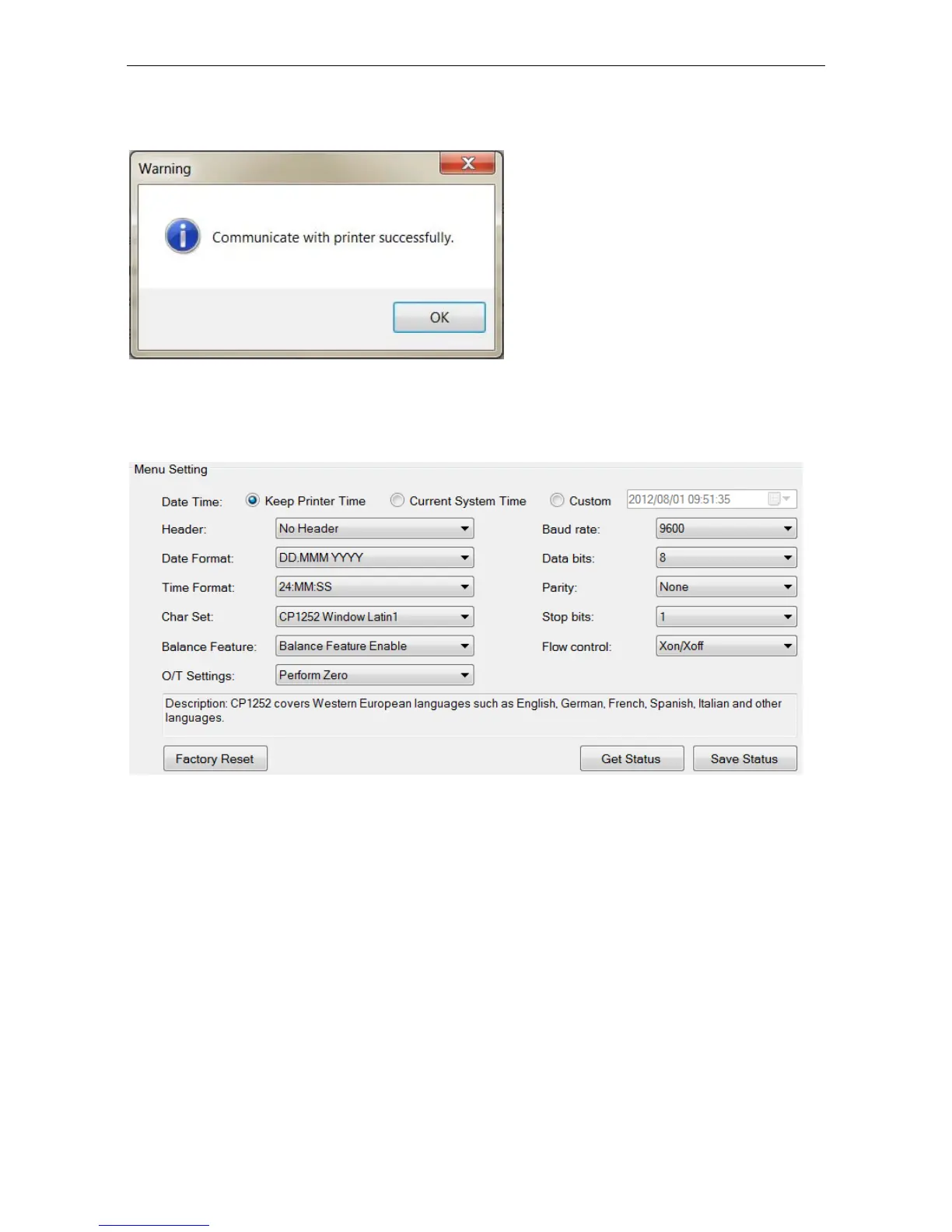
6) The following window will appear if connection is successful, click OK to
continue.
7) The printer Menu setting is now activated and all the settings can be
changed.
a. Date Time: Set the date and time for the printer
Keep Printer Time: keep the existing date and time in the printer
Current System Time: Get the date and time from your computer
Custom: Set the date and time manually



 To Next Page