SF40A Printer EN-7
g. 0/T Setting: Set up the function of the button 0/T
Perform Zero: Perform Zero function when pressing the button.
Perform Tare: Perform Tare function when pressing the button.
h. Baud rate, Data bits, Parity, Stop bits, Flow control: Set the
parameters of RS232 setting.
The settings should be the same as the instrument to be connected.
For the instrument RS232 settings, please see the instrument manual.
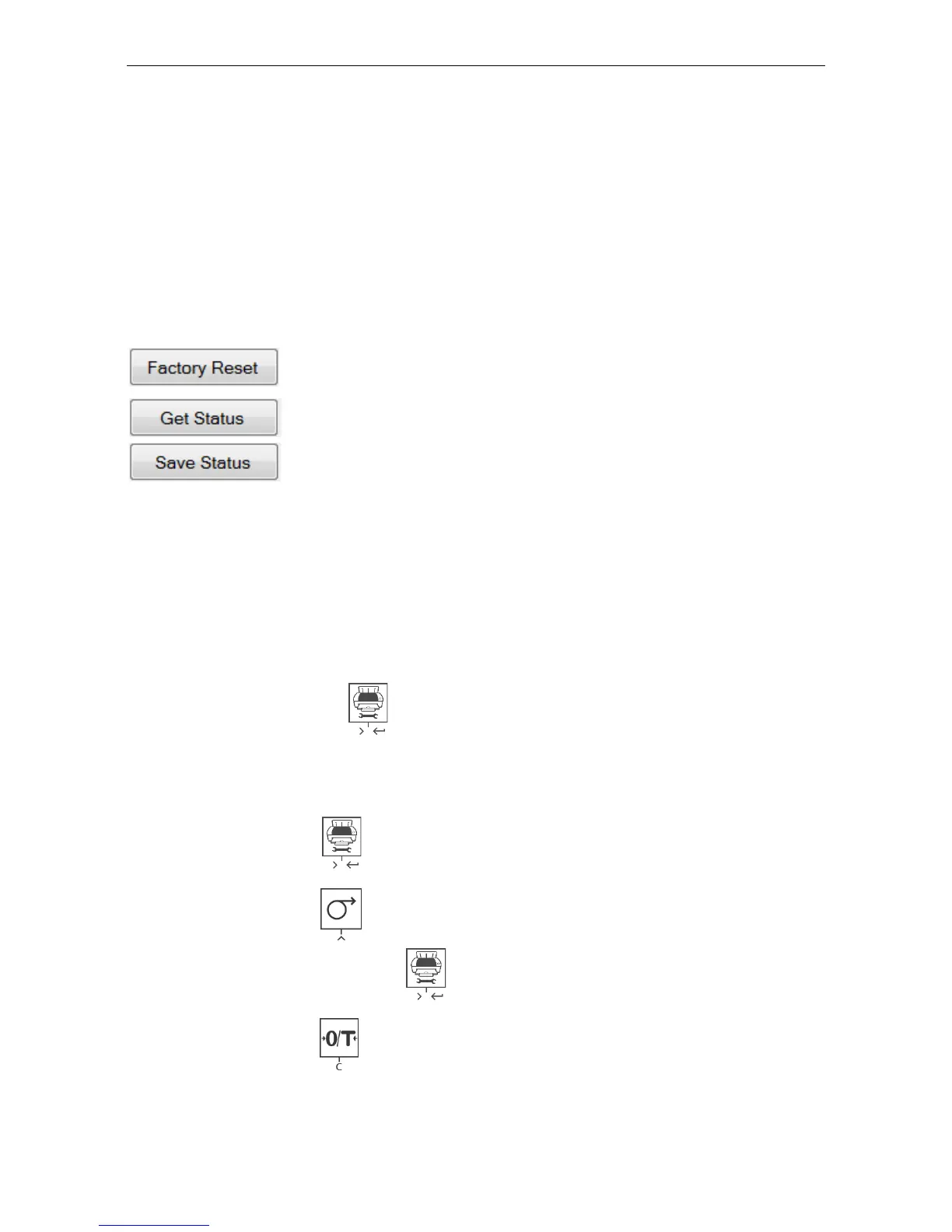
Reset the printer to factory default setting.
Get the current setting from the printer.
Save the setting to the printer.
8) Click „Save Status‟ button to save the setting and click Exit to finish the
setup.
2.3.2 Printer setup using printer only
1) Connect the printer to the main power supply.
2) Use the main switch <I/O> to power on.
3) Press and hold the « » button to enter the menu list, the printer will
print
“----------Menu-------“.
Press « » to choose which item to change.
Press « » to change the parameter.
Press and hold « » to save and exit.
Press « » to exit without saving
The printer will print the content to show the result of every operation.
For total menu structure, please see chapter 4.



 To Next Page