- 10 -
1
Setup
1. Setup
●● Checking Products
This section gives an overview of the printer.
Checking Package Contents
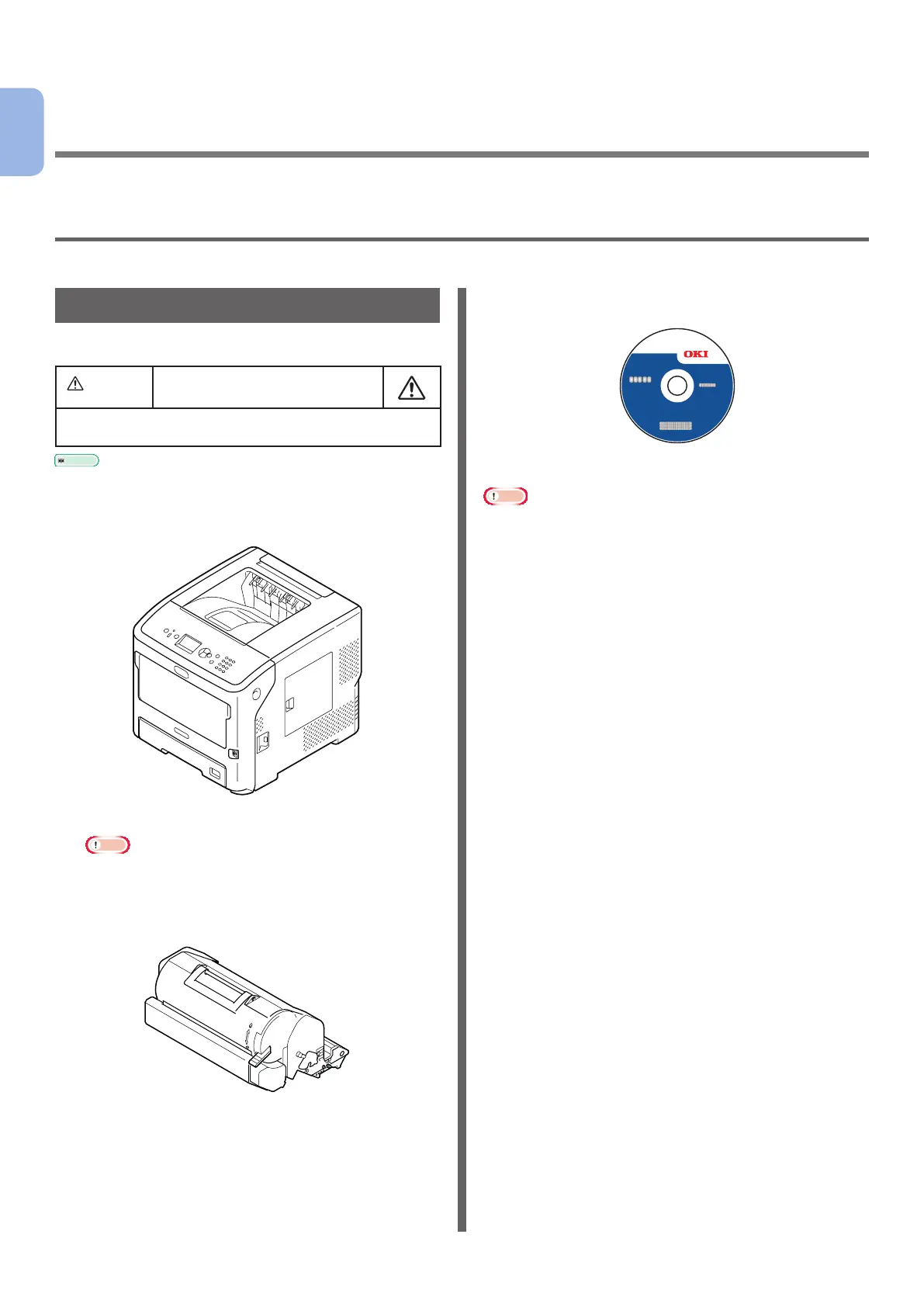
Check that you have everything shown below.
CAUTIO
It may cause injury!
● At least two people are needed to lift the printer
safely because it weighs about 27 Kg.
Reference
● For details on how to open the package, refer to
“Unpacking” P.16.
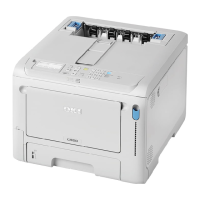
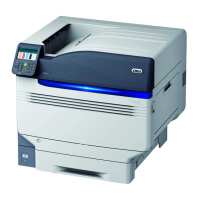
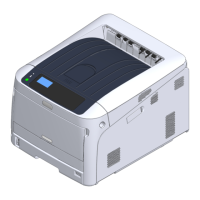
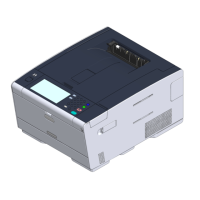
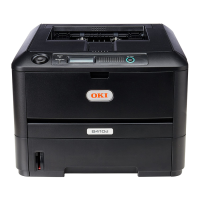
● Printer
● Print cartridge
Note
● The print cartridge is installed in the printer before
shipment.
● The print cartridge for the ES7131/MPS5501b is
divided into an image drum and a toner cartridge.
● Software DVD-ROM
● AC cable
Note
● Cables connected to the interface are not supplied with
your printer. Procure them separately.
● Packaging and cushioning material are needed if
transporting the printer. Do not throw them away.



 To Next Page