EasyManua.ls Logo

Oki OkiLAN 8100e - Page 38

Oki OkiLAN 8100e
106 pages
Print Icon
To Next Page IconTo Next Page
To Previous Page IconTo Previous Page
Loading...
OkiLAN 8100e Configuration 38
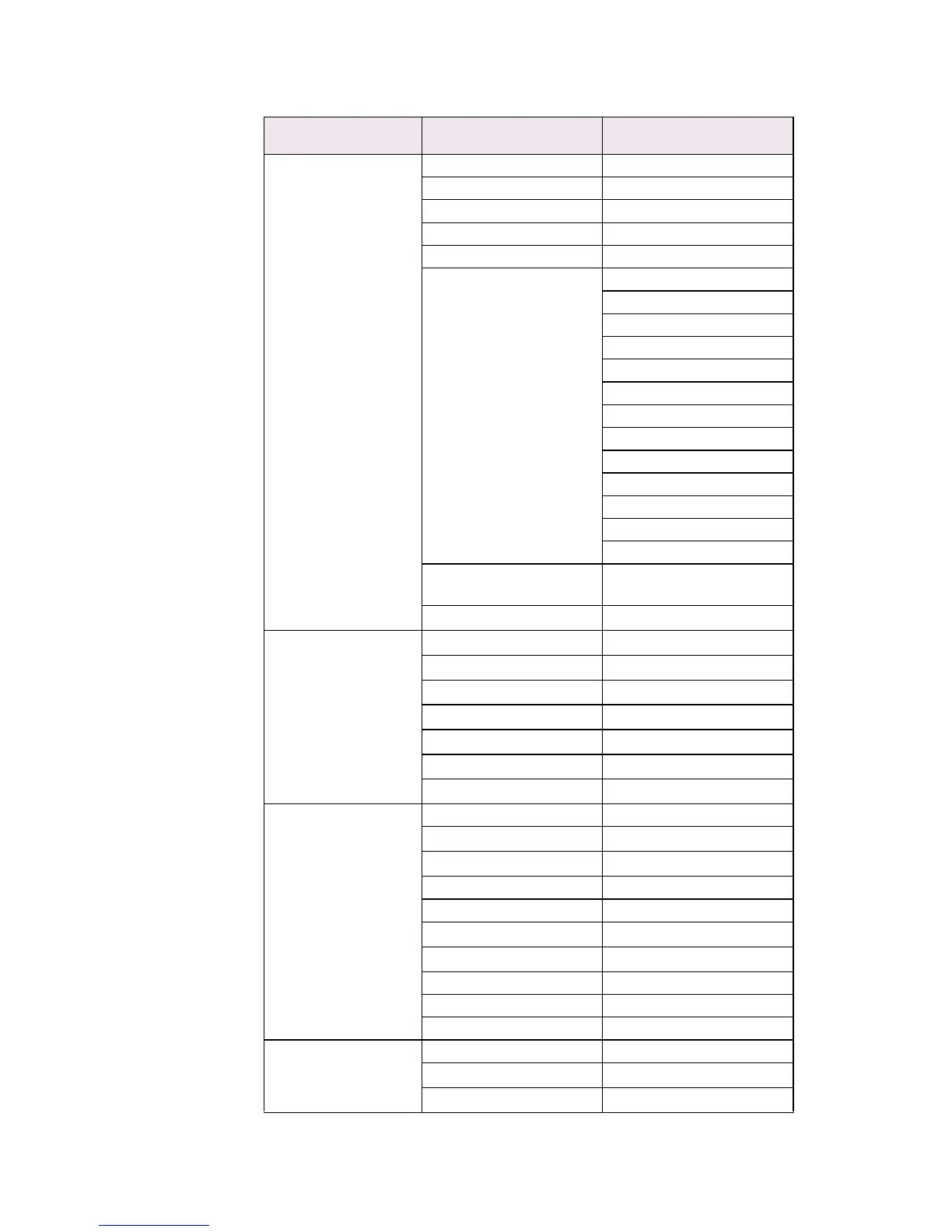
7: Setup SMTP(E-Mail) 1: SMTP Transmit —
3: SMTP server name —
4: SMTP port number —
5: E-Mail address —
6: Reply-to address —
7: Event to address 1 ~
11: Event to address 5
1: To Address 1—5
2: Re-send Interval
3: Off-Line
4: Consumable Message
5: Toner Low/Out
6: Paper Low/Out
7: Paper Jam
8: Cover Open
9: Stacker Error
10: Mass Storage Error
11: Recoverable Error
12: Service Call Req.
99: Back to prior menu
12: Signature line 1 ~
15: Signature line 4
—
99: Back to prior menu
—
9: Maintenance 1: FTP Service
—
2: Telnet Service
—
3: Web Service
—
4: SNMP Service
—
5: LAN Scale
—
6: Default TTL
—
99: Back to prior menu
—
10: Setup printer port 1: BOJ String —
2: EOJ String
—
3: BOJ String(KANJI)
—
4: EOJ String(KANJI) —
5: Printer Type —
6: TAB Size (char.)
—
7: Page Width (char.)
—
8: Page Length(line) —
9: FTP/LPR Banner —
99: Back to prior menu —
11: Display status 1: prn1 —
2: Network
—
99: Back to prior menu
—
Level1 Level2 Level3