Novell NetWare 74
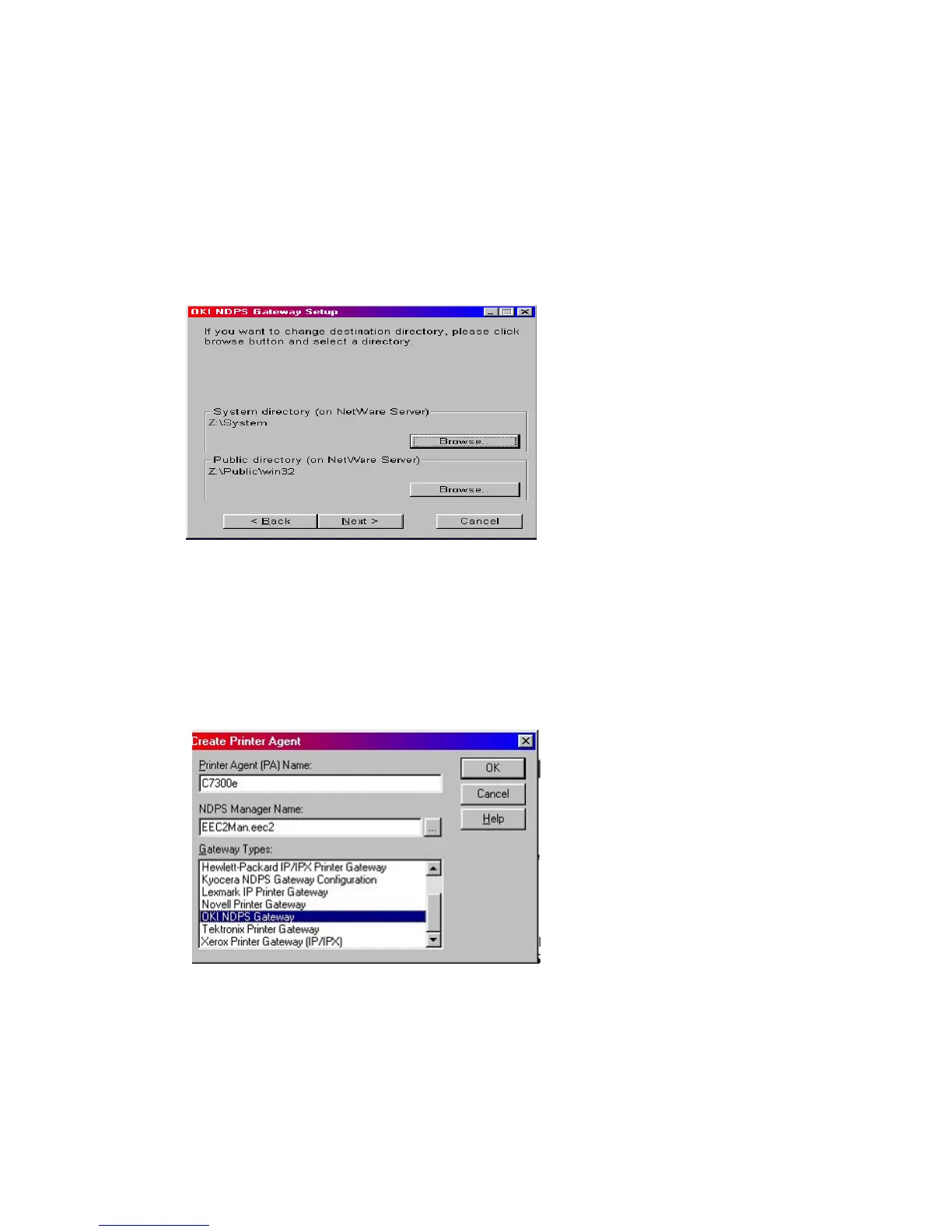
The OKI NDPS Gateway can be installed from the OkiLan 8100e CD
under Software Utilities. Please follow on-screen instructions. You
will require a drive mapping to the NetWare server that you are
installing to.
> During installation, all files are copied to the SYS:/SYSTEM and
SYS:/PUBLIC/WIN32 directories on the NetWare server
1. To set up the OkiLan 8100e to work with the OKI NDPS Gateway,
you should create a NDPS printer object as normal with the
nwadmin32 utility. When you get to the [Create Printer Agent]
screen, under [Gateway Types] there should now be an option
for OKI NDPS Gateway.



 To Next Page