Novell NetWare 75
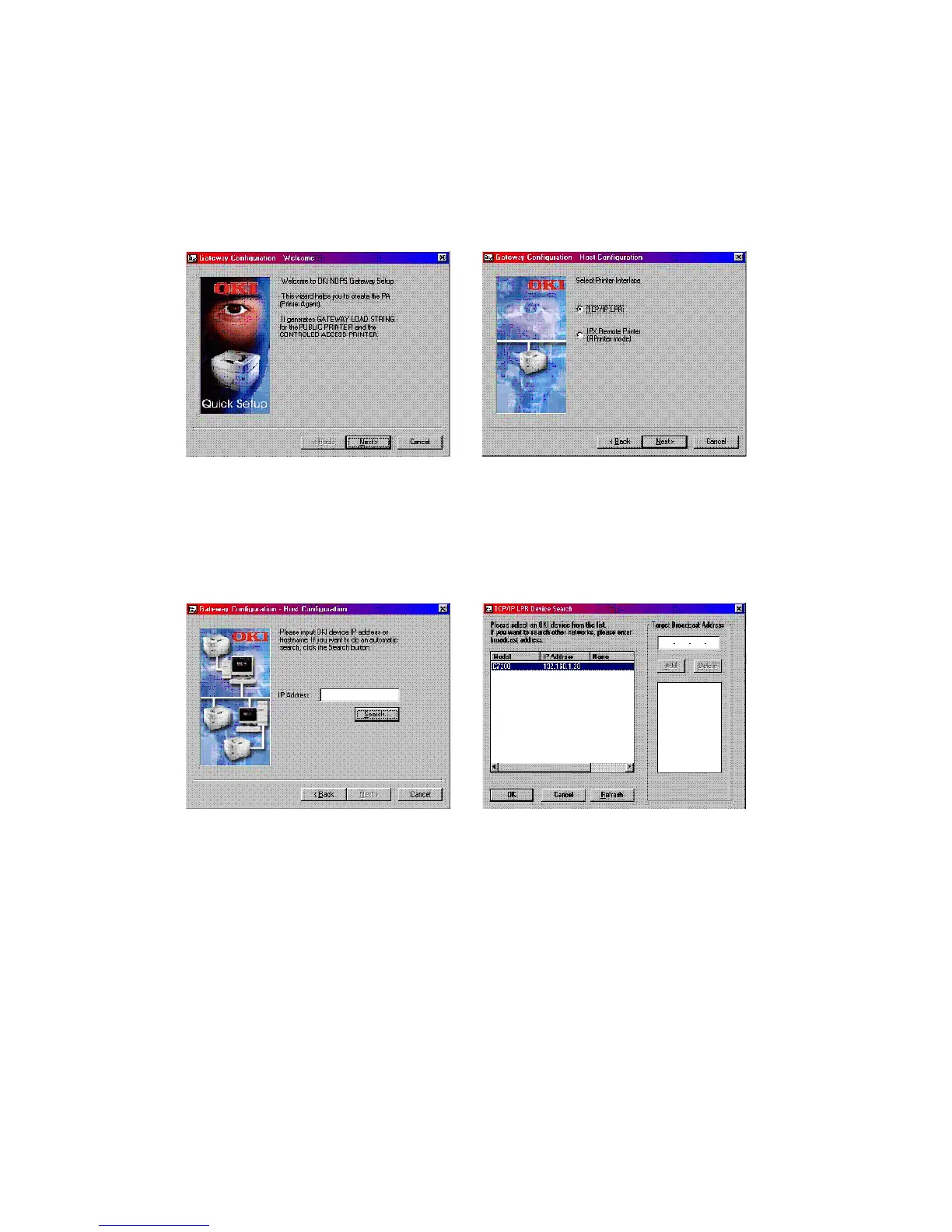
2. Select this and click [OK] to continue. You will then be presented
with the Gateway Configuration Welcome screen, click [Next]
again and select Printer Interface Type, either TCP/IP LPR or
NetWare IPX and select [Next] to continue. (TCP/IP configuration
illustrated.)
You will then be requested to enter either the TCP/IP or IPX
address, depending on the type of interface selected in the
previous screen. If you do not know the address, you are given
the option to search on the network.



 To Next Page