1.
The function can detect whether the motors are
collected normally.
● Plug detection
• Once the display shows "E-3" and "rES", it reminds you check whether any
motors fail connected with control unit.
• Please power off the whole system, check and connect all the cables, then
repower on.
• Follow "Manual Reset" procedure.
3.
E-3
rES
With this function, you can make the control unit
to factory setting.
● Reset to factory setting
• Keep pressing "S" key till the display shows "FAC".
• Press "S" key, and the control unit restore to factory setting
(including memory position, high and low limitation positions, etc).
2.
1.
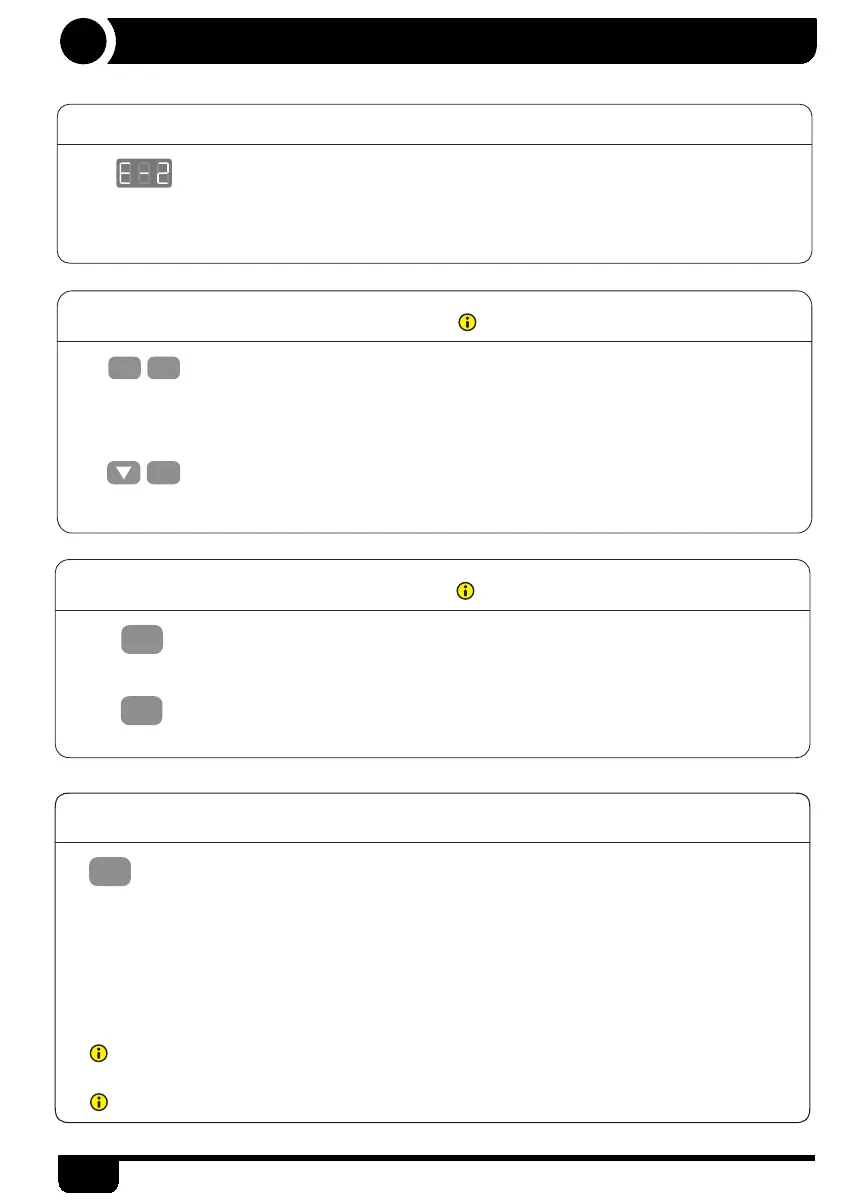
● Anti-Collision function
• Once the desktop encounters any obstacle in its path, the screen displays
"E-2".
• The desktop will move a defined distance in opposite direction, and it would be
used normally after removing the obstacle.
S
2.
rES
1.
S
● Shortcut key to enabled/disabled the gyro function
• There is a round button on the side of the control box.
• If you want to quickly disable the gyro function, you need to keep pressing the round
button until the LED light on the control box is off. Release the button, the LED light
will blink 3 times and the gyro function is disabled.
• If you need to enable the gyro function, you just need to press the round button and
the gyro function is already enabled.
●
The gyro function is to achieve a better anti-collision effect. It is enabled by default. If you disable it, it may
cause security issues, so please use it with caution.
The gyro function is still disabled after re-powered if you disabled it.
7
Instruction


 To Next Page