EasyManua.ls Logo

OKIN DF04.01 - User Manual

OKIN DF04.01
12 pages
Print Icon
To Next Page IconTo Next Page
Loading...
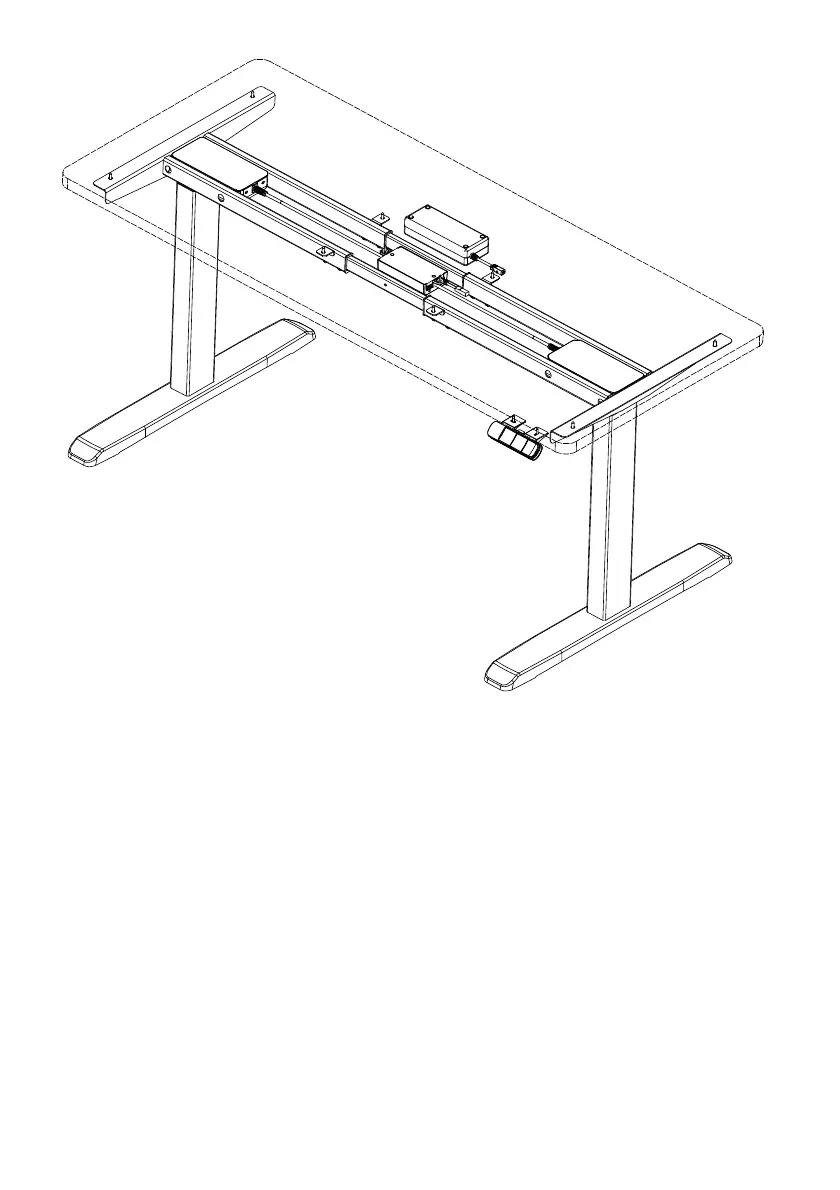
Operation Manual
for Height-Adjustable Desk
Superior Quality
Originated from Germany
OKIN
REFINED
DF04.01

Questions and Answers

  • J
    jlewisAug 6, 2025
    What to do if my OKIN DF04.01 Indoor Furnishing shows 'Sot'?
    • B
      Brian HartAug 6, 2025
      If your OKIN Indoor Furnishing displays 'Sot', it might be due to overloading or signal interference. Try removing the load or disconnecting the power to inspect all cable connections. After checking, power the device on again.
  • M
    Michael HillAug 15, 2025
    What to do if my OKIN DF04.01 displays error E-3?
    • N
      Natalie WhiteAug 15, 2025
      If your OKIN Indoor Furnishing displays error code 'E-3', examine the cables to ensure they are properly connected. After checking the connections, perform a manual reset to restore normal operation of the height-adjustable desk.
  • J
    jbrowningAug 26, 2025
    What to do if my OKIN DF04.01 Indoor Furnishing displays error E-4?
    • J
      Joanne AustinAug 26, 2025
      If your OKIN Indoor Furnishing displays error code 'E-4', stop the operation and perform a manual reset.

Summary

Operation Manual

Warranty Information

Safety Precautions

Parts List

Installation Instructions

Desk Operation and Features

Manual Reset Procedure

Procedure for resetting the desk's control unit manually.

Adjusting Desk Height

Instructions for adjusting desk height using up and down keys.

Saving Height Presets

How to save preferred desk height positions using memory keys.

Setting Height Limits

Setting upper and lower height limits for the desk.

Changing Display Units

Guide to switching between metric (cm) and imperial (inch) units.

Adjusting Displayed Height

Procedure to adjust the displayed height value for accuracy.

Anti-Collision System

Details on the desk's anti-collision feature and its behavior.

Motor Connectivity Check

Information on motor connection detection and troubleshooting.

Factory Default Reset

Procedure to restore the control unit to its original factory settings.

Gyro Function Control

How to enable or disable the gyro function for anti-collision.

Code Meaning and Troubleshooting

Code Meanings

Explanation of error codes and their associated information.

Troubleshooting Guide

Guidance on resolving common operational errors and issues.

Technical Data

OKIN DF04.01 Specifications

General IconGeneral
BrandOKIN
ModelDF04.01
CategoryIndoor Furnishing
LanguageEnglish

Related product manuals