14
2 . Operating and Programming / 2 . 4 App Download
To enjoy all available features , it is recommended to control your Robot via the OKP Life App.
Before you start, make sure that:
• Your mobile phone is connected to a Wi-Fi network.
• The 2.4GHz band wireless signal is enabled on your router.
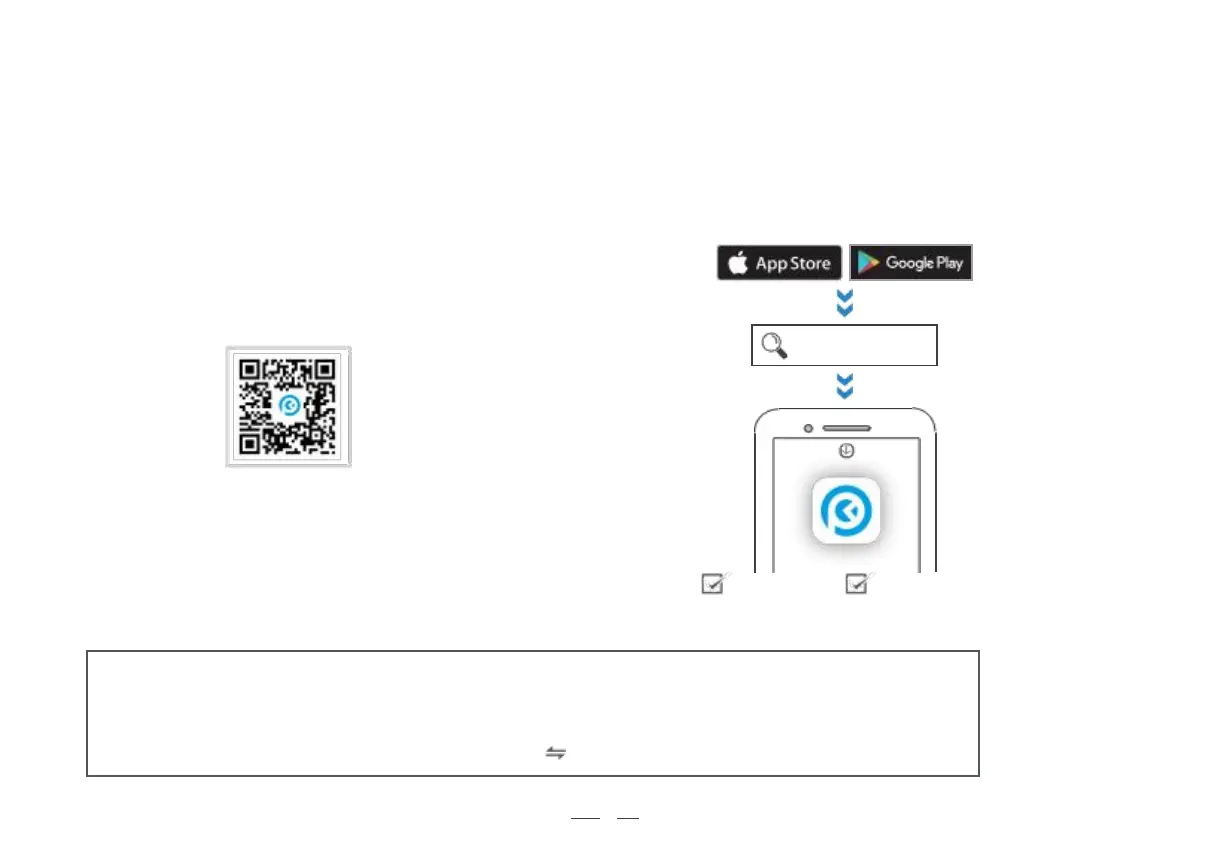
Method 2: Search for "OKP Life", download and install.
Download and Install App
Method 1: Scan the QR code, download and install the App
according to the prompts.
ontheside ofthis product
Add device & Pair the network through the app
Open the“OKP Life”APP and log in (new users need to register first).
Select <Add device> on home page.
Then pair the network following the detailed instructions in the app.
Notes:
- This device only supports 2.4GHz Wi-Fi network (not compatible with 5GHz Wi-Fi).
- If you experience with network pairing failure, please restart the robot and start over again.
Point).
Or try the other network pairing method instead (touch on the upper right corner).
- This product supports two different network pairing mode:EZ (Quick Connection) and AP (Access



 To Next Page