11
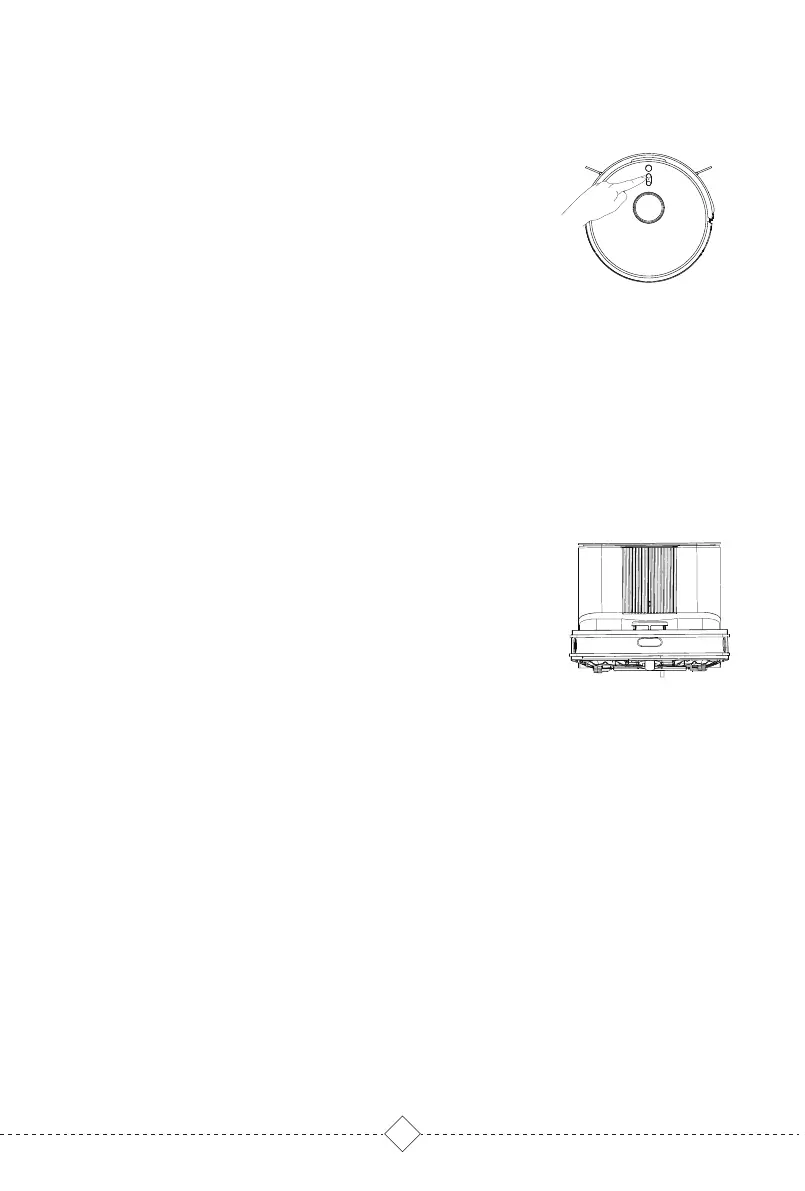
1. Robot will automatically return to self-empty base for
charging and collecting dust after finishing cleaning.
2. Press Recharge button and Robot will return to self-empty
base for charging and collecting dust.
3. During dust collection, press any button to stop.
3. Product Use / 3.5 Collecting dust
6.Child lock
Press partial cleaning button of Robot for five seconds,
and the robot will enter the child lock mode. Robot Button
and smart speaker cannot work at this time.Press for 5S
again to exit child lock mode.
Note: App can still operate Robot when in child lock mode.



 To Next Page