12
4. Use of APP / 4.1 Connect to the APP
Before use, it is recommended to switch on Map Save Mode to get advanced
experience.
1.Map building: selecting Full Cleaning mode, Robot starts cleaning from self-empty
base, and returns to self-empty base after finished. It will build a map of partitions
according to the layout of your house. You can save the map in APP. It is up to save
4 maps.
2.Map editing: You can split, merge or rename partitions of the map.
4. Use of APP / 4.2 APP Operation and Functions
Robot will build a map based on its scan of the room,
then splits each room into squares, cleaning the edges
of the square first before covering the inside in a zigzag
pattern, finally complete cleaning of all areas.
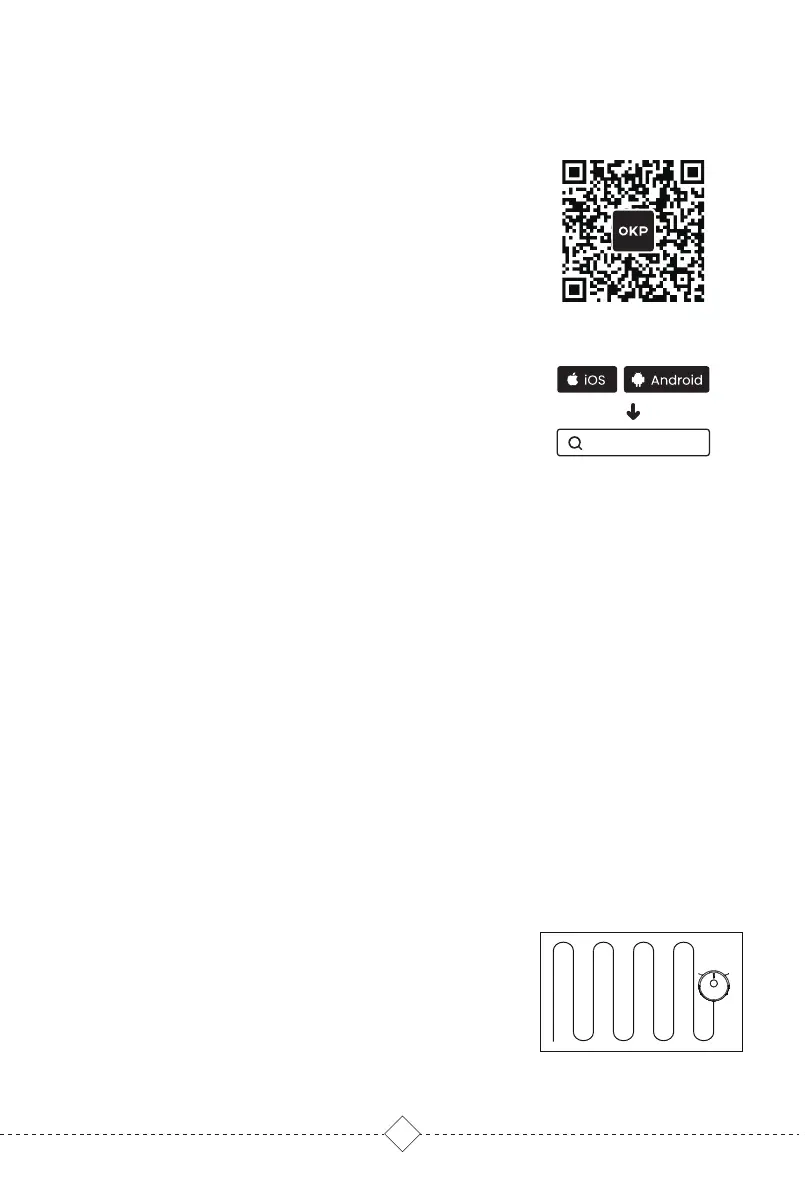
Method II : Search "OKP" in the App store, download and
install the OKP app.
Downloading and installation of the “OKP” app
Method I : Scan the following QR code, and then download
and install App as prompted.
OKP
Tips:
* The robot works with 2.4GHz Wi-Fi networks only.
* Follow the guidance in the OKP app to register, login, and pair the robot.
* Please make sure that the mobile phone is connected to your Wi-Fi network before paring the robot vacuum
cleaner.
Map management
Full Cleaning


 To Next Page
 Loading...


