18
6. Troubleshooting
During the use of the product, in case of the following conditions. It can be checked
and solved independently by users.
01
02
03
04
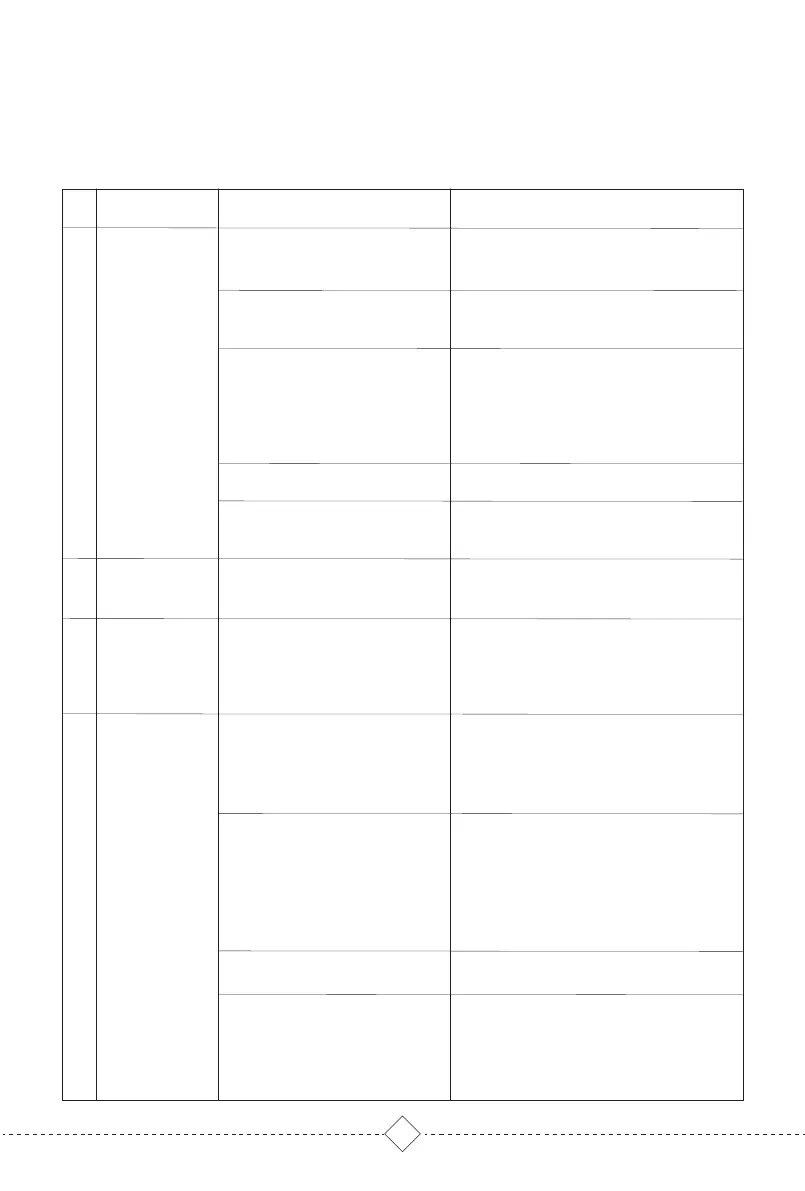
No Likely cause What to do
Configure the router network and make sure
that the "user name" and "password" of the
router are correct
Ensure that the robot is within the network
signal coverage of the router
The robot does not support 5G network at
present. Please choose 2.4G
Only when the robot is in the state to
connect WIFI, it can connect properly. When
the robot is power on, press RECHARGE &
PARTIAL Cleaning 5S until hearing 'Resetting
WIFI'. WIFI LED flashes blue, indicating that
the robot is in the state to connect WIFI.
Please check the specific supported models
according to the APP prompts
For mobile phones with IOS 9.0 or above and
Android 5.0 or above, you can download
and use the APP.
Please turn the power switch on the side of
the robot to "I" state.
Please charging the robot.
Please use the robot in an environment of
0-40°C.
Fault condition
Robot can’t
connect to APP
Unable to install
app
The robot cannot
be turned on
The robot can’t
charge
Please turn the power switch on the side of
the robot to "I"
Make sure the power supply and the
self-empty base is connected and base
indicator lights up
Ensure that the charging contacts of the
robot and self-empty base is fully
connected, and the START key is flashing.
Check whether the charging contacts of the
robot and self-empty base are dirty, and
refer to the part of [regular maintenance] in
the manual for cleaning.
Please charge the robot in an environment
of 0-40°C
It is recommended to use this product
frequently. If it is not used for a long time
and cannot be charged, please contact the
aftersales service personnel
The router user name
and password are incorrect
The robot is not within the
network signal coverage of
the router
Is the robot in the state to
connect WIFI?
Not using 2.4G network
APP doesn’t support the
current router model device
The version of mobile
operating system is too low
The power switch is turned off.
Low power.
Temperature is not suitable.
The charging contacts of
the robot and the
self-empty base is not fully
connected or the charging
contacts are dirty.
Temperature is not suitable
If the battery is not used for
a long time, it will lead to
over discharge
The power switch is turned off.
Self-empty base not
connected to power supply.


 To Next Page
 Loading...


