EasyManua.ls Logo

Okuma OSP-U100M - Page 75

Okuma OSP-U100M
511 pages
Print Icon
To Next Page IconTo Next Page
To Previous Page IconTo Previous Page
Loading...
4203-E
P-55
SECTION
3
MANUAL
OPERATION
FUNCTIONS
3.
Indexing
Swivel
Head
(Indexing
Attachment)
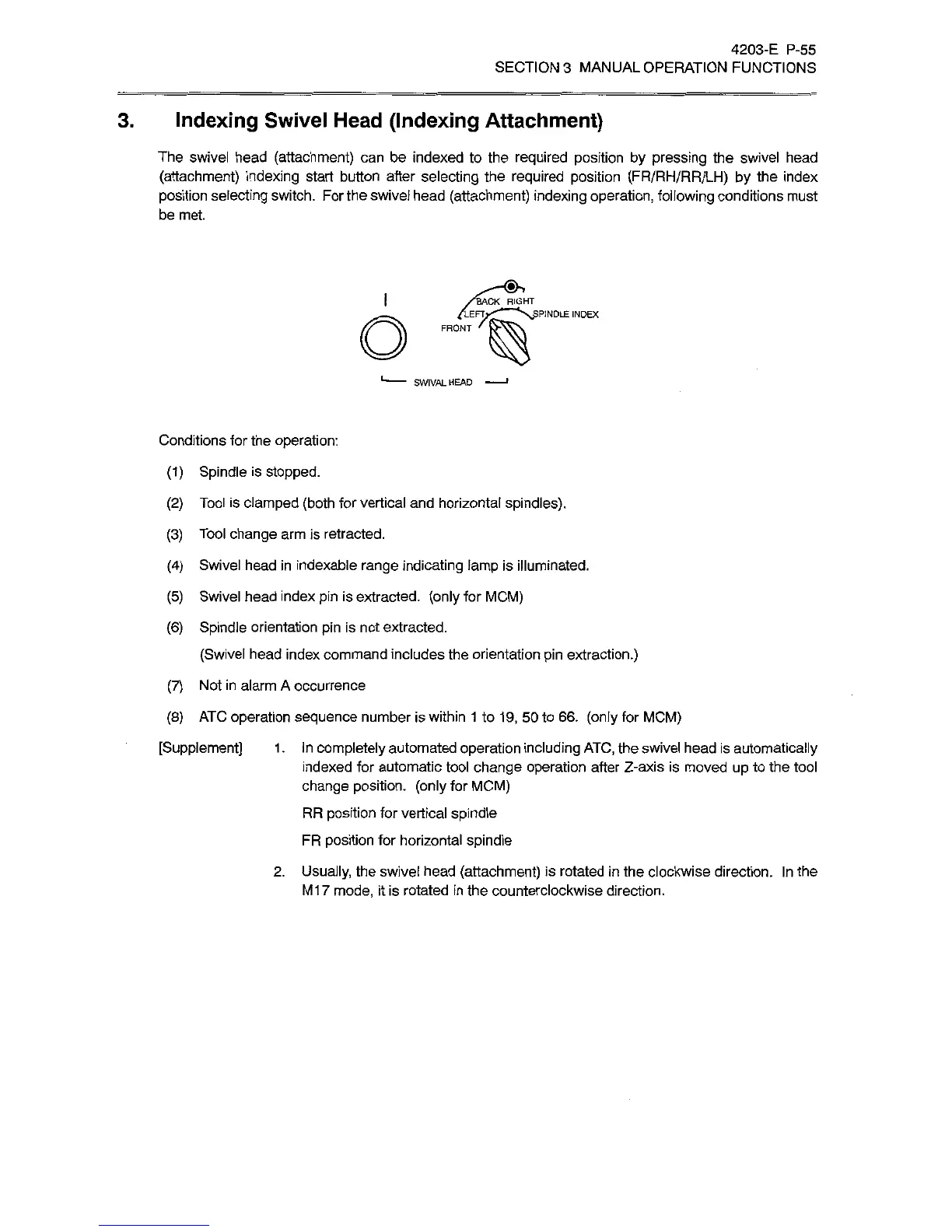
The
swivel
head
(attachment)
can
be
indexed
to
the
required
position
by
pressing
the
swivel
head
(attachment)
indexing
start
button
after
selecting
the
required
position
(FR/RH/RR/LH)
by
the
index
position
selecting
switch.
For
the
swivel
head
(attachment)
indexing
operation,
following
conditions
must
be
met.
I
BACK
RIGHT
o
PINOLE
INDEX
SWIVALHEAD
Conditions
for
the
operation:
(1)
Spindle
is
stopped.
(2)
Tool
is
clamped
(both
for
vertical
and
horizontal
spindles).
(3)
Tool
change
arm
is
retracted.
(4)
Swivel
head
in
indexable
range
indicating
lamp
is
illuminated.
(5)
Swivel
head
index
pin
is
extracted,
(only
for
MCM)
(6)
Spindle
orientation
pin
is
not
extracted.
(Swivel
head
index
command
includes
the
orientation
pin
extraction.)
(7)
Not
in
alarm
A
occurrence
(8)
ATC
operation
sequence
number
is
within
1
to
19,
50
to
66.
(only
for
MCM)
[Supplement]
1
.
In
completely
automated
operation
including
ATC,
the
swivel
head
is
automatically
indexed
for
automatic
tool
change
operation
after
Z-axis
is
moved
up
to
the
tool
change
position,
(only
for
MCM)
RR
position
for
vertical
spindle
FR
position
for
horizontal
spindle
2.
Usually,
the
swivel
head
(attachment)
is
rotated
in
the
clockwise
direction.
In
the
M17
mode,
it
is
rotated
in
the
counterclockwise
direction.

Related product manuals