EasyManua.ls Logo

Okuma OSP-U100M - SECTION 5 AUTOMATIC MODE OPERATION; Main Program Selection and Operation

Okuma OSP-U100M
511 pages
Print Icon
To Next Page IconTo Next Page
To Previous Page IconTo Previous Page
Loading...
4203-E
P-76
SECTION
5
AUTOMATIC
MODE
OPERATION
SECTION
5
AUTOMATIC
MODE
OPERATION
Main
Program
Selection
and
Operation
1.
In
order
to
execute
a
part
program
in
the
automatic
mode,
first
select
the
part
program.
Programs
stored
in
the
memory
have
their
own
file
names
since
programs
are
managed
as
files.
The
specified
main
program
is
read
from
the
part
programs
stored
in
the
file
and
the
subprogram,
called
in
the
main
program,
is
searched
out
in
the
specified
sub
file
to
be
loaded
to
the
NC.
For
the
selection
of
file,
the
directory-selection-based
file
operation
screen
is
used.
The
following
explanation
gives
basic
information
on
program
selection
operation.
In
addition
to
the
basic
information
given
below,
there
are
various
functions
including
the
function
to
display
the
registered
part
program
files
in
batch.
For
details
of
the
functions,
refer
to
III.
DATA
OPERATION,
Section
2,
15.
“Directory-Selection-Based
File
Operation
Function”.
The
operating
procedure
is
described
below:
(1)
Press
the
AUTO
key.
-
lAUTQj
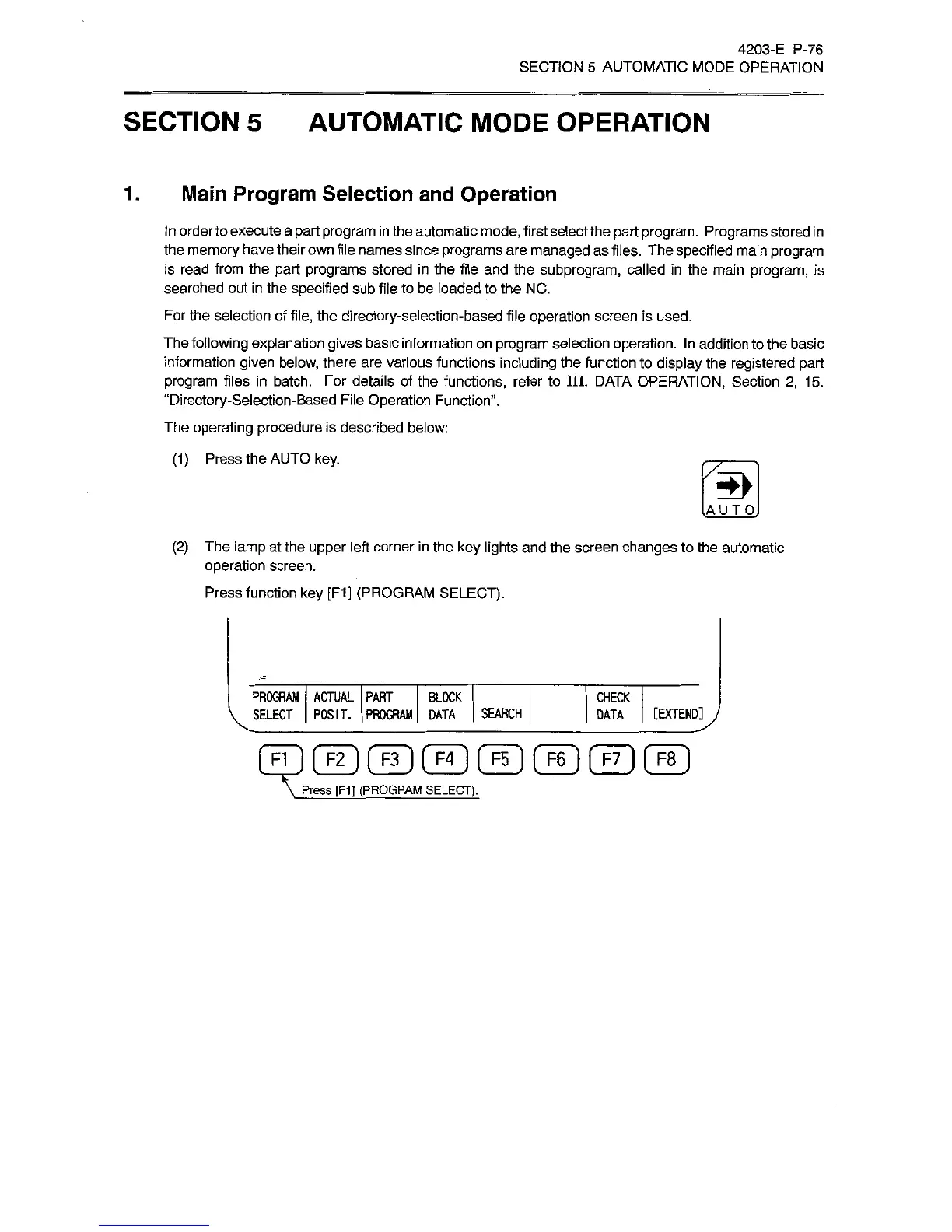
(2)
The
lamp
at
the
upper
left
corner
in
the
key
lights
and
the
screen
changes
to
the
automatic
operation
screen.
Press
function
key
[FI]
(PROGRAM
SELECT).
PROGRAM
ACTUAL
PART
BLOCK
SELECT
POSIT.
PROGRAM
DATA
SEARCH
CHECK
[EXTEND]
J
DATA
F1
1
F2
(
F3
1
[
F4
F5
1
[
F6
}
[
F7
1
F8
Press
[F1]
(PROGRAM
SELECT).

Related product manuals