12
MAIN MENU
MAIN MENU
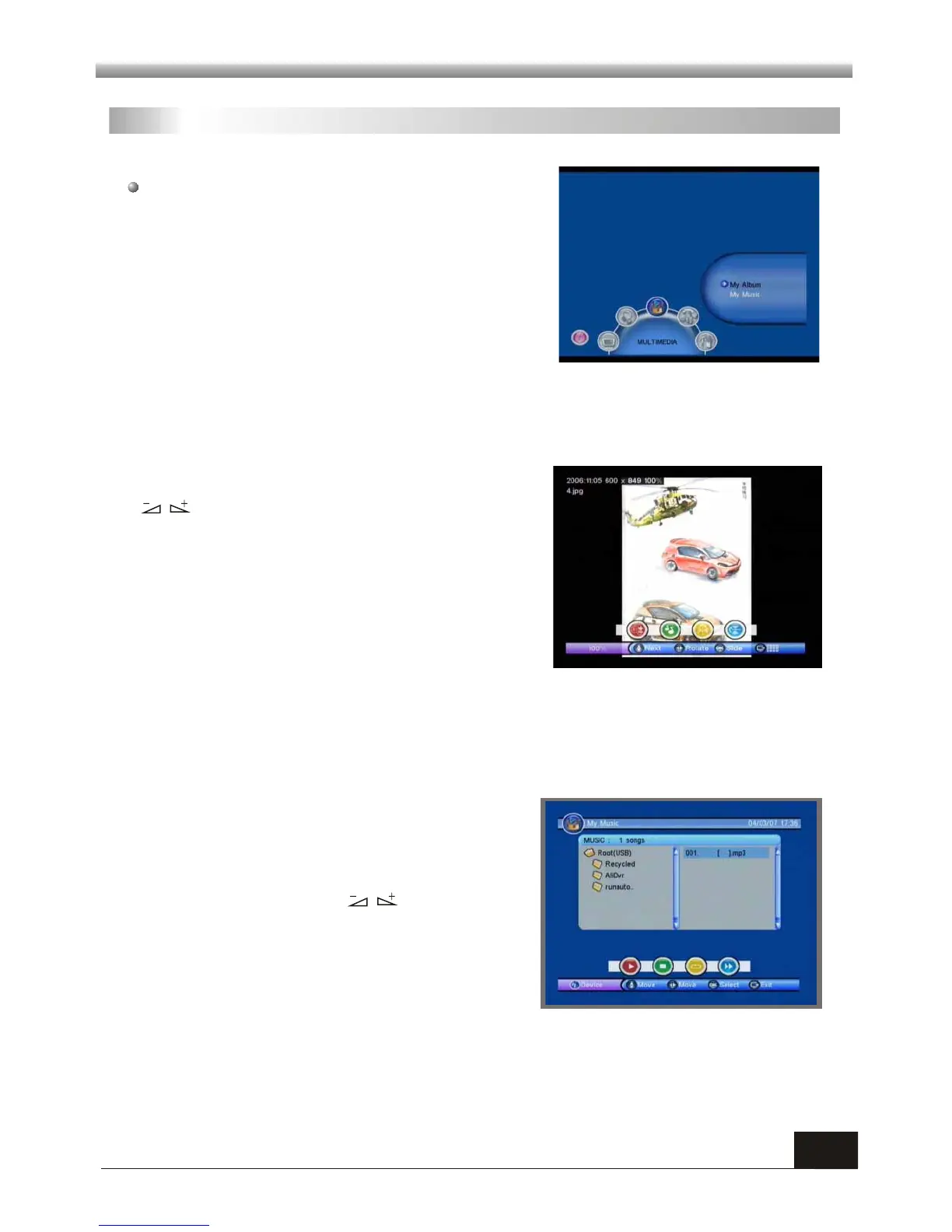
3.2 My Music
When you enter My Music, the screen will
display as beside.
You can press PR+,PR- keys to move the
cursor and choose, press keys to control
the volume, and press OK key to select and
play the music .
Red key: Press it once to suspend, press it
again to continue playing.
Press EXIT key to quit.
Yellow key: Press it to select the playing mode among repeat all, repeating random
and repeat off.
Blue key: Fast Forward.
Green key: Stop playing the music.
3. MULTIMEDIA
3.1 My Album
This menu has two sub-menus:
-My Album
-My Music
When you enter My Album, the screen will
display as beside.
Press PR+,PR- keys to rotate the picture, press
keys to view the next or previous picture,
press OK key to view the picture in slide mode.
Red key: Press to switch among 25%, 50%,
100%, 150% and 200%.
Green key: Press to play the music.
Yellow key: Press to mirror image in horizontal
location.
Blue key: Press to mirror image in vertical mode.



 To Next Page