13
MAIN MENU
MAIN MENU
4.3 Calculator
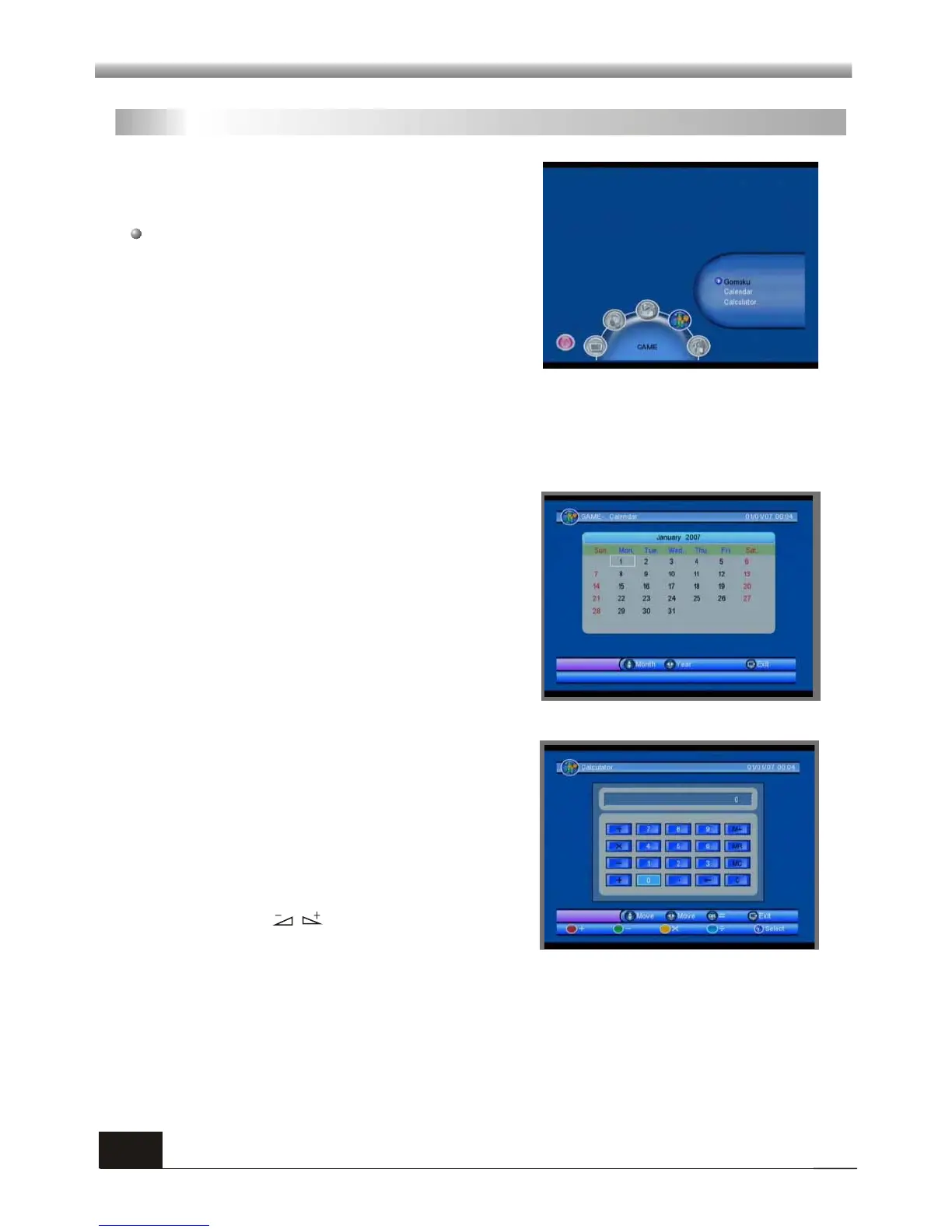
When you enter Calculator menu, the screen
will display as beside.
Red key: Plus
Blue key: Divide
Yellow key: Multiplication
Green key: minus
Press PR+,PR-, keys to move the cursor
and select the button on calculator.
Press OK to see the calculation.
Press EXIT key to exit.
4. GAME
When you enter GAME menu like beside you
will find the receiver provides a game for you to
play.
Choose Gomoku and press [OK] key to enter.
Then you can play the game which you have chosen according to the clues on the
screen.
This menu has three sub-menus:
-Gomoku
-Calendar
-Calculator
4. 1 Gomoku
4. 2 Calendar
When you enter Calendar menu, the screen
will display as beside.
Press PR+,PR- key to select month, and press
[Right/Left] key to select year.
Press EXIT key to exit.



 To Next Page