16
MAIN MENU
MAIN MENU
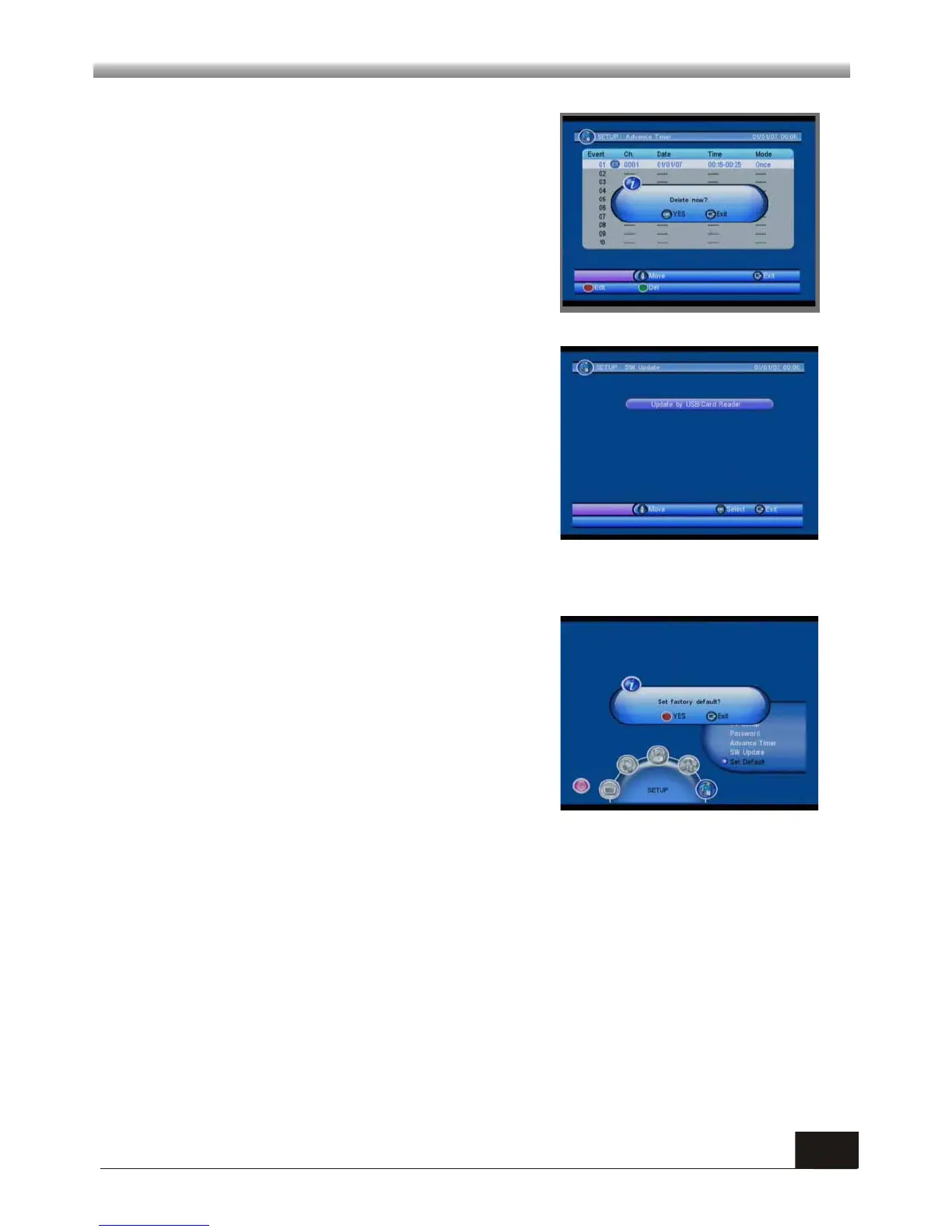
5.5 SW Update
5.6 Set Default
If you choose Yes , all the parameters of this
receiver will reset to the default value.
Note: Please use this function carefully.
When you choose the option of Set Default and
press [OK] key, there will be a dialogue ask you:
Set factory default? You will see a screen like
beside.
Press green key it will pop up a window as beside.
If you choose Yes , the event you selected will be
deleted, if you select EXIT, you will quit without
delete the event.
This function is in-built for the use of qualified
technician or vendor's customer service in
events of firmware upgrading or restoration.
Users are not recommended to upgrade the
firmware by themselves as inappropriate
operation may result in malfunction of the STB.
Please consult with qualified person or call the
help hotline.



 To Next Page