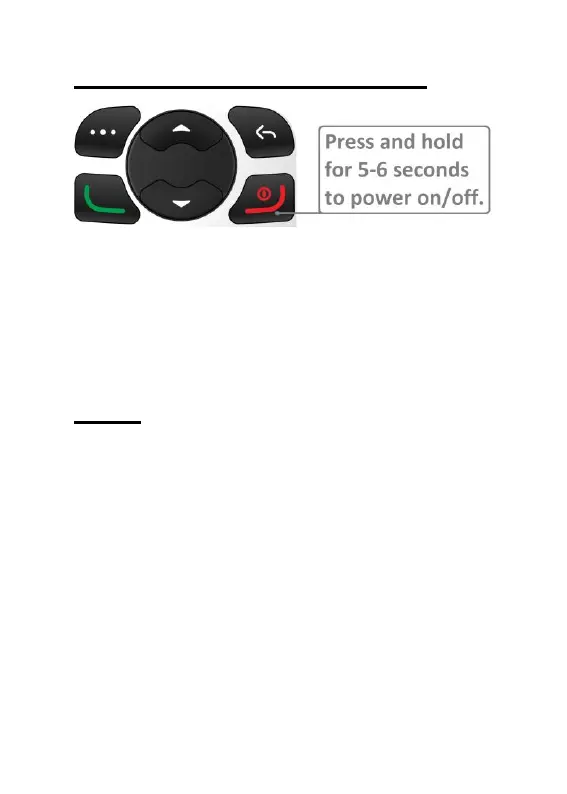
Powering the phone on/off
To power the EasyFlip 2 on/off, press and
hold the red end call key for 5-6
seconds/until you feel a small vibration. The
start-up process takes approximately 10-20
seconds.
Calls
Making a phone call
Standard dialling
1. Dial phone number using keypad
2. Press Green call key
Phonebook dialling
1. Press the top right key to select
Phonebook
2. Highlight contact you want to call. This
can be done by either:
a. Pressing the up navigation key (red
cursor will appear in search box) and



 To Next Page