2) “UP” and ”DOWN” button: Scroll through the alarm options.
3) “ESC” button: Save the current settings and return to the previous menu.
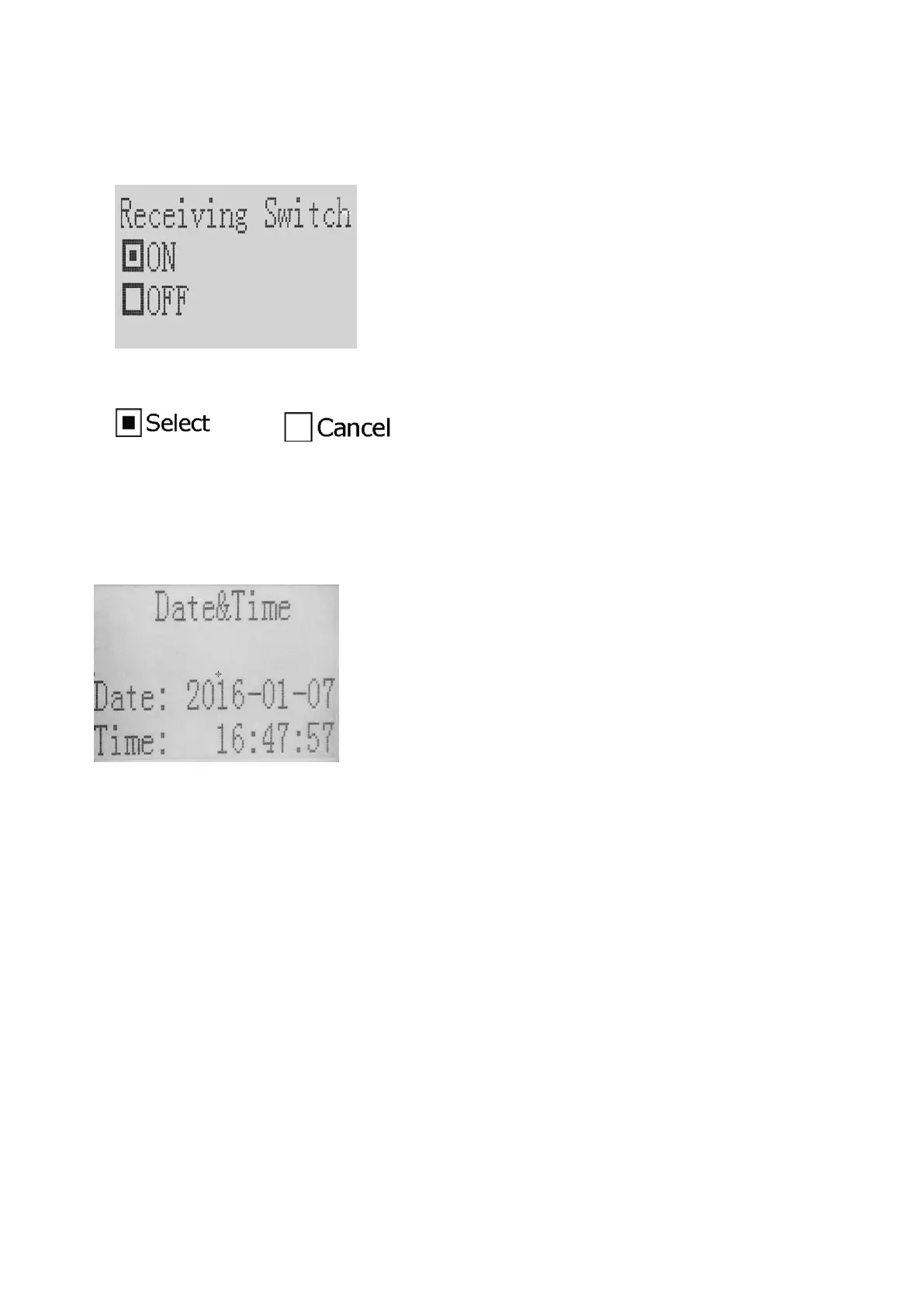
(6) ReceiveSwitch - Select whether you want to disconnect the sensor or not.
① Interface
② Button Operation
1) “MENU” button: Select or cancel the option.
2) “UP” and ”DOWN” button: Scroll through the options.
3) “ESC” button: Save the current settings and return to the previous menu.
(7) Date&Time
① Interface
② Button Operation
1) “Menu” button: Enter and switch to the next edit item.
2) “UP” and ”DOWN” button: Set day or time.
3) “ESC” button: Save current settings and return to the previous menu.
(8) RemoteStatus - Check the status of the sensors
① Interface
1) Mark: The number of sensors. (0-99)
2) Online: Whether the sensor is online or not. (Yes or No)
3) BatVol: whether the battery of the sensor is under a normal condition. (Normal: normal condition,
Low: battery low. )


 To Next Page